DBTLAP
DBTLAP DFS150705A90T laptop cooling pad
Replacement cooling fan runs on 5 V DC at 0.5 A with a four-pin connector
- Accessory TypeCooler
- Keeps your laptop cool with a DC 5V 0.5A fan
- Direct 4-pin connection ensures reliable power delivery
- Exact replacement for part numbers CN-0R6YTH and 023.100JW.0001
- Each unit tested before shipping for dependable operation
- Verify compatibility using photos and model number before ordering
Replacement Cooling Fan
The DBTLAP DFS150705A90T is a replacement laptop cooling fan rated at DC5V 0.5A with a 4-pin connector. It matches part numbers CN-0R6YTH and 023.100JW.0001 for direct compatibility. The unit is supplied new and tested before shipping.
Compatibility Verification Required
This fan suits owners replacing an identical failed cooler in a supported laptop. Builders assembling a new system or users with a different part number should look elsewhere. Always compare photos and confirm the part number before ordering to ensure a correct fit.
Single-Fan Cooling Capacity
The 5 V, 0.5 A motor delivers airflow for the original thermal design of the matched laptop. It handles typical workloads within that design envelope. Heavier sustained loads or chassis modifications requiring higher airflow fall outside its intended capacity.
Highlights
- Keeps your laptop cool with a DC 5V 0.5A fan
- Direct 4-pin connection ensures reliable power delivery
- Exact replacement for part numbers CN-0R6YTH and 023.100JW.0001
- Each unit tested before shipping for dependable operation
- Verify compatibility using photos and model number before ordering
Specifications
| Accessory Type | Cooler |
|---|
Questions about this item
What laptop model uses the 4PIN DC5V 0.5A DFS150705A90T cooling fan?
This fan fits laptops that accept part numbers CN-0R6YTH, 0R6YTH or 023.100JW.0001; match the photos and your original part number before ordering.
Will the 4PIN connector on this DFS150705A90T fan plug into my existing motherboard header?
Yes, the 4PIN DC5V 0.5A connector is identical to the original CN-0R6YTH header; align the key and press firmly until seated.
How can I confirm the DFS150705A90T fan is spinning correctly after installation?
Power on the laptop; the fan should start at low speed and increase with CPU load, with no rattling or vibration.
Also in this aisle
People compared these
Same shelf, same checkout — eight coins and a 30-minute rate lock.


IXJYLCPC
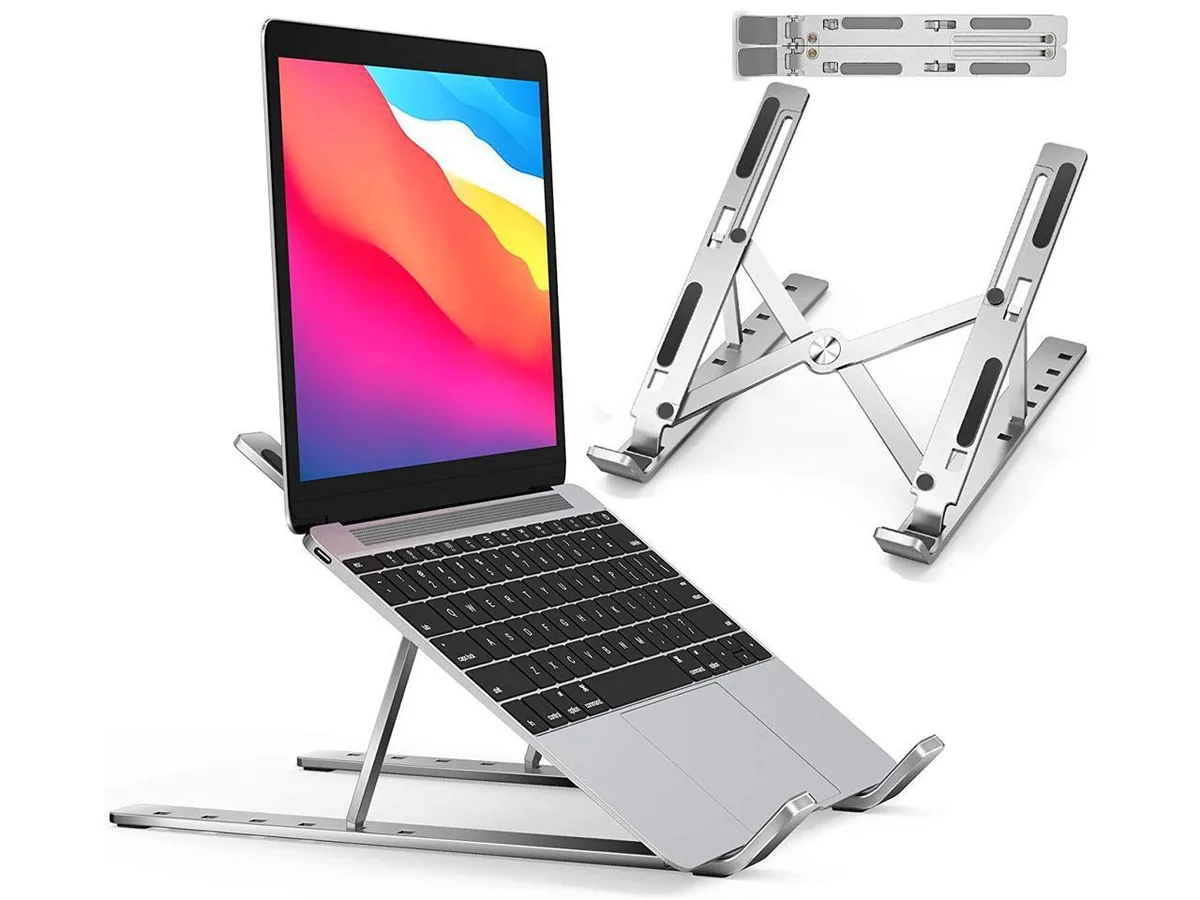
IXJYLCPC C08LS Adjustable Ergonomic Riser Stand Black 10-15.6
- Stand
$31.99
0.00036735BTC
In stock