


DBTLAP
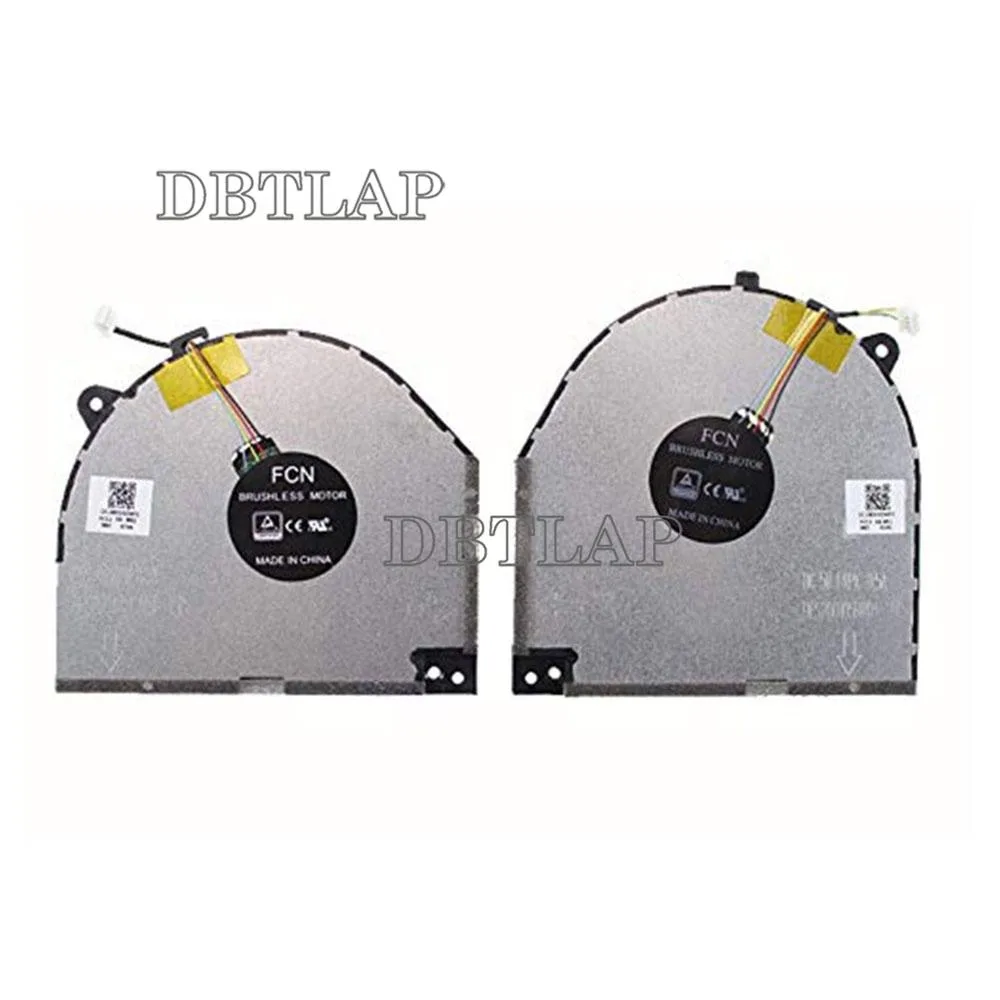
DBTLAP CPU+GPU Cooling Fan for Lenovo Legion Y530 Y7000
Replacement CPU and GPU cooling fan for Lenovo Legion Y530 and Y7000 laptops
- Accessory TypeCooler
- Replaces the CPU and GPU fan for Lenovo Legion Y530 and Y7000
- Each unit tested before dispatch to ensure full operation
- Matches part numbers DFS200405CA0T-FKPW DC28000DKF1 and DFS200105BR0T-FKPX DC28000DKF0
- Sourced from Forcecon, ADDA, Sunon or Kipo depending on stock
- Brand-new replacement cooler supplied as a single fan unit
Replacement CPU and GPU Fan
This replacement cooling fan is built for Lenovo Legion Y530 and Y7000 laptops. It serves owners whose original fan has failed or become noisy. The part matches the DFS200405CA0T-FKPW and DC28000DKF1 references. It restores proper airflow to both processor and graphics chip.
Tested Unit with Manufacturer Variance
Each fan is tested before dispatch to confirm it spins correctly. The supplier notes that units may come from Forcecon, ADDA, Sunon, Kipo or other makers depending on stock. Buyers should compare the product photos with their existing fan to verify the connector and mounting layout match.
Direct Swap for Legions Y530 and Y7000
This fan replaces the original cooling assembly in the listed Legion models. The upgrade is worthwhile when temperatures climb or the bearing whines under load. It is not suitable for other laptop series or for builders needing a universal cooler.
Highlights
- Replaces the CPU and GPU fan for Lenovo Legion Y530 and Y7000
- Each unit tested before dispatch to ensure full operation
- Matches part numbers DFS200405CA0T-FKPW DC28000DKF1 and DFS200105BR0T-FKPX DC28000DKF0
- Sourced from Forcecon, ADDA, Sunon or Kipo depending on stock
- Brand-new replacement cooler supplied as a single fan unit
Specifications
| Accessory Type | Cooler |
|---|
Questions about this item
Does this fan match the Lenovo Legion Y530 and Y7000 models?
It is listed as compatible with Lenovo Legion Y530 and Y7000 laptops.
What part numbers does this fan replace?
Replaces DFS200405CA0T-FKPW DC28000DKF1 and DFS200105BR0T-FKPX DC28000DKF0.
How do I install the replacement fan correctly?
Disconnect the battery, remove the old fan, match the connector orientation, and secure the new fan before reassembly.
Also in this aisle
People compared these
Same shelf, same checkout — eight coins and a 30-minute rate lock.


Case Logic
Case Logic 3203990 briefcase for 15.6 in laptop with 10.1 in tablet pocket
$30.99
0.00036777BTC
In stock