DBTLAP
DBTLAP CPU Cooling Fan A110EU DC12V 0.5A
Replacement DC12V 0.5A CPU cooling fan for compatible laptops, tested before shipping
- Accessory TypeCooler
- Keeps your laptop cool with a DC12V 0.5A fan
- Direct replacement for part 6-31-A11ES-101 AB14612HX25BB00
- Verified fit when you match the photos to your original fan
- Tested before shipping so it works straight out of the box
- Expert help available to confirm the correct part number
Replacement Fan for Specific Laptop Models
This DBTLAP cooling fan operates at DC12V 0.5A and carries part number A110EU. It is designed as a direct replacement for compatible laptops using the 6-31-A11ES-101 reference. Buyers who need a different voltage, connector pin-out or mounting layout should verify their original part before ordering.
Tested Unit With Simple Installation
Each fan is tested before shipping and arrives as a single unit without extra brackets or cables. The supplier advises checking product photos against the old fan to confirm physical match and suggests sending the laptop model number if compatibility is uncertain. Correct part-number alignment ensures proper fit without modification.
12 V Operation For Standard Thermal Loads
Running at 12 volts and 0.5 amps, the fan draws modest power from the laptop's own supply. Normal use keeps internal temperatures in check during everyday workloads. Buyers who require higher airflow for sustained heavy loads or silent operation at low RPM may need a different cooling solution.
Highlights
- Keeps your laptop cool with a DC12V 0.5A fan
- Direct replacement for part 6-31-A11ES-101 AB14612HX25BB00
- Verified fit when you match the photos to your original fan
- Tested before shipping so it works straight out of the box
- Expert help available to confirm the correct part number
Specifications
| Accessory Type | Cooler |
|---|
Questions about this item
What voltage and current does the DC12V 0.5A fan draw?
The fan runs on 12 V DC and draws 0.5 A, so it needs a header or supply that can deliver at least 6 W.
Which part numbers confirm this fan fits my laptop?
Match the part numbers 6‑31‑A11ES‑101 and AB14612HX25BB00 against your service manual or the label on the original cooler.
How do I install the replacement fan without damaging the connector?
Disconnect the battery, unplug the old fan’s cable, align the new fan’s plug with the motherboard header, press straight in, then reassemble.
Also in this aisle
People compared these
Same shelf, same checkout — eight coins and a 30-minute rate lock.


IXJYLCPC
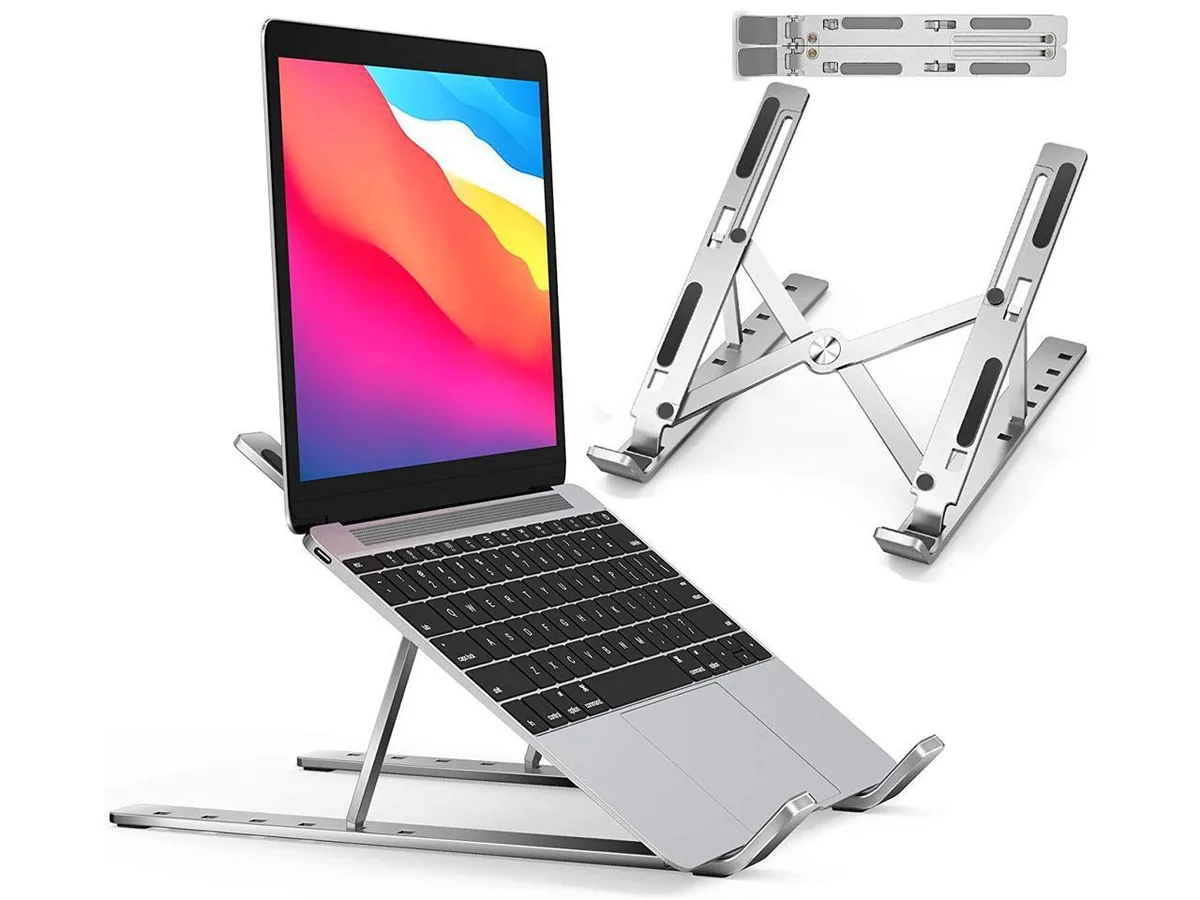
IXJYLCPC C08LS Adjustable Ergonomic Riser Stand Black 10-15.6
- Stand
$31.99
0.00036795BTC
In stock