3M
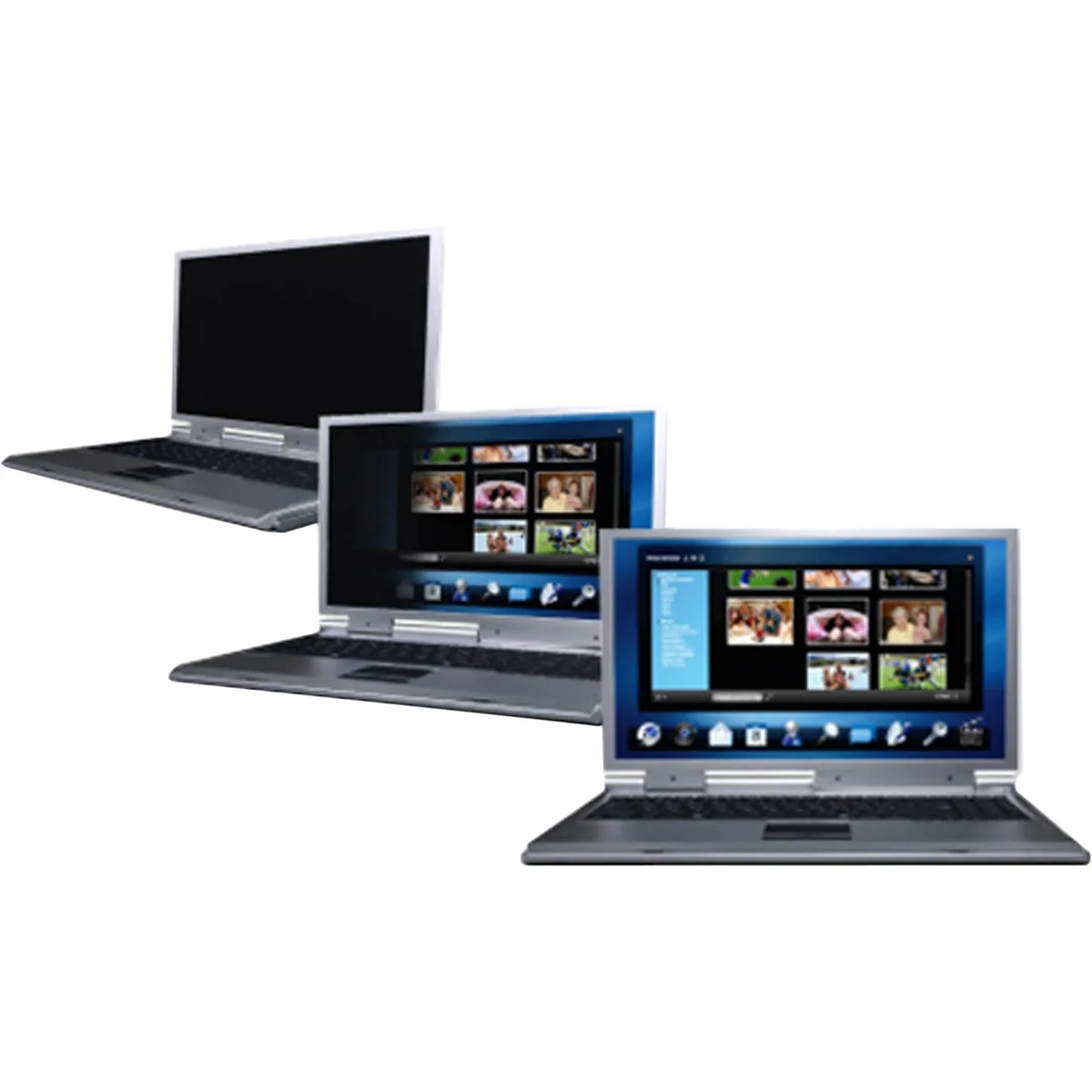
3M PF15.6W Privacy Filter for 15.6" Widescreen Laptop
- Privacy Filter
- PF15.6W fits widesc…
$44.99
0.00054446BTC
In stockWe take cryptocurrency — so the coins you hold can buy real hardware.Pay in crypto, spend it on real hardware. Free insured shipping worldwide over $399. Plain, unbranded boxes, sent from Germany.Free insured shipping over $399. Your rate is locked for 30 minutes once checkout opens.Rate locked 30 minutes. Every item sealed, serial-checked and covered by a 24-month warranty.Sealed, 24-month warranty.


DBTLAP
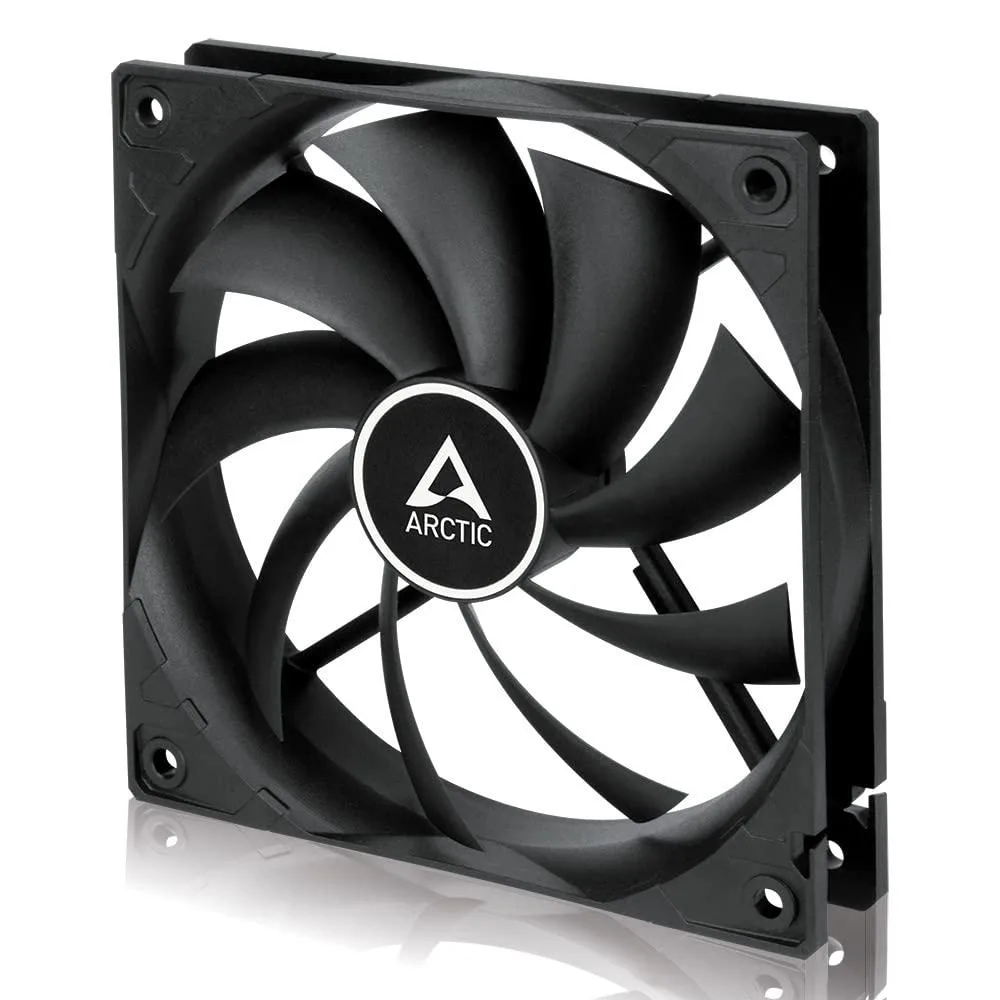
Replacement 5V 0.50A 4-pin cooling fan for DELTA NS85B07-16L01 laptops
This DBTLAP cooling fan replaces the DELTA NS85B07-16L01 unit in compatible laptops. It operates at 5V with a 0.50A current draw and connects via a 4-pin interface. The package includes one tested fan ready for installation.
This part suits owners repairing a laptop that uses the exact DELTA NS85B07-16L01 model number. Builders assembling a new system or users wanting a universal cooling pad should look elsewhere because this is a specific internal replacement component.
The DELTA NS85B07-16L01 part number is the single specification that decides fitment. You must verify this number matches your original fan before ordering to ensure 100% compatibility with your device.
| Accessory Type | Cooler |
|---|
Align the 4Pin connector key with the motherboard header and press straight down until it clicks. The step people get wrong is forcing it without checking the key orientation, which bends pins.
Dust builds up on the blades and reduces airflow. Use compressed air to clean the fan every few months; the sleeve bearing is not user-serviceable, so replace the unit if noise appears.
The 5V 0.50A power rating sets the maximum speed. Under constant load the fan hits that current ceiling first, so RPM cannot increase further even if the laptop gets hotter.
Also in this aisle
Same shelf, same checkout — eight coins and a 30-minute rate lock.
What you pay in, and what you read prices in.
Sent from your wallet at checkout
Display only — the catalogue is priced in USD
No currency matches that.
Pick the language the site speaks to you in.
No language matches that.
New here?
Already have one?
There is no automatic reset: this shop sends no mail, so there is no one-time link to ask for. Leave the address on the account and it gets picked up by hand.
Request noted
Nothing is on its way to your inbox — this shop sends no mail at all. Someone picks these up by hand.
Remembered it?