J-Tech Digital Inc.
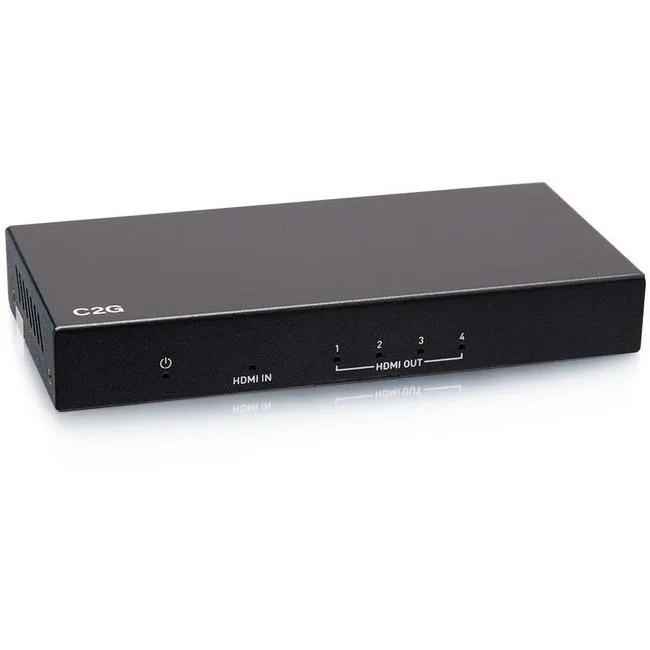
J-Tech Digital ProAV Unlimited HDMI Extender Matrix Transmitter 12x12 8x8 1080p 120m 394ft 400ft
$83.99
0.00096983BTC
In stockWe take cryptocurrency — so the coins you hold can buy real hardware.Pay in crypto, spend it on real hardware. Free insured shipping worldwide over $399. Plain, unbranded boxes, sent from Germany.Free insured shipping over $399. Your rate is locked for 30 minutes once checkout opens.Rate locked 30 minutes. Every item sealed, serial-checked and covered by a 24-month warranty.Sealed, 24-month warranty.


Corn Electronics
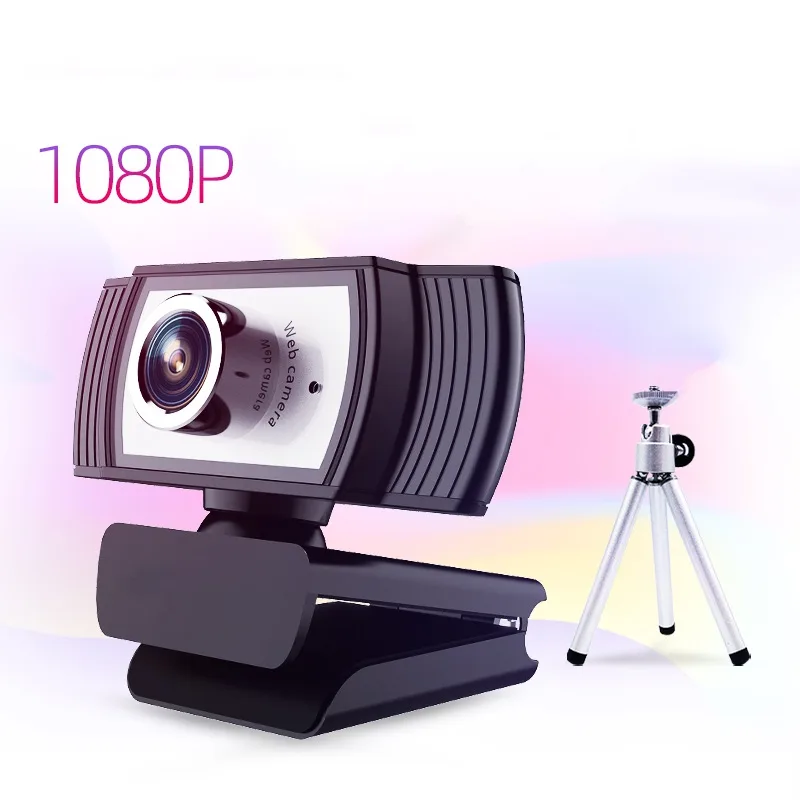
1080p USB webcam with 8-megapixel sensor, 65-degree glass lens, built-in stereo microphones and included tripod stand
The Corn Electronics C33 connects over USB 2.0 with no driver installation required. It delivers 1920 x 1080 video at 8.0 effective pixels for calls, streams and recordings. A 65° viewing angle frames a single user at a desk. The bundle includes a tripod stand for flexible placement on any flat surface.
The camera draws power directly from the USB 2.0 port, so no external supply is needed. Passive cooling keeps the unit silent during long sessions. Built-in stereo microphones with noise cancellation capture clear speech up to three metres away while suppressing background sound. Low heat output means the housing stays cool to the touch.
The C33 works with Windows 2000, XP, 7 and later, plus Mac, Xbox and popular conferencing apps such as Skype for Business, Lync 2013, Cisco Jabber and WebEx. Multiple resolution steps down to 640 x 480 ensure bandwidth flexibility. If the host device has an integrated camera, the default must be switched in software settings. The tripod frees up monitor-top space for other accessories.
| Brand | Corn Electronics |
|---|---|
| Model | C33 with Stand |
| Color | Black/Silver |
| Interface | USB |
| Image Sensor | CMOS |
| Max. Image Resolution | 1920 x 1080 |
| Effective Pixels | 8.0 |
| Video Capture Resolution | 1920 x 1080 |
Plug the USB 2.0 connector into the computer; no driver download is required. Then attach the webcam to the included tripod stand and position it. The step often missed is switching the default camera in your video software settings if the laptop already has a built-in camera.
The C33 has no user-serviceable parts and no consumable components such as filters or batteries. Keep the premium glass lens clean with a soft cloth. If the USB cable or the built-in stereo microphone fails, the whole unit would need replacement.
The fixed 65-degree viewing angle and the maximum capture resolution of 1920 x 1080 are the primary constraints. The sensor supports lower resolutions down to 640 x 480, but the field of view and 1080p ceiling do not change during sustained use.
Also in this aisle
Same shelf, same checkout — eight coins and a 30-minute rate lock.
What you pay in, and what you read prices in.
Sent from your wallet at checkout
Display only — the catalogue is priced in USD
No currency matches that.
Pick the language the site speaks to you in.
No language matches that.
New here?
Already have one?
There is no automatic reset: this shop sends no mail, so there is no one-time link to ask for. Leave the address on the account and it gets picked up by hand.
Request noted
Nothing is on its way to your inbox — this shop sends no mail at all. Someone picks these up by hand.
Remembered it?