Corn Electronics
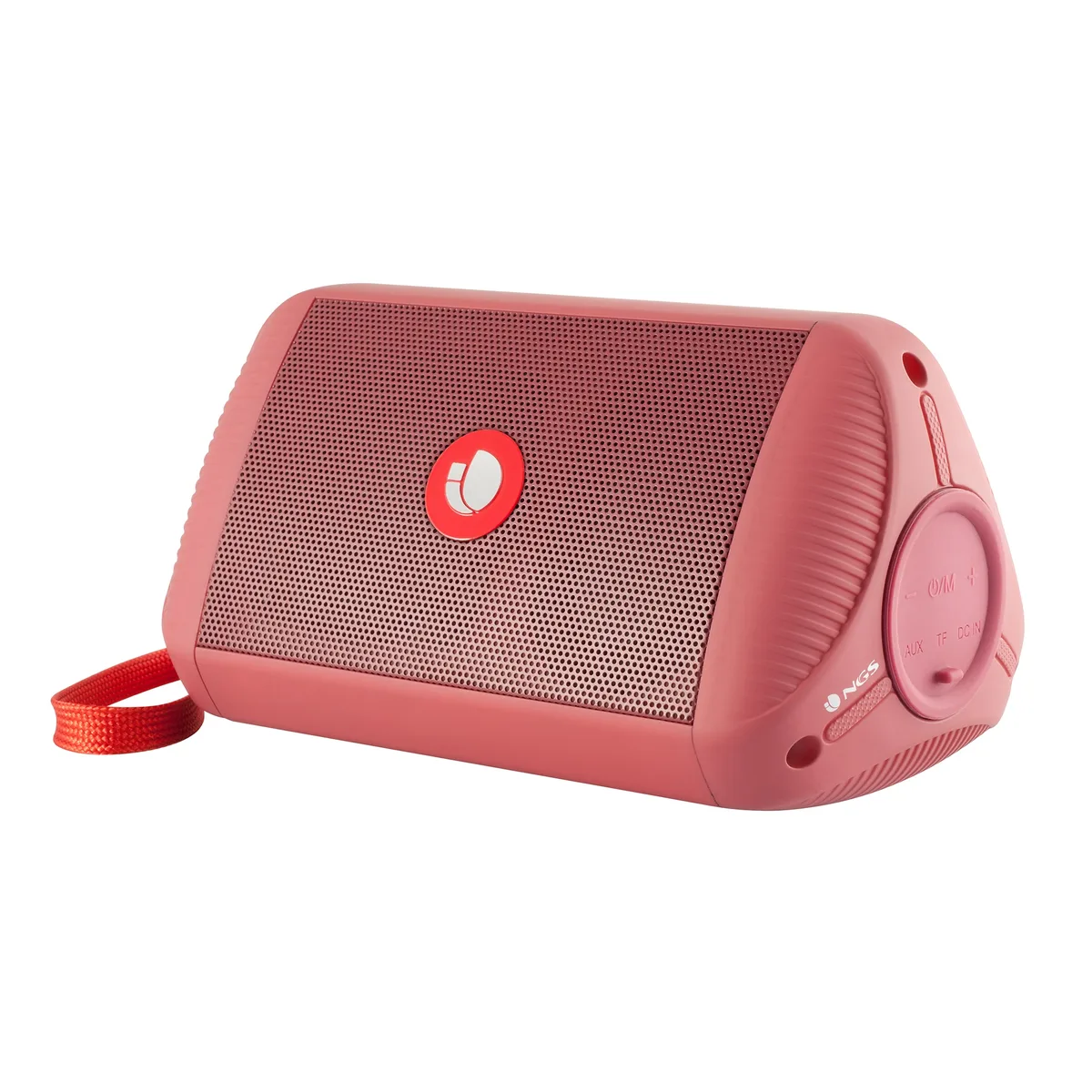
Corn Electronics 2.0 Stereo Speaker Black
Compact 2.0 stereo speakers with RGB lighting, USB power, Bluetooth and wired audio, controlled by a single knob
- TypeWired
- ColorBlack
- ConfigurationNo
- 0 stereo sound for clear audio
- USB powered plug-and-play with no drivers required
- Bluetooth and USB dual connectivity options
- Single knob controls power volume light and mode
- Compact black design suits desktop setups
What the 2.0 stereo speaker does
The Corn Electronics speaker is a 2.0 stereo set that connects through USB or Bluetooth for simple desktop audio. It suits students, office workers and casual listeners who want plug-and-play sound without driver installation. The single rotary knob handles power, volume, light mode and input switching. Buyers needing surround sound or a dedicated subwoofer should look elsewhere.
Heat noise and power draw
The speakers draw power directly from a USB port so there is no external power brick and no noticeable heat during normal listening. Passive cooling keeps the enclosure silent when music is paused. Rated output is 2×3 W, which is sufficient for near-field use at moderate volumes. They are not designed for high-SPL party playback or critical studio monitoring.
What the bundled controls change
The integrated knob replaces separate buttons and lets you cycle RGB lighting modes, swap between wired and wireless sources, and adjust volume in one motion. No companion software or mobile app is supplied, so lighting patterns and EQ remain fixed at the factory defaults. Users who want per-channel EQ or programmable macros will not find those options here.
Highlights
- 0 stereo sound for clear audio
- USB powered plug-and-play with no drivers required
- Bluetooth and USB dual connectivity options
- Single knob controls power volume light and mode
- Compact black design suits desktop setups
Specifications
| Type | Wired |
|---|---|
| Color | Black |
| Configuration | No |
Questions about this item
How do I install the USB-powered stereo speakers and what step is often missed?
Connect the USB cable to a standard port on the PC or monitor for power, then select the speaker as the audio output device in system settings; the step often missed is switching the audio output away from the default monitor or headphone jack.
What maintenance or replacement will the speakers need later?
No user-serviceable parts are described; keep the single control knob and USB connector free of dust and avoid strain on the cable to extend service life.
What limit appears first during sustained use?
The 2.0 stereo configuration relies on USB bus power, so maximum output is constrained by the port's current limit during extended high-volume sessions.
Also in this aisle
People compared these
Same shelf, same checkout — eight coins and a 30-minute rate lock.