


ClearClick
ClearClick VHS To DVD Wizard USB 2.0 Video Capturing Device
Converts VHS tapes to DVD or digital video files using USB 2.0 capture with composite and S-Video inputs and included Windows 10/8/7/Vista software
- InterfaceUSB 2.0
- Component1 In
- S-Video1 In
- Composite1 In
- Software ApplicationVHS2DVD Wizard
- Convert VHS tapes to DVD or digital files
- USB 2.0 capture device with RCA and S‑Video inputs
- Step‑by‑step VHS2DVD Wizard software for Windows 10/8/7/Vista
- Works with any working VCR or camcorder
- Free USA‑based technical support from ClearClick
USB 2.0 capture device
This USB 2.0 video capture device connects a VCR or camcorder to a Windows PC. It includes the VHS2DVD Wizard software and an RCA cable for straightforward tape-to-digital conversion. The package targets anyone with a box of old VHS tapes who wants DVD or MPEG and WMV files.
USB 2.0 bandwidth limits
The USB 2.0 interface caps the transfer rate, so only standard-definition analogue sources are practical. Component, S-Video and composite inputs are provided, but high-definition capture is not supported. A working VCR or camcorder must be supplied separately.
Tape-to-digital capacity
One tape at a time is captured to MPEG or WMV files or burned directly to DVD. The software runs on Windows 10, 8, 7 and Vista. Multi-tape batch capture and formats beyond MPEG and WMV are not available.
Highlights
- Convert VHS tapes to DVD or digital files
- USB 2.0 capture device with RCA and S‑Video inputs
- Step‑by‑step VHS2DVD Wizard software for Windows 10/8/7/Vista
- Works with any working VCR or camcorder
- Free USA‑based technical support from ClearClick
Specifications
| Interface | USB 2.0 |
|---|---|
| Component | 1 In |
| S-Video | 1 In |
| Composite | 1 In |
| Software Application | VHS2DVD Wizard |
Questions about this item
Which version of the ClearClick VHS to DVD Wizard should I pick if I only have composite or S-Video outputs on my VCR?
The device provides one composite input and one S-Video input, so choose the single model that matches the cables you already use with your VCR or camcorder.
What does the USB 2.0 connection mean for the video quality I can capture?
The USB 2.0 interface transfers the analogue signal from your VCR to the PC for the included software to encode into MPEG or WMV files at standard-definition resolution.
Does the USB 2.0 interface limit the capture resolution or frame rate in practice?
The USB 2.0 connection carries the standard-definition video stream from the composite or S-Video source to the Windows software for recording to DVD or digital file.
Also in this aisle
People compared these
Same shelf, same checkout — eight coins and a 30-minute rate lock.

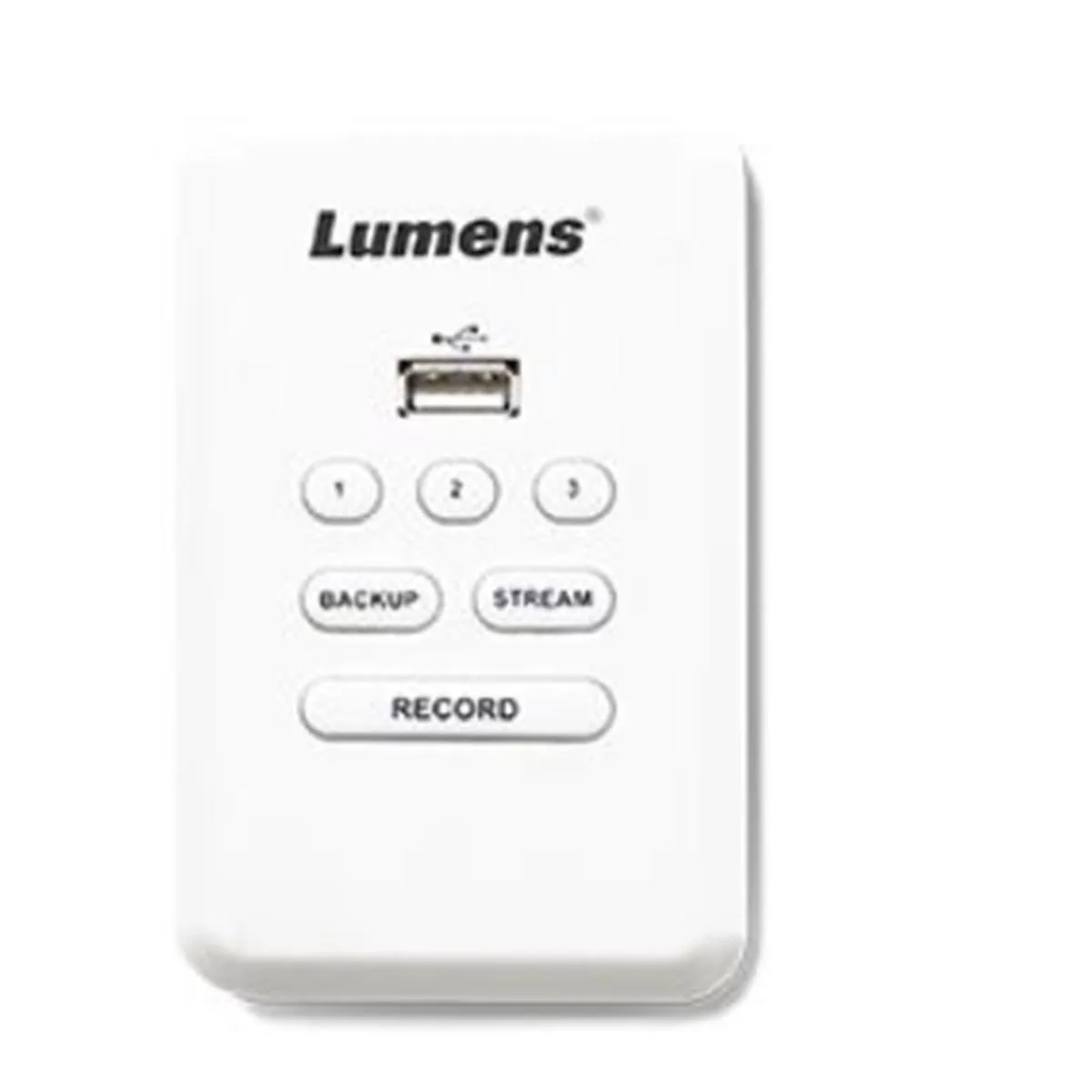
Lumens
Lumens LC-RC01 Remote Control Panel for LC200 CaptureVision System US standard
$205.99
0.00239459BTC
In stock

Blackmagic Design Pty. Ltd.
Blackmagic Design ATEM Television Studio HD8 professional video device
$3,029.99
0.03522302BTC
In stock