


Canon
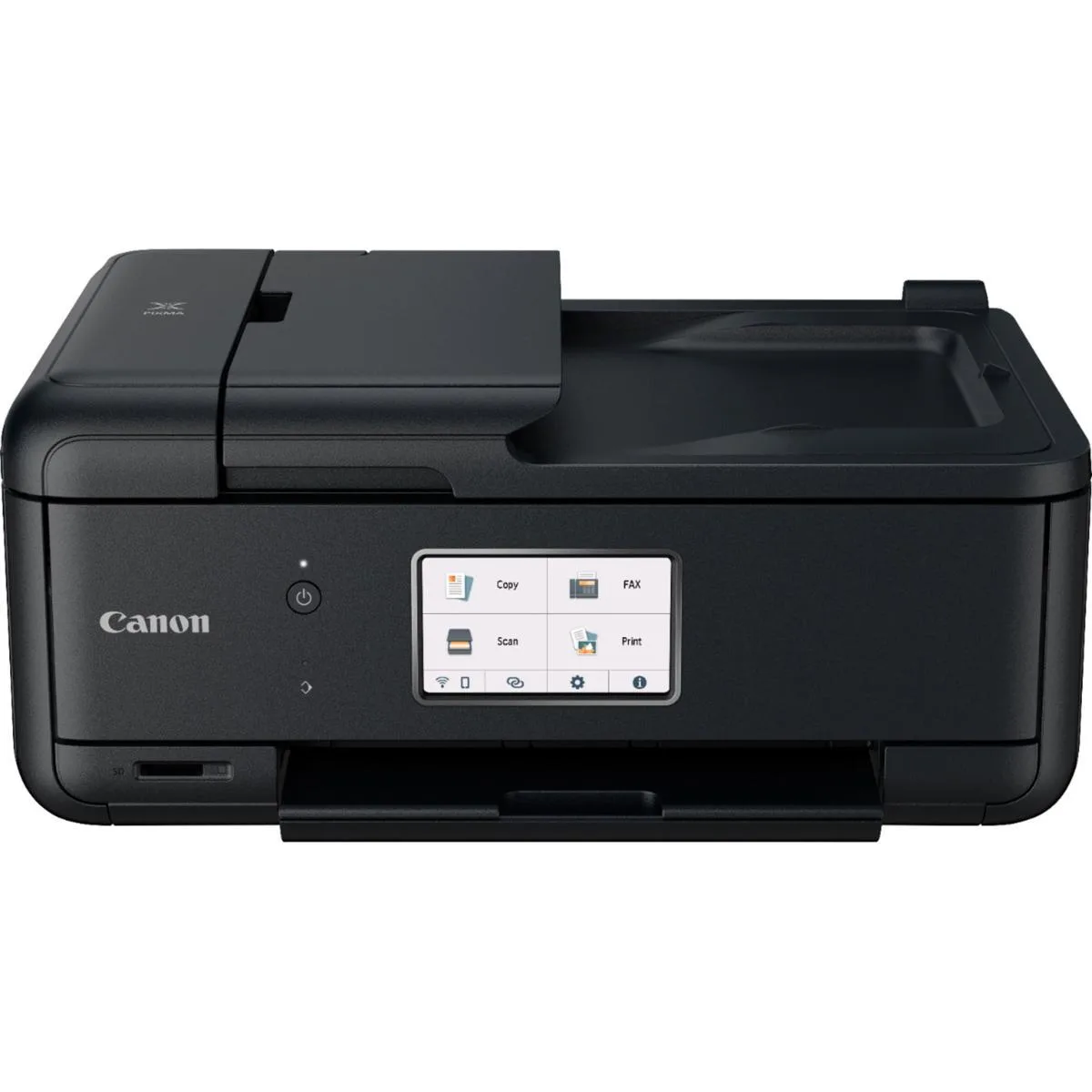
Canon PIXMA TR8620a 4.3" LCD 20-sheet ADF inkjet printer 4451C032AA
Compact all-in-one inkjet with a 4.3" touchscreen, 20-sheet ADF and five individual inks for documents and photos
- Compact design fits tight spaces
- 3" LCD touchscreen simplifies operation
- 20-sheet ADF speeds multi-page tasks
- Five individual inks cut replacement waste
- Auto 2-sided printing saves up to 50% paper
Compact all-in-one for home offices
The Canon PIXMA TR8620a is a wireless inkjet all-in-one designed for small workspaces. Its 4.3-inch LCD touchscreen provides direct control over printing, scanning, copying and faxing tasks. A 20-sheet automatic document feeder handles multi-page jobs without manual intervention. Mobile printing is supported via the Canon PRINT app, Apple AirPrint and Mopria Print Service.
Five-ink system with duplex savings
Five individual ink tanks let you replace only the colour that runs out, reducing waste and running costs. The hybrid ink system combines pigment black for sharp text with dye-based inks for vibrant photos. Automatic two-sided printing cuts paper usage by up to 50 percent. Front and rear paper cassettes hold plain and photo media simultaneously for flexible output.
Open-box unit ready for wireless setup
This open-box printer ships without the original retail packaging but includes the hardware needed for immediate deployment. Wireless connectivity eliminates cable clutter in tight desk areas. The compact footprint suits shelves or credenzas where larger floor-standing units cannot fit. Buyers needing high-volume print speeds or large-format media support should consider other categories.
Highlights
- Compact design fits tight spaces
- 3" LCD touchscreen simplifies operation
- 20-sheet ADF speeds multi-page tasks
- Five individual inks cut replacement waste
- Auto 2-sided printing saves up to 50% paper
Specifications
No published specifications for this item yet.
Questions about this item
Will the 20-sheet ADF handle multi-page faxes and scans alongside my older standalone fax machine?
The 20-sheet Auto Document Feeder processes multi-page documents for faxing, copying, and scanning in a single pass, so you can route jobs through this printer instead of the older unit.
How can I confirm the 4.3" LCD touchscreen and five individual ink tanks are functioning correctly after setup?
Run a nozzle-check pattern from the touchscreen maintenance menu; the display will show each of the five ink tanks firing, verifying both the screen and the hybrid ink system.
Does the box include a starter set of all five ink tanks, or must I buy any colour separately before first use?
The printer ships with a full set of five individual ink tanks installed, so no separate ink purchase is required to start printing.
Also in this aisle
People compared these
Same shelf, same checkout — eight coins and a 30-minute rate lock.



CHIEF MANUFACTURING
CHIEF MANUFACTURING CMS018 18" 457 mm Fixed Extension Column projector accessory
- Extension Column
- Projector
$22.99$22.99
0.0002738BTC
In stock