


Canon
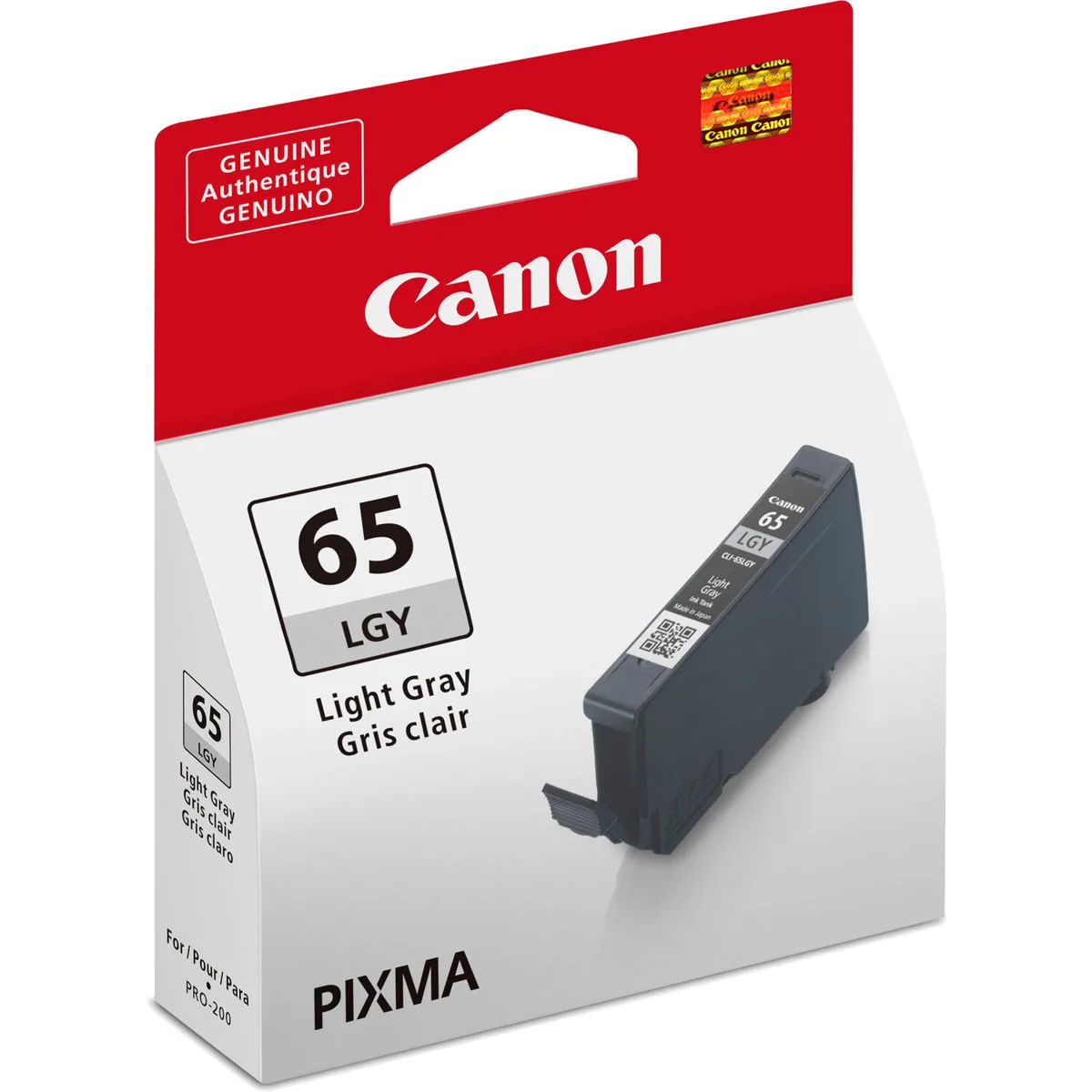
Canon 4222C002 CLI-65 Light Gray Ink Cartridge
Dye-based light gray ink tank for PIXMA Pro-200 printer, model 4222C002, delivering professional photo quality with enhanced red and magenta gamut
- Ink TypeDye-based
- Dye-based formula delivers professional photo quality
- Light gray ink expands magenta and red gamut
- Deeper black expression improves dark detail
- Engineered for PIXMA Pro-200 printer compatibility
- Genuine Canon cartridge ensures reliable print performance
Canon CLI-65 Light Gray Ink Tank
This genuine Canon dye-based cartridge is built for the PIXMA Pro-200 printer. It targets photographers and creatives who need accurate colour reproduction for professional prints. The light gray formulation expands the tonal range in monochrome and colour images.
Single-colour tank design for easy replacement
Each tank holds one ink colour so you only replace what runs out. Dye-based fluid flows cleanly through the print head for consistent output. The cartridge clicks into the printer without tools and sits securely during long print runs.
Replaces an empty CLI-65 light gray tank
Swapping the depleted cartridge restores the expanded gamut in magenta reds and deeper black expression. The upgrade is worth it when prints show banding or colour shift in shadow areas. Genuine Canon ink maintains the expected archival quality on compatible media.
Highlights
- Dye-based formula delivers professional photo quality
- Light gray ink expands magenta and red gamut
- Deeper black expression improves dark detail
- Engineered for PIXMA Pro-200 printer compatibility
- Genuine Canon cartridge ensures reliable print performance
Specifications
| Brand | Canon |
|---|---|
| Ink Type | Dye-based |
| Shipping weight | 0.06 kg |
| Package size | 114 × 89 × 3 mm |
Questions about this item
Does the CLI-65 Light Gray tank work with the PIXMA Pro-200 printer?
Yes, the Canon CLI-65 Light Gray ink tank is designed for the PIXMA Pro-200 printer.
What printer slot does the 4222C002 cartridge occupy?
The cartridge fits into the dedicated light gray ink slot on the PIXMA Pro-200 printer.
How do you install the CLI-65 tank, and what step is often missed?
Remove the orange protective cap, insert the tank until it clicks, then run the printer head alignment.
Also in this aisle
People compared these
Same shelf, same checkout — eight coins and a 30-minute rate lock.



CHIEF MANUFACTURING
CHIEF MANUFACTURING CMS018 18" 457 mm Fixed Extension Column projector accessory
- Extension Column
- Projector
$22.99$22.99
0.00026675BTC
In stock