

Canon
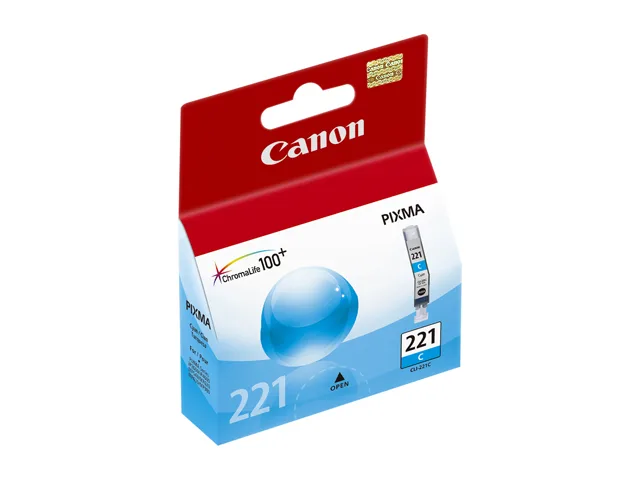
Canon 2946B001 CLI-221 Black Ink Cartridge (genuine brands)
Genuine Canon black ink cartridge yielding approximately 342 pages for PIXMA iP, MP and MX series printers
- Cartridge ColorBlack
- Compatible ProductsCanon PIXMA IP3600, Canon PIXMA IP4600, Canon PIXMA iP4700,
- Ink TypeDye-based
- Approximate Page Yield342 Pages
- FeaturesTrust genuine Canon CLI-221BK Ink Cartridges to provide outs
- Group OptionCL-241 (5209B001)
Cartridge Color Black
- Black
- Cyan
- Gray
Struck-through versions exist but are not stocked here.
Group Option CL-241 (5209B001)
- CL-241 (5209B001)
- PGI-250BK
- HP 940XL/HP 941XL
Struck-through versions exist but are not stocked here.
- Genuine Canon ink ensures reliable print quality
- Dye-based black ink produces sharp text and photos
- Approximate yield of 342 pages per cartridge
- Compatible with multiple PIXMA iP, MP and MX models
- Single cartridge design lets you replace only black
Genuine Canon CLI-221 Black Cartridge
This genuine Canon CLI-221 black ink cartridge (2946B001) is built for select PIXMA iP, MP and MX series printers. It supplies dye-based black ink for documents and photos on compatible models such as the iP3600, iP4600, iP4700, MP560, MP620, MP640, MP980, MP990, MX860 and MX870. The single-cartridge design keeps replacement simple for home and small-office users who need reliable output.
Replaces CL-241 Group Option
The cartridge serves as the direct replacement for the CL-241 (5209B001) group option used in the same printer families. Swapping to this CLI-221BK unit is worth it when the existing tank runs low or when print quality shows fading or banding. It restores the factory ink formulation without requiring a printer firmware change or hardware modification.
Consistent Output Over Long Runs
Dye-based ink flows steadily through the print head during extended print sessions, maintaining sharp text and deep blacks across the rated yield. The manufacturer quotes an approximate yield of 342 pages, while the supplier highlights a 550-page figure for the same cartridge. Real-world mileage will vary with page coverage and print mode, but the genuine formulation resists clogging better than many refill alternatives during sustained use.
Highlights
- Genuine Canon ink ensures reliable print quality
- Dye-based black ink produces sharp text and photos
- Approximate yield of 342 pages per cartridge
- Compatible with multiple PIXMA iP, MP and MX models
- Single cartridge design lets you replace only black
Specifications
| Brand | Canon |
|---|---|
| Model | CLI-221BK (2946B001) |
| Part Number | 2946B001 |
| Cartridge Color | Black |
| Compatible Products | Canon PIXMA IP3600, Canon PIXMA IP4600, Canon PIXMA iP4700, Canon PIXMA MP560, Canon PIXMA MP620, Canon PIXMA MP640, Canon PIXMA MP640R, Canon PIXMA MP980, Canon PIXMA MP990, Canon PIXMA MX860, Canon PIXMA MX870 |
| Ink Type | Dye-based |
| Approximate Page Yield | 342 Pages |
| Features | Trust genuine Canon CLI-221BK Ink Cartridges to provide outstanding print quality for all your important photos and documents Unlike bargain replacement inks, original Canon CLI-221BK Ink Cartridges are designed specifically to work with Canon printers for exceptional reliability and performance Provide a streamlined printing process Professional, high-quality prints Consistent print quality High quality results that help you save time and money A combination of new inks and new media designed to deliver exceptional beauty and longevity Smudge, water resistant Acid free Cartridge off |
| Group Option | CL-241 (5209B001) |
| Shipping weight | 0.03 kg |
| Package size | 91 × 46 × 23 mm |
Other versions of this model
1 more in the same range
Same family, different memory, cooler or clock — compare before you commit.

Questions about this item
Which printer models accept the CLI-221 black cartridge?
The CLI-221 black cartridge fits PIXMA iP3600, iP4600, iP4700, MP560, MP620, MP640, MP640R, MP980, MP990, MX860 and MX870 printers.
How do I install the CLI-221 cartridge correctly?
Open the printer cover, wait for the carriage to stop, press the tab on the old cartridge to release it, remove the orange tape from the new CLI-221, then push it firmly into the slot until it clicks.
When should I replace the CLI-221 black cartridge?
Replace the CLI-221 black cartridge after approximately 342 pages or when the printer shows a low-ink warning and prints start to fade.
Also in this aisle
People compared these
Same shelf, same checkout — eight coins and a 30-minute rate lock.



CHIEF MANUFACTURING
CHIEF MANUFACTURING CMS018 18" 457 mm Fixed Extension Column projector accessory
- Extension Column
- Projector
$22.99$22.99
0.0002709BTC
In stock