

MediaPack4All 12.5mm Blu-Ray Case Multi-Three Storing Capacity
- 2.4892 L x 18.2118…
- 1 Year Warranty
$13.99
0.00016227BTC
In stockWe take cryptocurrency — so the coins you hold can buy real hardware.Pay in crypto, spend it on real hardware. Free insured shipping worldwide over $399. Plain, unbranded boxes, sent from Germany.Free insured shipping over $399. Your rate is locked for 30 minutes once checkout opens.Rate locked 30 minutes. Every item sealed, serial-checked and covered by a 24-month warranty.Sealed, 24-month warranty.

Buffalo Technology
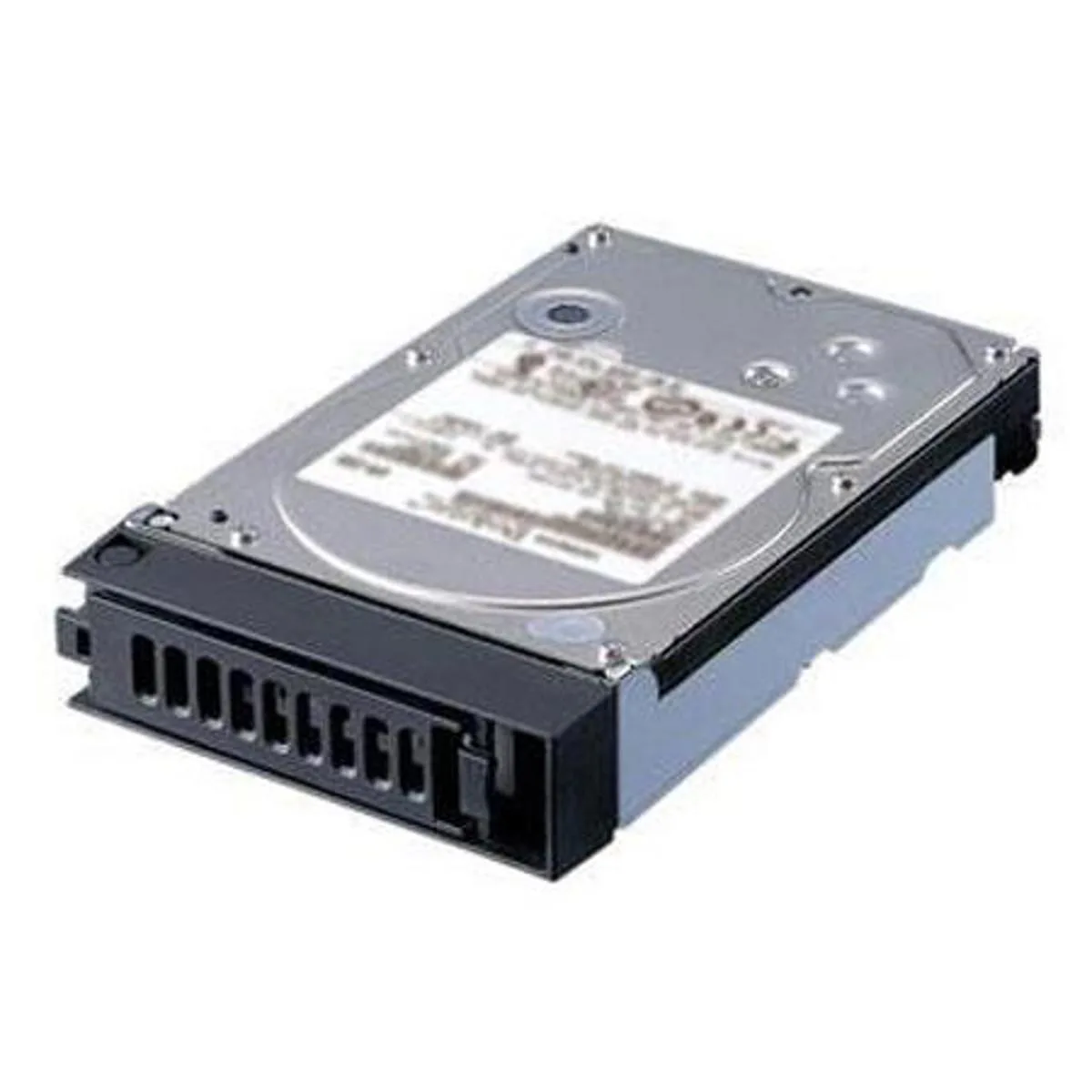
A 2 TB SATA hard drive built as a direct replacement for LinkStation 420 NVR units
The Buffalo Technology OP-HD 2.0 /A is a 2 TB internal hard drive built specifically for the LinkStation 420 NVR. It serves as a direct replacement for the LS420D0402S model, ensuring full compatibility with that network video recorder. The drive uses a SATA interface to deliver reliable data transfer for continuous recording workloads. It is intended for owners of that specific NVR who need to restore or expand storage capacity.
This drive replaces the original hard drive that shipped with the LinkStation 420 NVR when that drive fails or when the 2 TB capacity is required. The jump is worth it when the NVR shows drive errors, capacity limits are reached, or a fresh drive is needed for a clean installation. It matches the factory specifications so the recorder recognises it immediately without firmware mismatches. Buyers who need more than 2 TB or a different form factor cannot use this model.
Installation consists of removing the NVR drive tray, swapping the old drive for this one, and reinserting the tray. The LinkStation 420 NVR detects the new drive automatically and prompts for initialisation through its standard interface. What usually goes wrong is skipping the initialisation step or using a drive from a different NVR series, which the recorder will reject. No additional cables, brackets, or software tools are required beyond the unit’s own menus.
No published specifications for this item yet.
The drive uses a standard SATA III interface and matches the 3.5-inch form factor required by the LinkStation 420 NVR chassis.
Power off the NVR, open the drive bay, connect both SATA data and power cables firmly, secure the drive with the supplied screws, then close the bay before powering on; the step most often missed is tightening the mounting screws.
Monitor the NVR's SMART health alerts for reallocated sectors or rising error counts, and replace the drive if the status changes from healthy to warning or fail.
New to this? Paying with USDT: TRC-20 or ERC-20 — what to check, what it costs to pay, and what is never asked for.
Also in this aisle
Same shelf, same checkout — eight coins and a 30-minute rate lock.
What you pay in, and what you read prices in.
Sent from your wallet at checkout
Display only — the catalogue is priced in USD
No currency matches that.
Pick the language the site speaks to you in.
No language matches that.
New here?
Already have one?
There is no automatic reset: this shop sends no mail, so there is no one-time link to ask for. Leave the address on the account and it gets picked up by hand.
Request noted
Nothing is on its way to your inbox — this shop sends no mail at all. Someone picks these up by hand.
Remembered it?


