


BUCIER
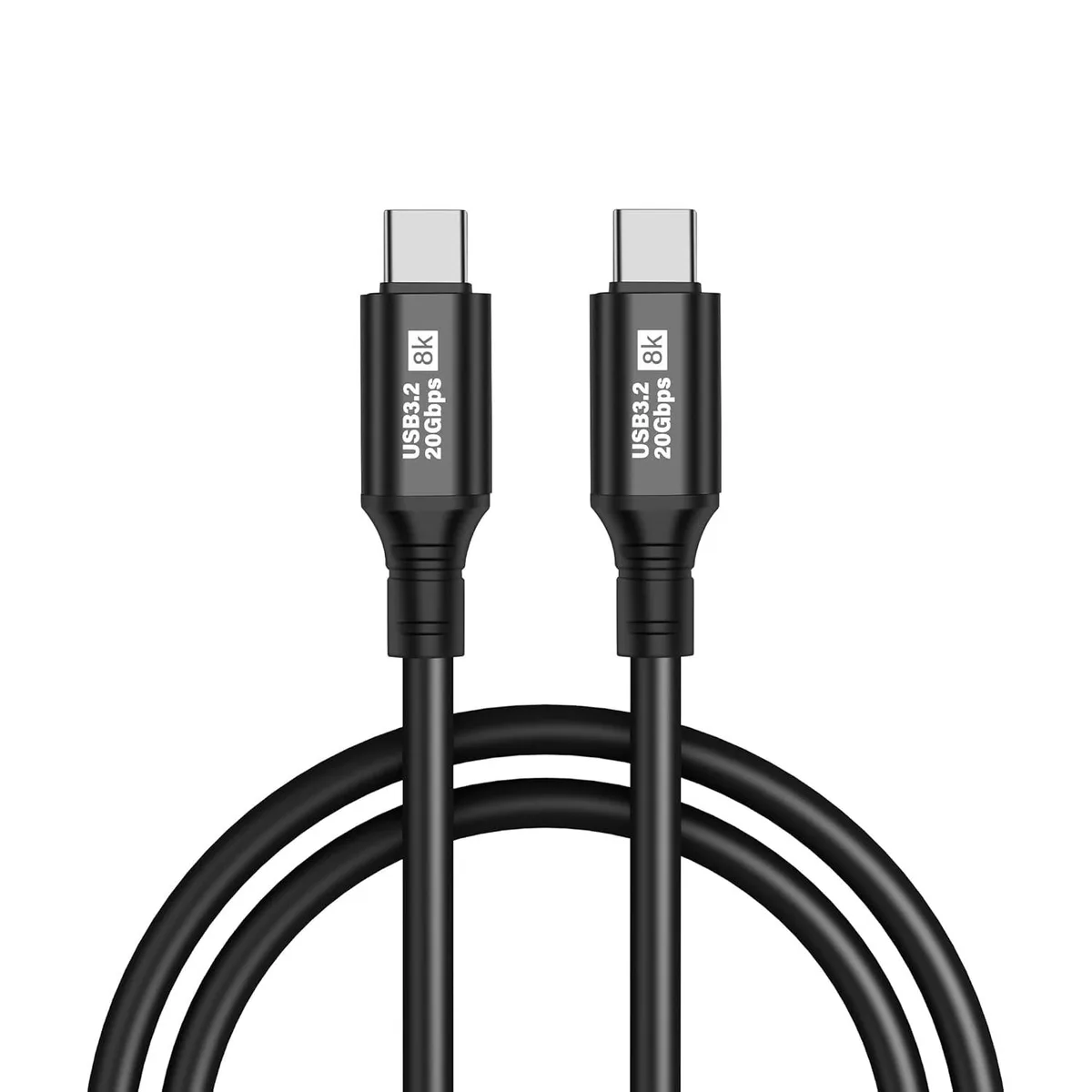
BUCIER USB C to USB C Cable USB 3.2 20Gbps PD 100W 8K@60Hz 2M
A 2 m USB‑C to USB‑C cable delivering 20 Gbps data, 100 W charging and 8K @ 60 Hz video
- Transfers files at 20 Gbps using USB 3.2 Gen2
- Delivers up to 100 W power for laptops and phones
- Drives 8K displays at 60 Hz over USB-C
- Works with OTG, VR, docks and drive enclosures
- Backward compatible with USB 2.0, 3.0 and 3.1 devices
Two-metre USB-C cable for data, power and video
This two-metre USB-C to USB-C cable handles data at up to 20Gbps, delivers up to 100W of power and carries 8K video at 60Hz. It suits users who need one cable for fast file transfers, laptop charging and external-display output. Compatibility extends to USB 2.0, 3.0 and 3.1 devices.
Build quality and daily connectivity
The male-to-male design plugs directly into phones, tablets, laptops, docks, VR headsets and drive enclosures without adapters. A U-shaped Type-C extender eases insertion in tight ports and reduces strain during frequent connect-disconnect cycles. Plug-and-play operation means no driver installation is required.
Bundled capabilities and practical limits
Support for OTG lets the cable link peripherals such as storage or input devices directly to a phone or tablet. Video output works only when the host port implements DisplayPort Alt Mode, so devices without that feature will not drive an external screen. Actual charging speed depends on the power source and the device's own charging protocol.
Highlights
- Transfers files at 20 Gbps using USB 3.2 Gen2
- Delivers up to 100 W power for laptops and phones
- Drives 8K displays at 60 Hz over USB-C
- Works with OTG, VR, docks and drive enclosures
- Backward compatible with USB 2.0, 3.0 and 3.1 devices
Specifications
No published specifications for this item yet.
Other versions of this model
5 more in the same range
Same family, different memory, cooler or clock — compare before you commit.



Questions about this item
What USB 3.2 generation does the cable use and what data rate does it cap at?
The cable uses USB 3.2 Gen 2 and caps at 20Gbps for data transfer.
What physical connectors are required at each end for this 2M cable to fit?
Both ends need a USB-C male port; the cable is male-to-male and 2M long.
How is the cable installed and which step do people often miss?
Plug each USB-C male end into a USB-C port; the step often missed is confirming the device port supports video and audio output for 8K@60Hz.
Also in this aisle
People compared these
Same shelf, same checkout — eight coins and a 30-minute rate lock.



CHIEF MANUFACTURING
CHIEF MANUFACTURING CMS018 18" 457 mm Fixed Extension Column projector accessory
- Extension Column
- Projector
$22.99$22.99
0.00027567BTC
In stock