microMICR Corporation
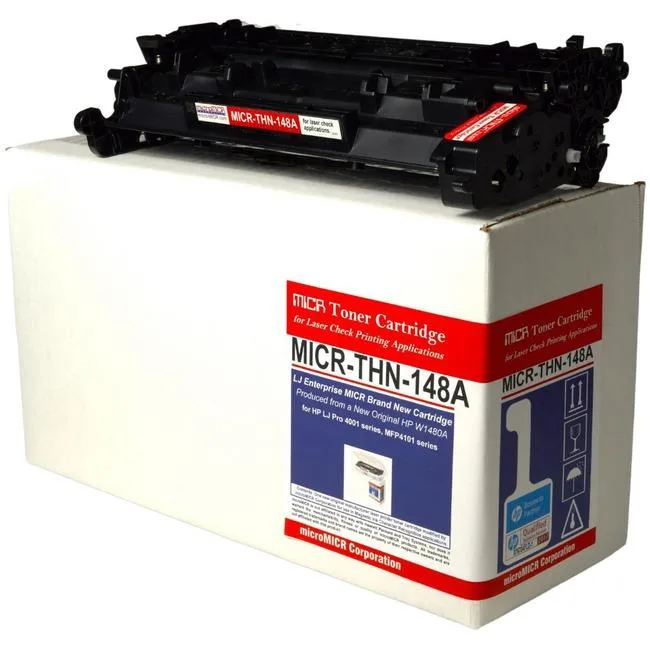
microMICR High Yield MICR Toner Cartridge 9500 Pages Black W1480A
$258.99
0.00302962BTC
In stockWe take cryptocurrency — so the coins you hold can buy real hardware.Pay in crypto, spend it on real hardware. Free insured shipping worldwide over $399. Plain, unbranded boxes, sent from Germany.Free insured shipping over $399. Your rate is locked for 30 minutes once checkout opens.Rate locked 30 minutes. Every item sealed, serial-checked and covered by a 24-month warranty.Sealed, 24-month warranty.


Brother
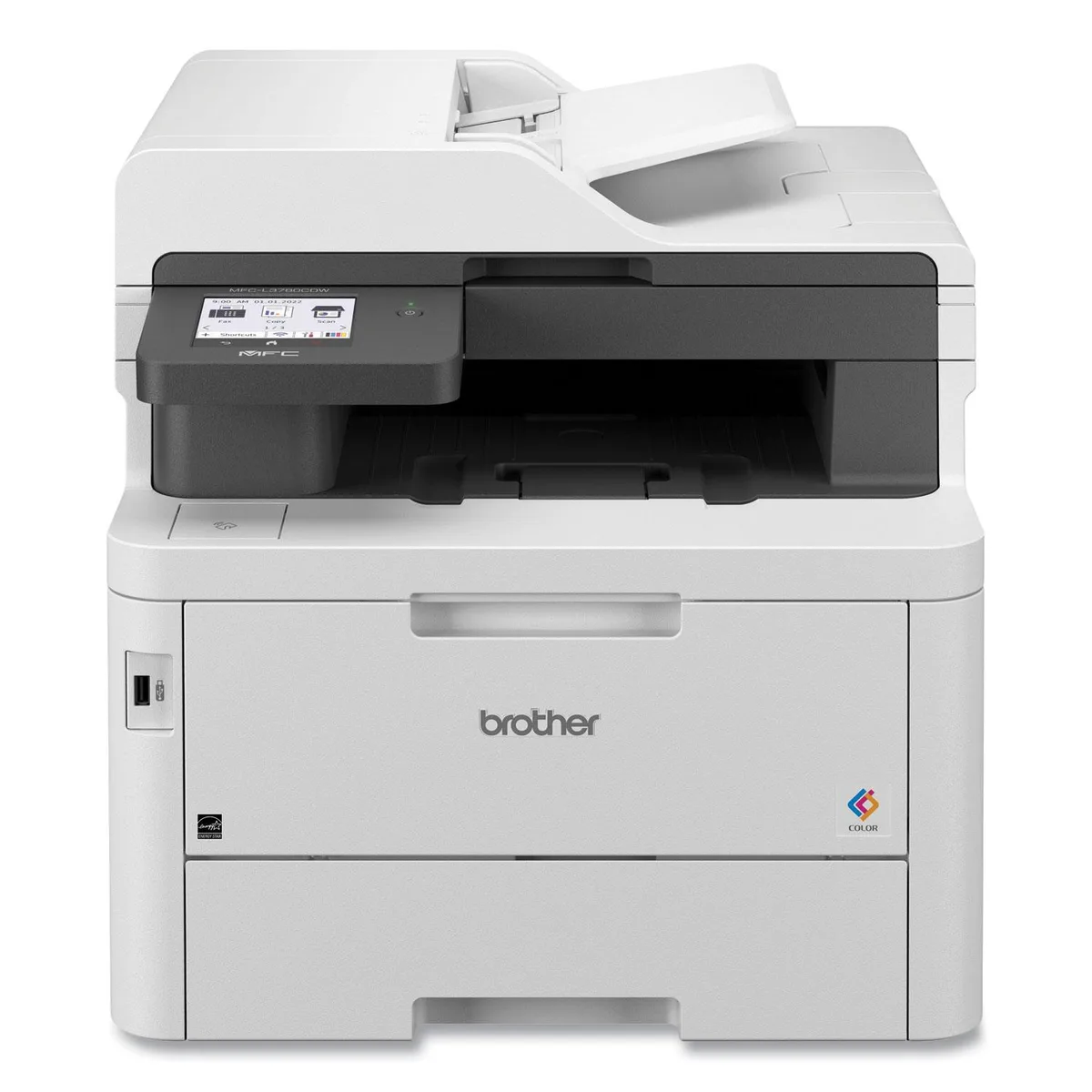
Colour laser all-in-one prints, scans, copies and faxes at up to 31 ppm with a 3.5 inch touchscreen and dual-band wireless
The Brother MFC-L3780CDW is a wireless colour laser printer that prints, scans, copies and faxes. It suits small offices or workgroups that need up to 31 ppm output in black and colour. The device handles A4 and legal media from a multipurpose tray and an optional extra paper tray. It is not for buyers who need high-volume paper capacity or wide-format printing beyond legal size.
Dual-band wireless, Gigabit Ethernet, Wi-Fi Direct and a USB host port let users print from or scan to a USB memory stick. A 3.5 inch colour touchscreen provides direct access to 48 cloud shortcuts for services such as Google Drive, Dropbox, Evernote and OneNote. Automatic duplex printing reduces paper use for double-sided documents. The ADF scanner delivers 600 dpi optical resolution with interpolated enhancement up to 19,200 x 19,200 dpi.
This model replaces slower inkjet or single-function lasers where 31 ppm colour speed and duplex scanning matter. The jump is worth it when daily print volumes justify laser toner economics and when network scanning to cloud folders streamlines document workflows. It does not fit users who only need occasional monochrome printing or who require finishing options such as stapling or booklet making.
| Cartridges Compatible | 4x Toner |
|---|---|
| Brand | Brother |
| Model | New MFCL3780CDW: Adds Optional Paper Tray |
| Recommended Use | MFC / All-In-One |
| Functions | Print, Scan, Copy, Fax |
| Output Type | Color |
| Laser Technology | Laser |
| Black Print Speed | Up to 31 ppm |
| Print Languages, std. | Adobe PDF 1.7, HP PCL 5c, HP PCL 5e, HP PCL 6, XPS |
| Scan Resolution, Optical | ADF 600 dpi (Optical) 19,200 x 19,200 dpi (Interpolated) |
| Media sizes supported | Multipurpose Tray Minimum: 3 x 4.57" / 7.6 x 11.61 cm Maximum: 8.5 x 14" / 21.6 x 35.6 cm |
| Shipping weight | 24.95 kg |
| Package size | 584 × 533 × 498 mm |
The printer supports Adobe PDF 1.7, HP PCL 5c, HP PCL 5e, HP PCL 6 and XPS. PDF printing is limited to version 1.7.
The multipurpose tray accepts sheets from 3 x 4.57 inches up to 8.5 x 14 inches (21.6 x 35.6 cm).
Open the front cover, remove each toner from its packaging, shake gently, pull the protective tab, insert until it clicks, then close the cover. People often forget to pull the sealing tab before inserting.
Also in this aisle
Same shelf, same checkout — eight coins and a 30-minute rate lock.
What you pay in, and what you read prices in.
Sent from your wallet at checkout
Display only — the catalogue is priced in USD
No currency matches that.
Pick the language the site speaks to you in.
No language matches that.
New here?
Already have one?
There is no automatic reset: this shop sends no mail, so there is no one-time link to ask for. Leave the address on the account and it gets picked up by hand.
Request noted
Nothing is on its way to your inbox — this shop sends no mail at all. Someone picks these up by hand.
Remembered it?