Brother
Brother LC203M High Yield Magenta Ink Cartridge 550 Pages
- Single Pack
- Magenta
$13.99
0.00016647BTC
In stockWe take cryptocurrency — so the coins you hold can buy real hardware.Pay in crypto, spend it on real hardware. Free insured shipping worldwide over $399. Plain, unbranded boxes, sent from Germany.Free insured shipping over $399. Your rate is locked for 30 minutes once checkout opens.Rate locked 30 minutes. Every item sealed, serial-checked and covered by a 24-month warranty.Sealed, 24-month warranty.


Brother
High-yield cyan cartridge prints approximately 550 pages on compatible Brother MFC models
Cartridge Color Cyan
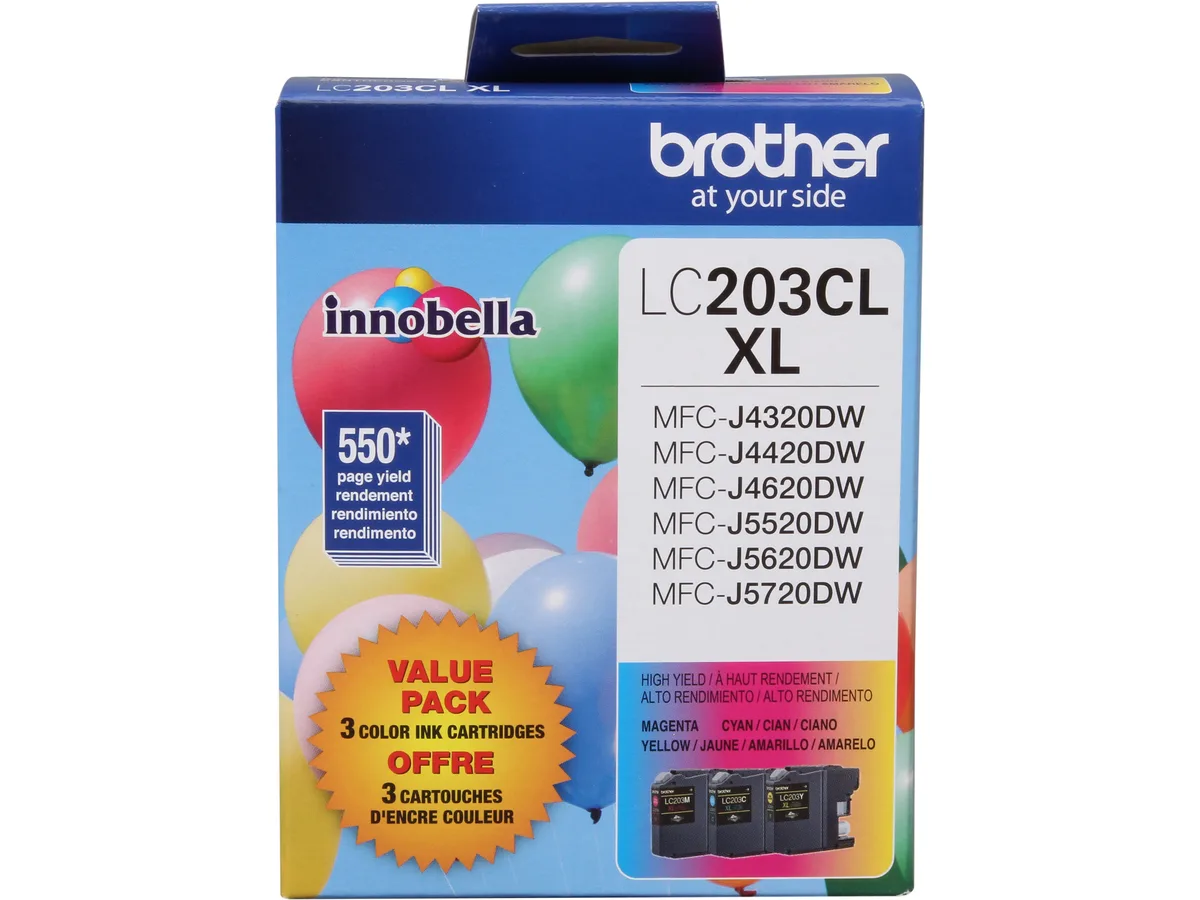
The Brother LC203C is a genuine Innobella cyan ink cartridge rated at approximately 550 pages. It is built for owners of compatible Brother multifunction printers who need a high-capacity single pack for regular colour output.
This cartridge installs directly into the ink bay of supported machines such as the MFC-J4320DW, MFC-J4420DW, MFC-J4620DW, MFC-J5520DW, MFC-J5620DW, MFC-J5720DW and MFC-J885DW. The single-unit packaging means you replace only the cyan tank when it runs low, reducing waste and keeping running costs predictable.
Users moving up from lower-yield cyan cartridges gain more pages per change, which suits offices or households printing colour documents frequently. The jump is worthwhile when print volumes make standard cartridges run out too quickly, but it is not for buyers who need multi-colour packs or printers outside the listed MFC series.
| Brand | Brother |
|---|---|
| Model | LC203C |
| Cartridge Quantity | Single Pack |
| Cartridge Color | Cyan |
| Compatible Products | MFC-J4320DW, MFC-J4420DW, MFC-J460DW, MFC-J4620DW, MFC-J480DW, MFC-J485DW, MFC-J5520DW, MFC-J5620DW, MFC-J5720DW, MFC-J680DW, MFC-J880DW, MFC-J885DW |
| Approximate Page Yield | 550 Pages |
| Shipping weight | 0.05 kg |
| Package size | 119 × 94 × 25 mm |
Other versions of this model
Same family, different memory, cooler or clock — compare before you commit.
The LC203C high-yield cyan cartridge is rated for approximately 550 pages under standard test conditions.
It fits the MFC-J4320DW, MFC-J4420DW, MFC-J460DW, MFC-J4620DW, MFC-J480DW, MFC-J485DW, MFC-J5520DW, MFC-J5620DW, MFC-J5720DW, MFC-J680DW, MFC-J880DW and MFC-J885DW.
Open the ink cover, remove the orange protective cap from the cartridge, insert it into the cyan slot until it clicks, then close the cover; the step often missed is removing the orange cap before insertion.
Also in this aisle
Same shelf, same checkout — eight coins and a 30-minute rate lock.
What you pay in, and what you read prices in.
Sent from your wallet at checkout
Display only — the catalogue is priced in USD
No currency matches that.
Pick the language the site speaks to you in.
No language matches that.
New here?
Already have one?
There is no automatic reset: this shop sends no mail, so there is no one-time link to ask for. Leave the address on the account and it gets picked up by hand.
Request noted
Nothing is on its way to your inbox — this shop sends no mail at all. Someone picks these up by hand.
Remembered it?