


BONAEVER
BONAEVER Protection Case 64GB Black
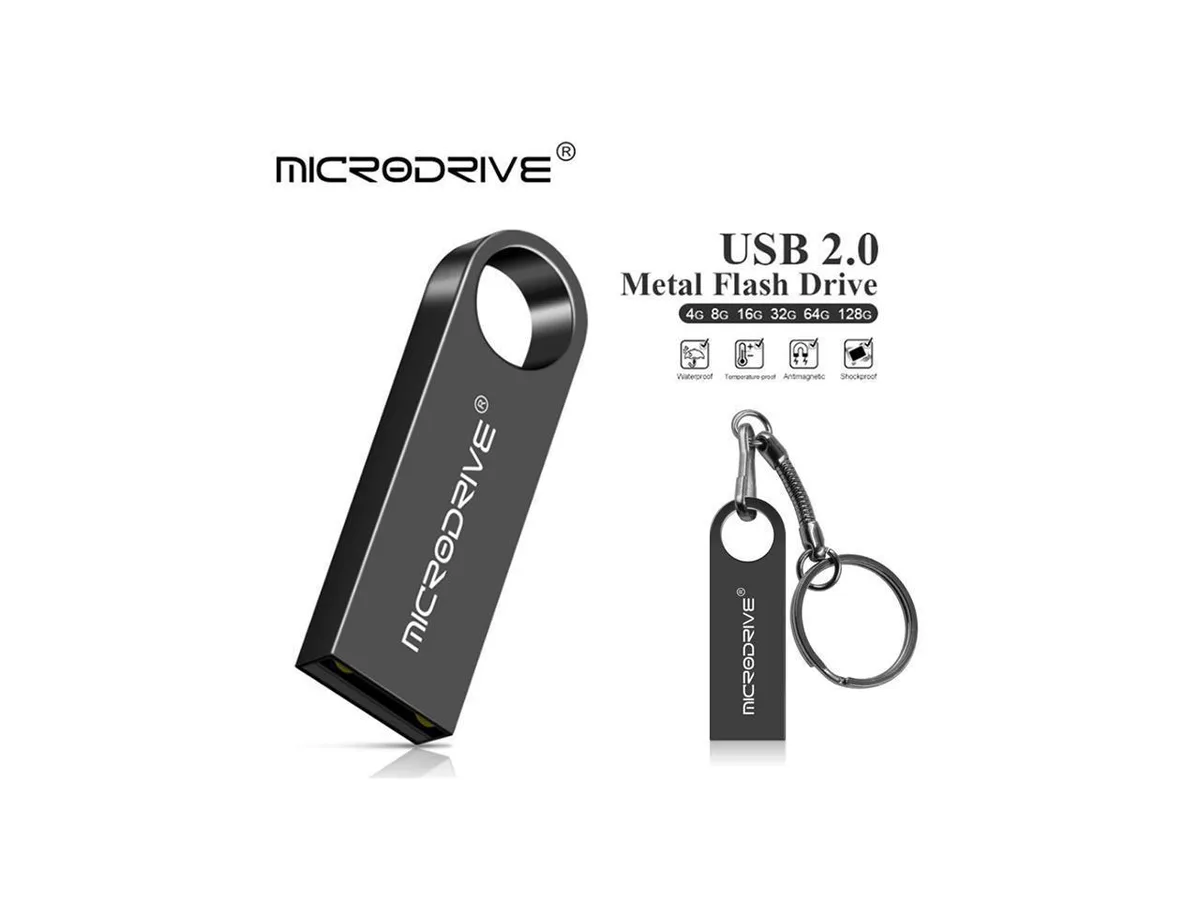
A 64 GB USB 2.0 flash drive with up to 100 MB/s speed, aluminum alloy body, key-ring hole, dust-proof and shockproof construction, and driver-less support for Windows, Mac OS and Linux
- Case TypeProtection Case
- Plug-and-play convenience with no driver installation required
- Aluminium alloy body resists dust and shock
- Key-shaped design fits on a keyring for easy carry
- USB 2.0 interface delivers up to 100 MB/s transfer speed
- 64 GB capacity stores large files in a pocket-sized drive
Product Identity
The BONAEVER Protection Case is a compact USB flash drive offering 64 GB of solid-state storage in a metal housing. It is intended for anyone who needs portable file transfer between computers without installing drivers.
Build & Connectivity
The aluminium-alloy body resists dust and shock while the key-shaped form factor fits on a key-ring to reduce loss. A USB 2.0 plug provides hot-plug operation across Windows, Mac OS and Linux systems.
Thermals, Noise & Power
Solid-state construction means no moving parts, silent running and minimal power draw from the host port. The drive stays cool during typical read and write activity at up to 100 MB/s.
Highlights
- Plug-and-play convenience with no driver installation required
- Aluminium alloy body resists dust and shock
- Key-shaped design fits on a keyring for easy carry
- USB 2.0 interface delivers up to 100 MB/s transfer speed
- 64 GB capacity stores large files in a pocket-sized drive
Specifications
| Case Type | Protection Case |
|---|
Questions about this item
What real-world transfer speed does the USB 2.0 interface limit this 64GB drive to?
The USB 2.0 connection caps practical throughput well below the 100MB/s headline figure, so expect speeds typical of that standard.
What physical space does the metal key-shaped stick need on a keyring or port?
Its compact key form and aluminum alloy body fit standard keyrings and sit flush in USB ports without blocking adjacent sockets.
How do I set it up on Windows 10 and what mistake should I avoid?
Plug it in and wait for the driver-less install to finish; do not unplug during the first recognition or the drive may not mount.
Also in this aisle
People compared these
Same shelf, same checkout — eight coins and a 30-minute rate lock.


Kensington
Kensington Desk Mount Cable Anchor K64613WW accessory
- Black
- Provides a secure a…
$19.99
0.00023202BTC
In stock
Panasonic
Panasonic CF-VDR291U laptop cooling pad
- Optical Drive
- Buffer Size: 2 MB B…
$213.99
0.00248375BTC
In stock
eReplacements
eReplacements PB992A-ER laptop battery 14.4V
- Battery
- Lithium-Ion
$65.99
0.00076594BTC
In stock