BONAEVER
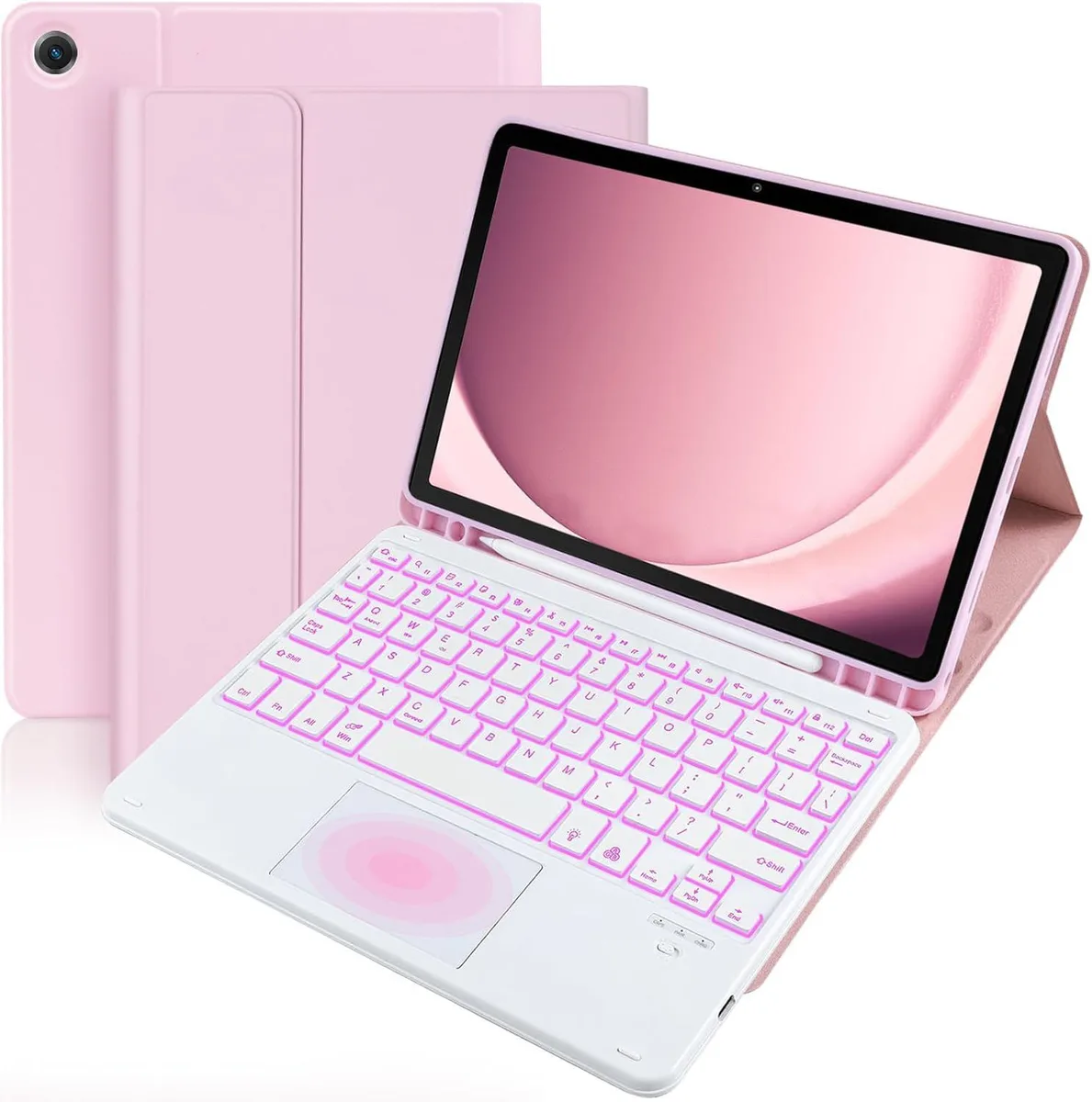
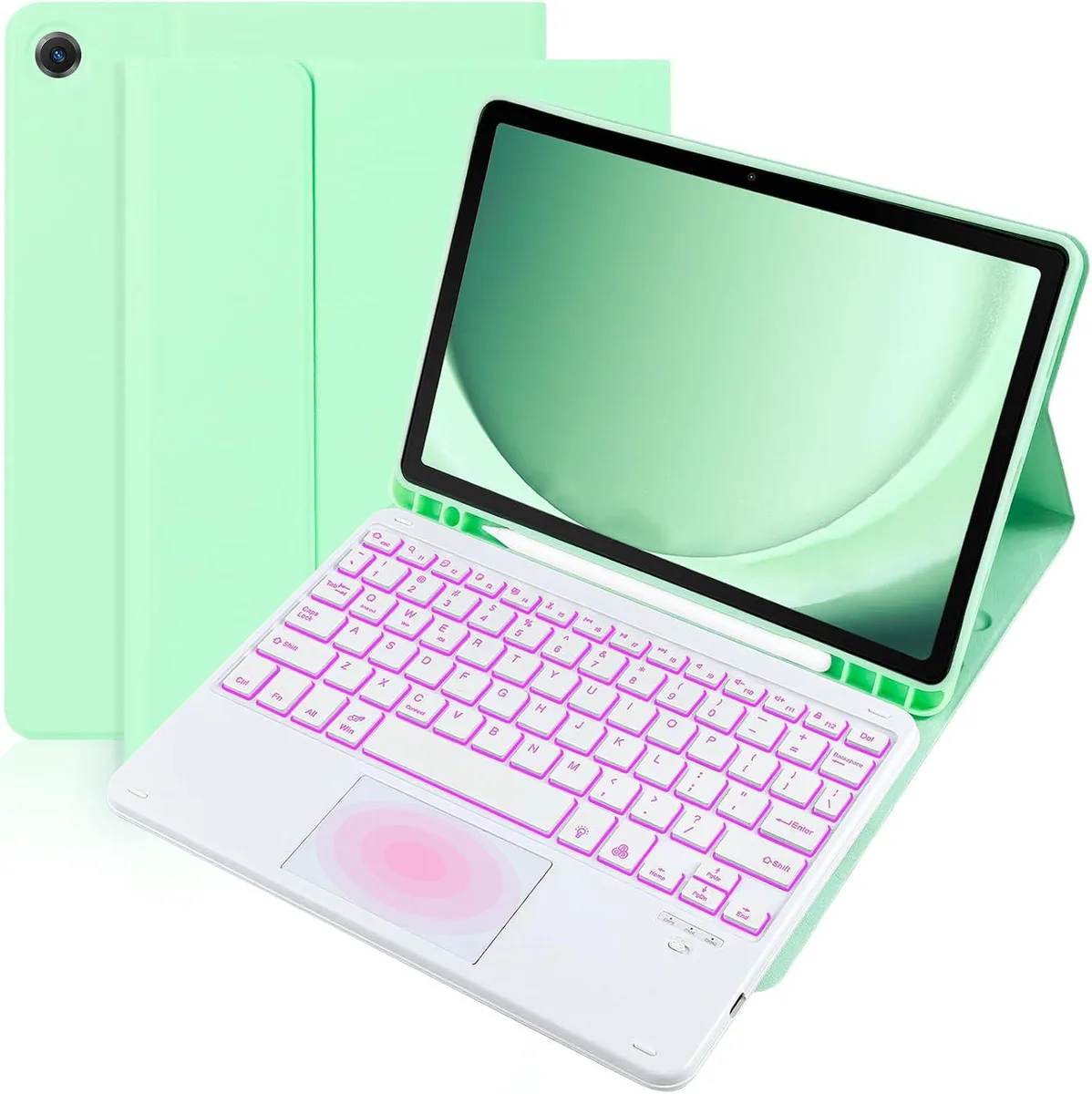
BONAEVER AGS5-W09 Touchpad Keyboard Case for Huawei Matepad SE 10.4 Inch 2022
- Protection Case
- Black
$27.99
0.00033321BTC
In stockWe take cryptocurrency — so the coins you hold can buy real hardware.Pay in crypto, spend it on real hardware. Free insured shipping worldwide over $399. Plain, unbranded boxes, sent from Germany.Free insured shipping over $399. Your rate is locked for 30 minutes once checkout opens.Rate locked 30 minutes. Every item sealed, serial-checked and covered by a 24-month warranty.Sealed, 24-month warranty.


BONAEVER
Touchpad keyboard case fits iPad Air 10.9 inch and iPad Pro 11 inch models, includes removable magnetic keyboard and pencil holder
Color Black
The BONAEVER case fits iPad Pro 11 inch models from 2018 through 2022 and iPad Air 10.9 inch models from 2020 and 2022. A detachable magnetic keyboard with integrated trackpad connects via Bluetooth and supports multi-finger gestures. A built-in pencil holder keeps a stylus secure.
Buyers with other tablet models cannot use this case because the mould is specific to the listed model numbers. Users who need a trackpad on operating systems earlier than iOS 13.0 will not have that function. Anyone preferring a fixed keyboard or a folio without a removable module should look elsewhere.
The case handles daily transport, typing and trackpad navigation for the compatible generations. It runs out when the tablet is not one of the exact model numbers listed, when the software is older than iOS 13.0, or when a buyer needs a non-removable keyboard design.
| Case Type | Protection Case |
|---|---|
| Color | Black |
Other versions of this model
Same family, different memory, cooler or clock — compare before you commit.
It fits iPad Pro 11 inch models A2435, A2759, A2761, A2762 (2022), A2377, A2301, A2459, A2460 (2021), A2228, A2068, A2230, A2231 (2020) and A1980, A2013, A1934, A1979 (2018), plus iPad Air 10.9 inch A2591, A2589, A2588 (2022) and A2325, A2324, A2316, A2072 (2020).
The touchpad requires iOS 13.0 or above and the AssistiveTouch setting enabled; on iOS 12 the touchpad will not function.
Open Settings > Bluetooth and verify the keyboard shows as Connected, then go to Settings > Accessibility > Touch > AssistiveTouch and ensure the toggle is on; the on-screen pointer should respond to trackpad gestures.
Also in this aisle
Same shelf, same checkout — eight coins and a 30-minute rate lock.
What you pay in, and what you read prices in.
Sent from your wallet at checkout
Display only — the catalogue is priced in USD
No currency matches that.
Pick the language the site speaks to you in.
No language matches that.
New here?
Already have one?
There is no automatic reset: this shop sends no mail, so there is no one-time link to ask for. Leave the address on the account and it gets picked up by hand.
Request noted
Nothing is on its way to your inbox — this shop sends no mail at all. Someone picks these up by hand.
Remembered it?