


Black Box Corporation
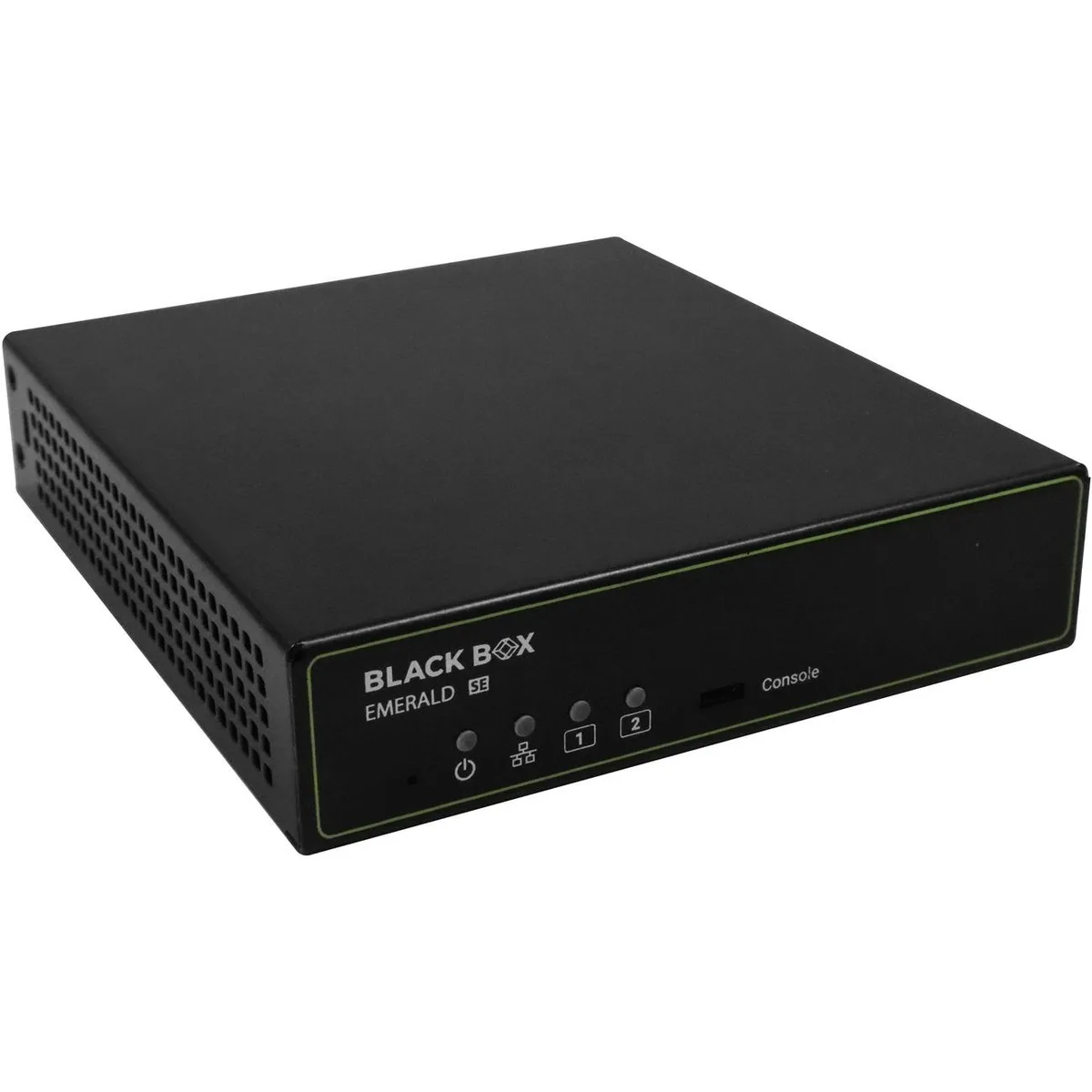
Black Box EMD2002SEDPT KVM-over-IP Transmitter Dual-Monitor
Dual-monitor KVM-over-IP transmitter with DisplayPort, USB 2.0 and audio over RJ45
- TypeAccessories
- Dual-monitor KVM-over-IP extends control across two displays
- USB 2.0 support connects keyboard, mouse and peripherals
- Audio pass-through carries sound alongside video signals
- RJ45 network link enables remote access over IP
- Emerald SE series built for professional AV environments
Dual-Monitor KVM Transmitter
The Black Box EMD2002SEDPT is a KVM-over-IP transmitter designed for dual-monitor configurations. It enables remote access and control of connected computers over a standard network link. The unit suits administrators managing servers or workstations from a central location. It ships with a power supply, power cord and a reference insert for online resources.
Installation Notes
Connect each source to the transmitter using DisplayPort, USB 2.0 and audio cables, then link the RJ45 port to the network. Power the unit with the included supply and configure IP settings through the management interface. Dual-head alignment must match the source output order to avoid swapped screens. Firmware should be updated before deployment to ensure compatibility with the receiver side.
Pre-Order Checklist
Verify that each source system provides two DisplayPort outputs and supports USB 2.0 for keyboard and mouse passthrough. Confirm the network infrastructure allows the required bandwidth and multicast or unicast routing for KVM traffic. Audio embedding must be enabled on the source if sound redirection is needed. Ensure rack or desktop space accommodates the transmitter and its cabling.
Highlights
- Dual-monitor KVM-over-IP extends control across two displays
- USB 2.0 support connects keyboard, mouse and peripherals
- Audio pass-through carries sound alongside video signals
- RJ45 network link enables remote access over IP
- Emerald SE series built for professional AV environments
Specifications
| Brand | Black Box Innovations |
|---|---|
| Type | Accessories |
Questions about this item
How do I verify the dual-monitor DisplayPort output is active after connecting the transmitter?
The Emerald SE transmitter drives two DisplayPort heads; confirm both screens show the source desktop and the USB 2.0 keyboard and mouse respond on the target machine.
Which cables and accessories are included with the EMD2002SEDPT and what must I provide?
The box contains one power supply, one power cord and a reference insert for BlackBox.com resources; DisplayPort cables, USB 2.0 cables and the RJ45 network cable are not included.
Which Emerald SE model should I choose for a dual-head DisplayPort setup?
Select the EMD2002SEDPT transmitter; its 2002 designation identifies the dual-monitor DisplayPort variant with USB 2.0, audio and RJ45 connectivity.
Also in this aisle
People compared these
Same shelf, same checkout — eight coins and a 30-minute rate lock.


Black Box Corporation
Black Box Corporation 4K60 HDMI Dual-Head KVM Switch 4 Port
$774.99
0.00924732BTC
In stock