

Accsoon
Accsoon CineView SE Multi-Spectrum Wireless Video Transmitter 1200ft 1080p HDMI SDI
$181.99
0.00217097BTC
In stockWe take cryptocurrency — so the coins you hold can buy real hardware.Pay in crypto, spend it on real hardware. Free insured shipping worldwide over $399. Plain, unbranded boxes, sent from Germany.Free insured shipping over $399. Your rate is locked for 30 minutes once checkout opens.Rate locked 30 minutes. Every item sealed, serial-checked and covered by a 24-month warranty.Sealed, 24-month warranty.
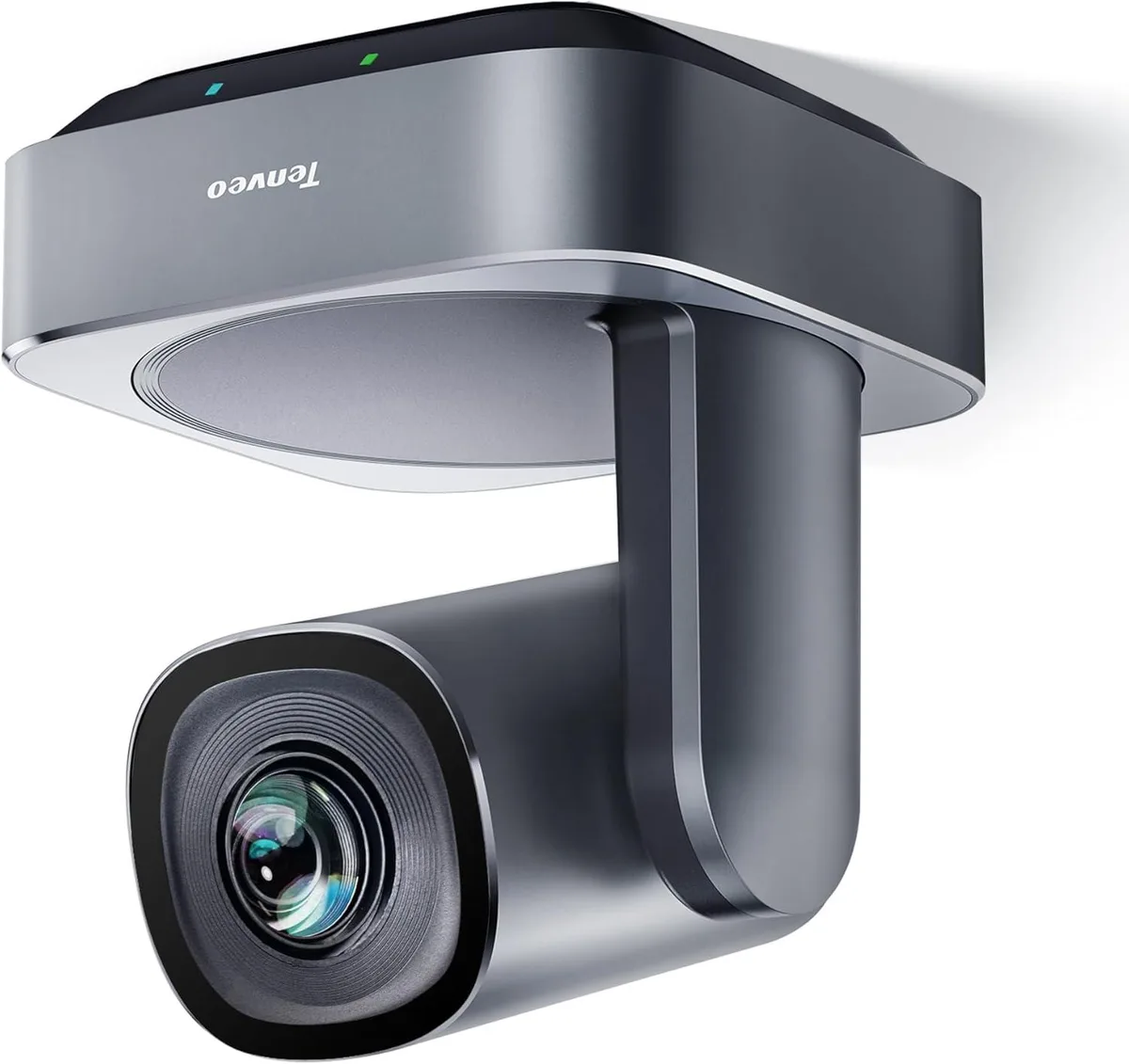


BFKK
A PTZ webcam with 20x optical zoom and 60° field of view delivering 1080p video via USB 3.0 and HDMI for conference rooms
The BFKK VL20H is a PTZ webcam built for conference rooms, classrooms and similar spaces. It captures 1080p video through a 1/2.8" CMOS sensor and a 20x optical zoom lens. A 60° horizontal field of view covers most meeting areas. Pan, tilt and zoom are controlled silently via the included remote or a keyboard.
The camera connects over USB 3.0, HDMI, RS485 or RS232 so verify your system has a matching port. Supported operating systems are Windows 7, 8.1 or 10 and Mac OS X 10.7 or higher. The unit has no built-in microphone and no AI tracking, so plan for external audio if required. Mounting hardware for desktop, monitor, tripod, wall or ceiling is included.
Pan, tilt and zoom movements run quietly during normal use. The 1080p sensor delivers clear video without generating noticeable heat at the camera head. Power is supplied through the external adapter included in the box, keeping draw on the host USB port low. The compact chassis stays cool during extended conferences.
No published specifications for this item yet.
The package includes the VL20H camera, a remote control and wall-mount hardware with screws. You will need to supply your own USB 3.0 or HDMI cable, a tripod if you prefer desktop placement, and any separate microphone because the camera has no audio capture.
Use USB 3.0 for direct plug-and-play with Windows 7, 8.1 or 10 and Mac OS X 10.7 or higher in Zoom, Teams, Skype or WebEx. Choose HDMI when you need to feed a hardware video switcher, recorder or display that accepts an HDMI source.
The 1/2.8″ CMOS sensor keeps 1080p resolution intact while the lens moves from wide 60° view down to a tight telephoto frame, so you can frame a single presenter at the far end of a large room without digital cropping.
Also in this aisle
Same shelf, same checkout — eight coins and a 30-minute rate lock.
What you pay in, and what you read prices in.
Sent from your wallet at checkout
Display only — the catalogue is priced in USD
No currency matches that.
Pick the language the site speaks to you in.
No language matches that.
New here?
Already have one?
There is no automatic reset: this shop sends no mail, so there is no one-time link to ask for. Leave the address on the account and it gets picked up by hand.
Request noted
Nothing is on its way to your inbox — this shop sends no mail at all. Someone picks these up by hand.
Remembered it?



