

BFKK
BFKK Vertical MacBook Docking Station with M.2 NVMe case
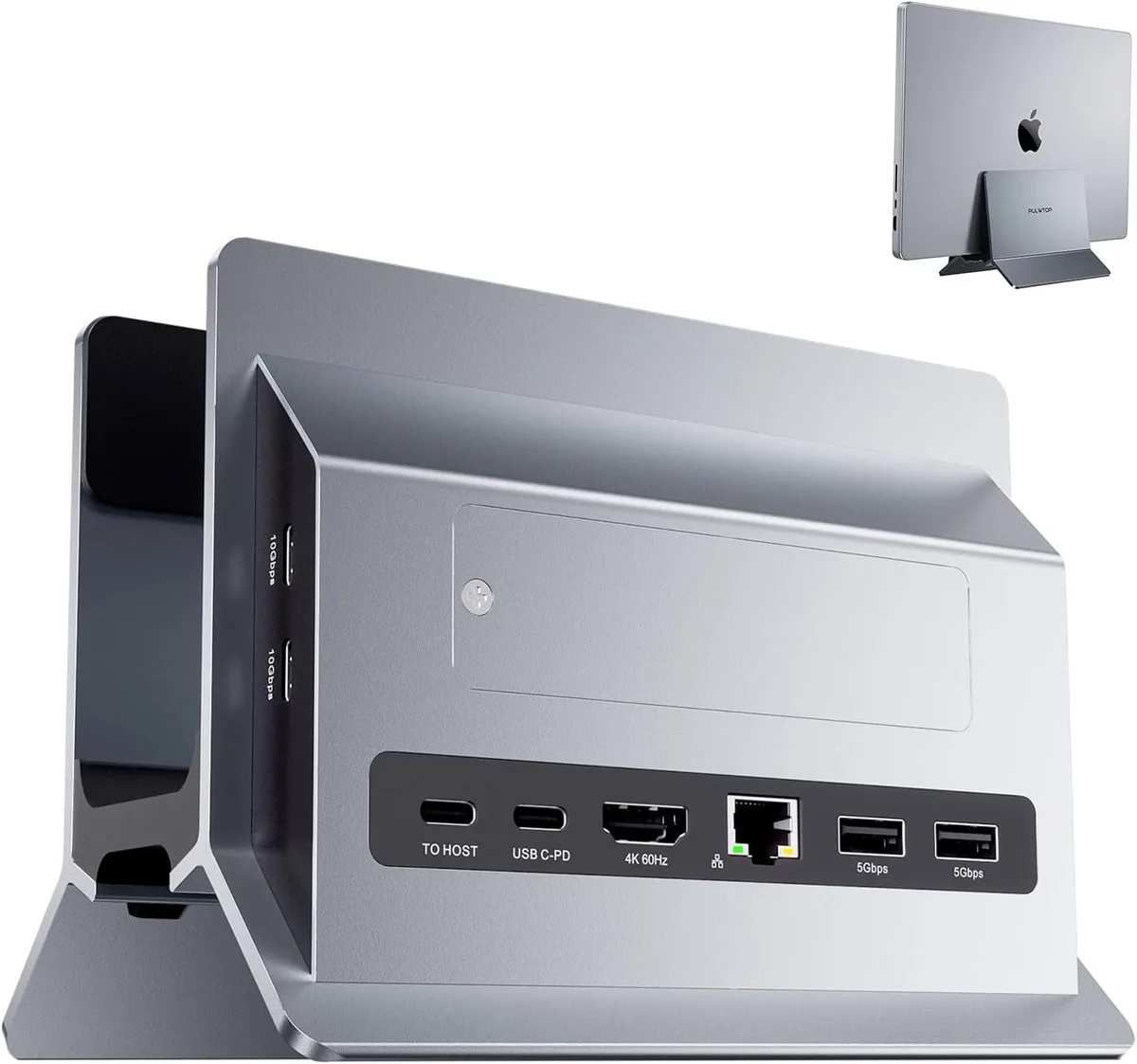
Vertical dock holds a MacBook or Mac Mini, adds 4K@60Hz HDMI, two 10Gbps USB-C, two USB 3.0, SD/TF slots, Gigabit Ethernet, 100W PD charging and an M.2 NVMe SSD slot up to 2TB
- 4K@60Hz HDMI for vivid external display
- M.2 NVMe SSD slot expands storage up to 2TB
- 2 USB-C 10Gbps plus 2 USB-A 3.0 ports connect peripherals fast
- SD and microSD cards read simultaneously at 480Mbps
- Vertical stand design saves desk space while docking
Vertical MacBook Dock with M.2 NVMe Bay
This vertical docking station combines a laptop stand with a full USB-C hub and an integrated M.2 NVMe SSD enclosure. It delivers 4K@60Hz video over a single HDMI port, two USB-C 10Gbps ports, two USB-A 3.0 ports, SD and microSD card readers, gigabit Ethernet and 100W power delivery. The design lifts the MacBook or Mac Mini off the desk to save space while keeping every port within reach.
Suits MacBook Pro, Air
The built-in M.2 slot accepts PCIe NVMe drives in 2230, 2242, 2260 and 2280 form factors up to 2TB, solving the internal storage limit on Apple silicon machines. It requires a host USB-C port that supports data, video and charging simultaneously, plus a 65W or higher power adapter for full operation. Buyers whose laptops lack full-featured USB-C or who need dual-monitor output should look elsewhere.
Handles one 4K display.
The single HDMI port drives one external monitor at 4K@60Hz for mirroring or extended desktop workflows. Two USB-C ports and two USB-A ports provide 10Gbps and 5Gbps bandwidth respectively for fast external SSDs, docks or input devices. The SD/microSD reader transfers at 480Mbps, and the RJ45 port links at 10/100/1000Mbps. The M.2 enclosure runs at 16Gbps, so even high-speed NVMe drives up to 2TB operate without bottleneck.
Highlights
- 4K@60Hz HDMI for vivid external display
- M.2 NVMe SSD slot expands storage up to 2TB
- 2 USB-C 10Gbps plus 2 USB-A 3.0 ports connect peripherals fast
- SD and microSD cards read simultaneously at 480Mbps
- Vertical stand design saves desk space while docking
Specifications
No published specifications for this item yet.
Questions about this item
My laptop only has one USB-C port — does that single port need to carry data, video and power for this dock to work?
Yes, the USB-C port on your laptop must support data transfer, video output and charging simultaneously; a power adapter of at least 65 W must also be connected to the dock.
I still use USB-A flash drives and a wired mouse — will they run at full speed through the dock's USB-A ports?
The two USB-A ports operate at 5 Gbps (USB 3.0), so legacy USB-A peripherals will work at their rated speed.
After installing an M.2 NVMe SSD, how can I confirm the drive is running at the dock's maximum 16 Gbps interface speed?
In macOS Disk Utility or Windows Device Manager, verify the drive appears as an NVMe device and check the reported link speed; it should indicate a PCIe 16 Gbps connection.
Also in this aisle
People compared these
Same shelf, same checkout — eight coins and a 30-minute rate lock.


IXJYLCPC
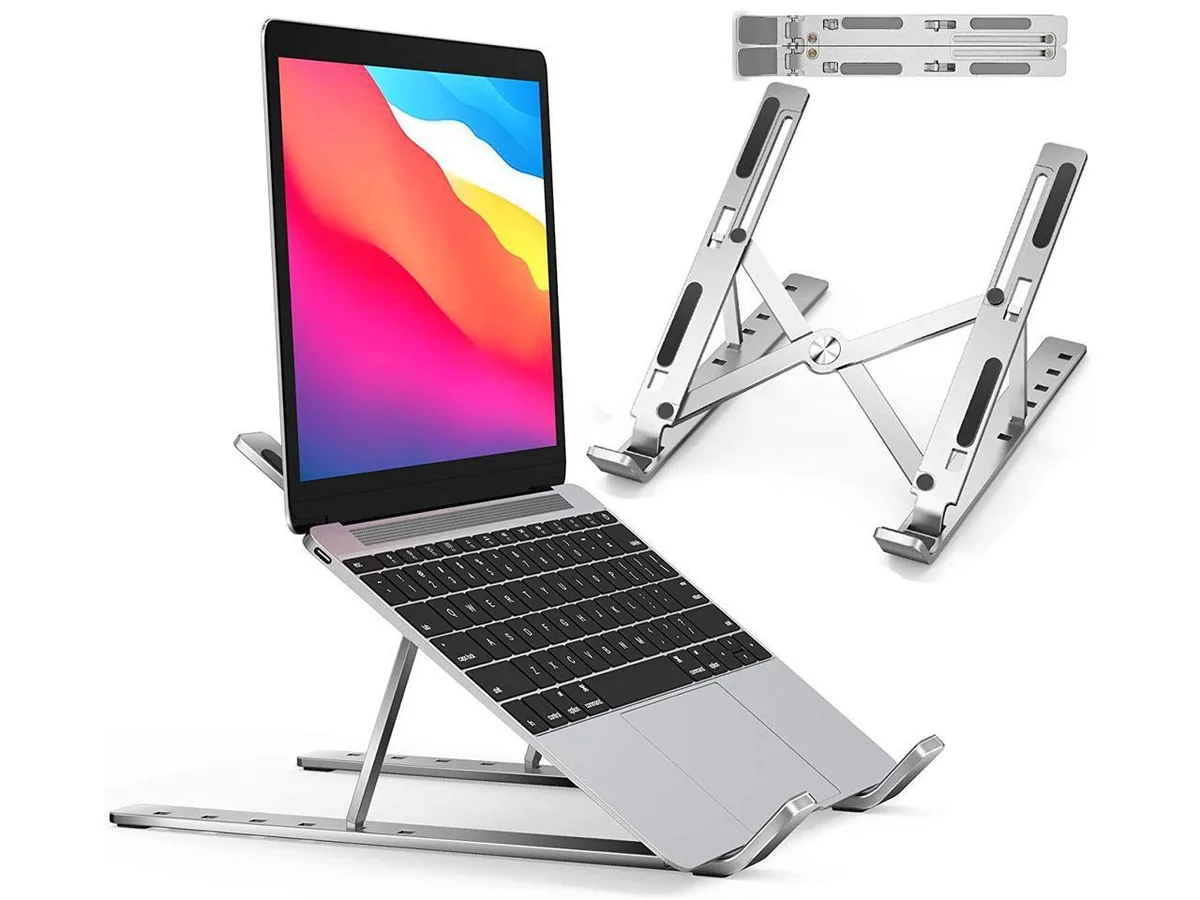
IXJYLCPC C08LS Adjustable Ergonomic Riser Stand Black 10-15.6
- Stand
$31.99
0.00036735BTC
In stock