


BFKK
BFKK Link Cable 16FT VR Accessory
A 16 ft link cable delivers 5 Gbps data and 3.1 A fast charging for Quest and PICO headsets
- 16 ft length gives room to move while gaming
- 5 Gbps data rate keeps VR visuals smooth
- Right-angle plug with velcro strap stays secure during active play
- 1 A fast charging powers the headset while you use it
- Works with Quest 3S, Quest 3, Quest 2, Quest Pro and PICO 4
16-Foot VR Link Cable
The BFKK Link Cable 16FT is a USB-C accessory that connects compatible Meta Quest and PICO 4 headsets to a gaming PC. It delivers both high-speed data transfer and simultaneous charging so the headset remains powered during long sessions.
Suits seated and room-scale PC VR players
The 16-foot length gives ample freedom for standing or room-scale movement without pulling the connector. Users who need a shorter cable for seated-only setups or who prefer a wireless streaming solution should consider other options.
5 Gbps data with 15-watt charging headroom
The cable supports 5 Gbps throughput for smooth PC VR streaming and carries up to 3.1 A at 15 W to keep the headset battery topped up. Very long play sessions that exceed the headset's own power draw will still drain the battery slowly.
Highlights
- 16 ft length gives room to move while gaming
- 5 Gbps data rate keeps VR visuals smooth
- Right-angle plug with velcro strap stays secure during active play
- 1 A fast charging powers the headset while you use it
- Works with Quest 3S, Quest 3, Quest 2, Quest Pro and PICO 4
Specifications
No published specifications for this item yet.
Questions about this item
Does my PC need a USB-C port that can deliver 15 W for this cable to charge the headset while I play?
Yes, the cable supports up to 3.1 A at 15 W, so the host port must supply that power for simultaneous charging and data.
Will the right-angle connector and velcro strap stay secure if I keep using my original Quest 2 headset?
The ergonomic right-angle plug and included velcro patches are designed to prevent accidental disconnects on Quest 2, Quest 3, Quest 3S and Quest Pro.
How can I confirm the link is running at the full 5 Gbps after I plug it in?
In the Meta Quest PC app, open Devices, select your headset and check the connection status — it will show USB 3.0 when the 5 Gbps link is active.
Also in this aisle
People compared these
Same shelf, same checkout — eight coins and a 30-minute rate lock.


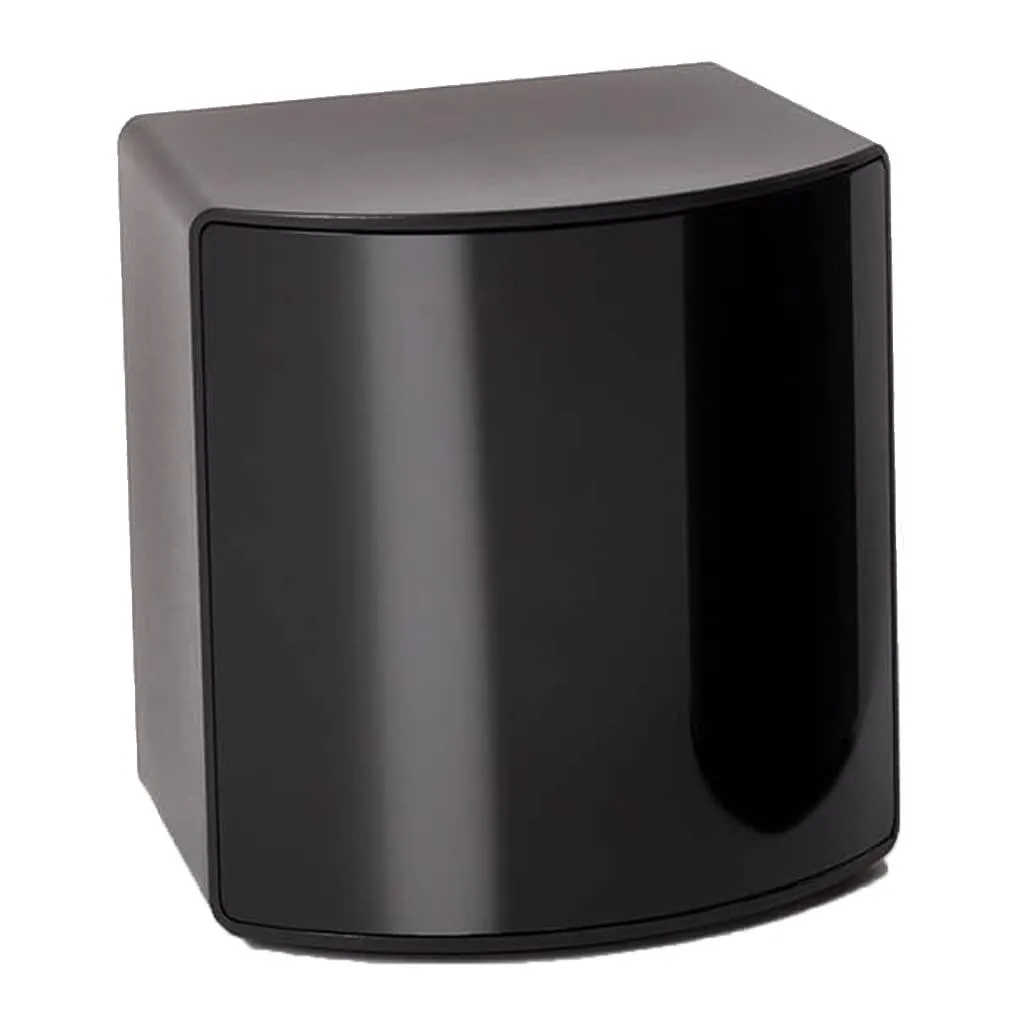
BFKK
BFKK VR Accessory Fit Pack SteamVR 2.0 Base Station 15 ft 4.5 m
- Fit Pack
$256.99
0.00296752BTC
In stock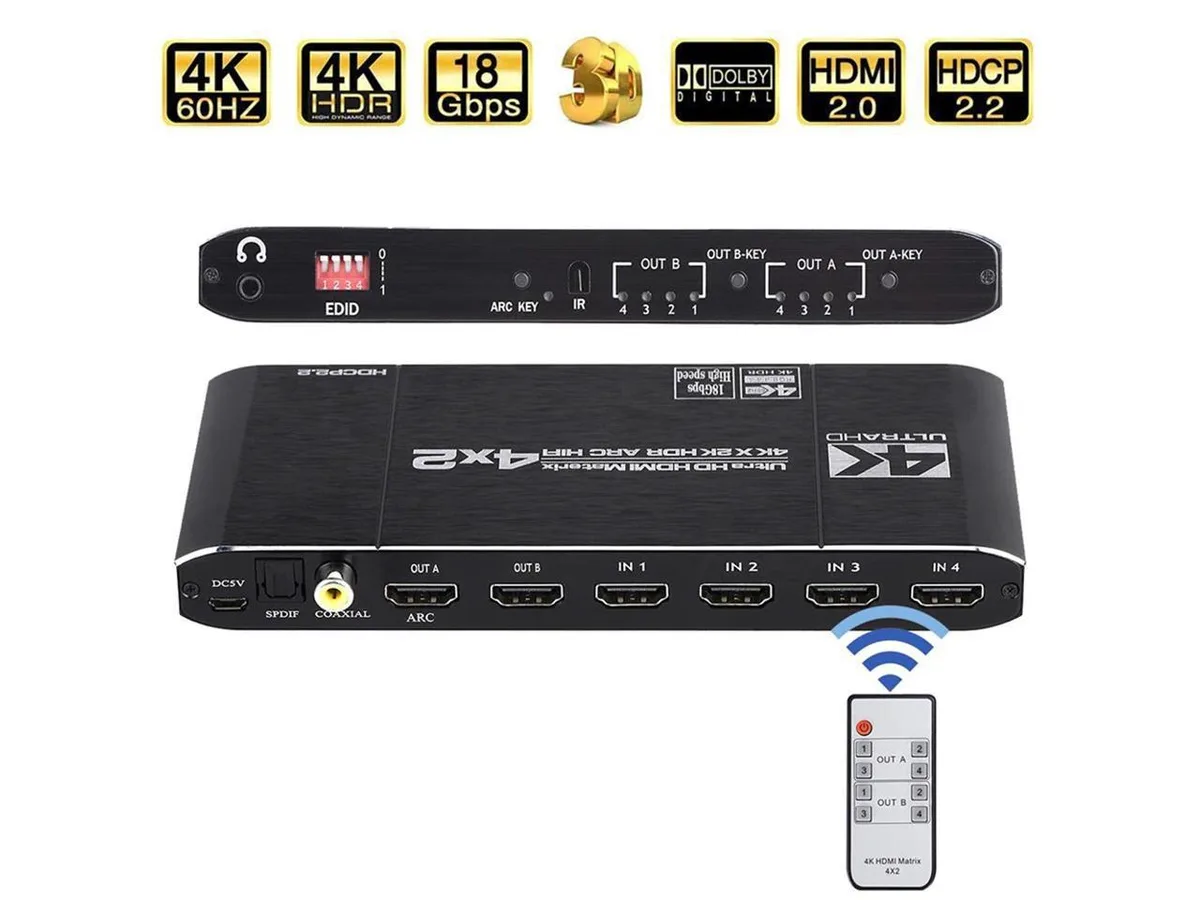
COFIER
COFIER 4K@60Hz HDMI Matrix 4x2 Switch Splitter HDCP 2.2 IR Remote Spdif vr accessory
- Controller
$289.99
0.00334858BTC
In stock