


BFKK
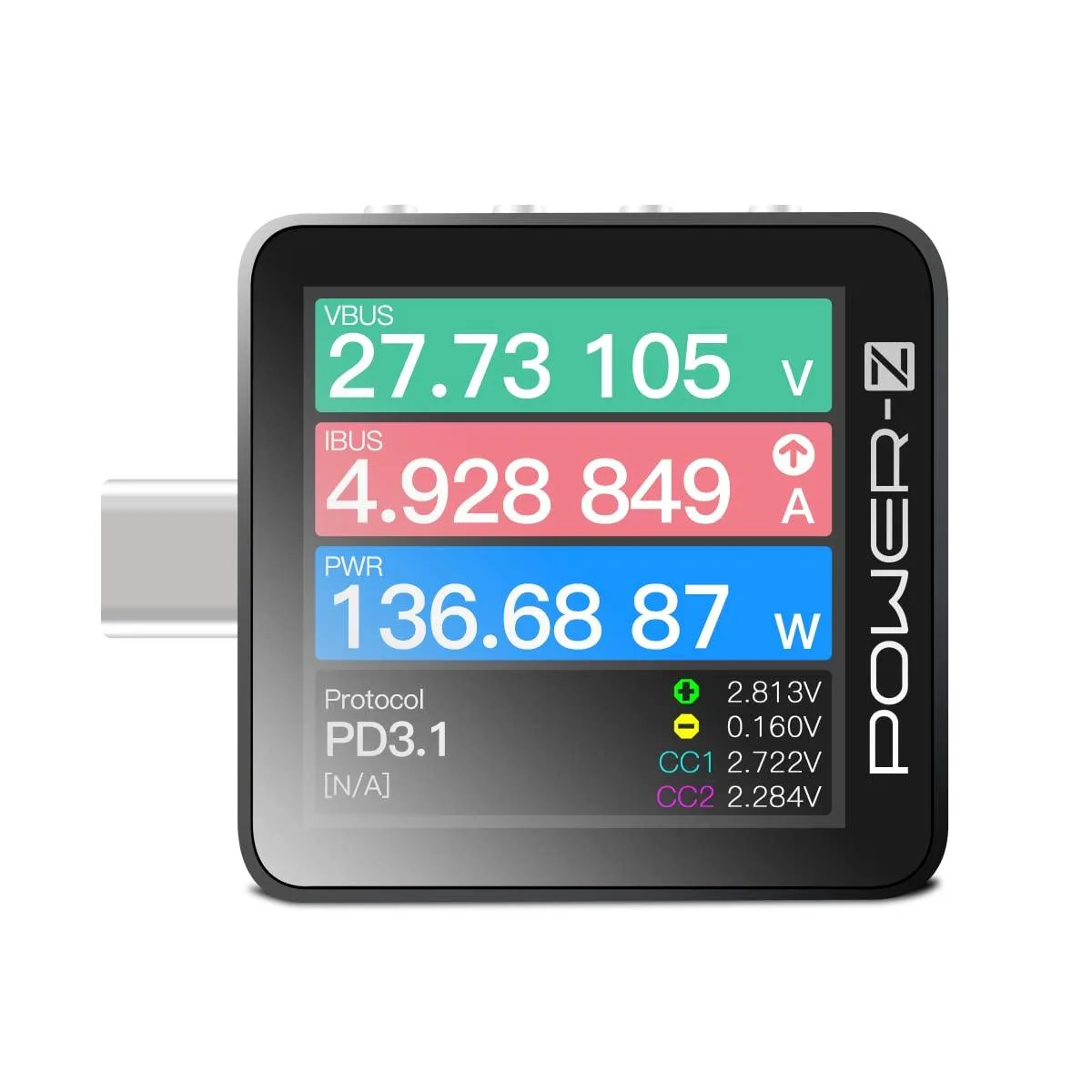
BFKK KM003C USB-C PD3.1 QC5.0 Power Tester
A portable USB-C tester measuring up to 50 V and 6 A with a 1.54-inch rotating display and PD 3.1 support
- PD3.1 support enables 240 W charging analysis
- 54-inch LCD with gravity rotation for clear readouts
- ARM Cortex-M4 and 20-bit ADC deliver precise measurements
- Dual USB-C ports plus HID port cover input, output and PC link
- Voltage, current, capacity, E-marker, PDO and protocol tests in one tool
Portable USB-C Power Tester
The BFKK KM003C is a portable USB-C power tester built for engineers and technicians who need to verify fast-charging performance. It integrates an ARM Cortex-M4 processor with a 20-bit ADC to measure voltage and current on USB-C connections. The device suits lab bench work and field diagnostics where detailed protocol data is required.
Upgrades from basic meters
This unit replaces simple voltmeter or ammeter tools that only show instantaneous readings. The jump is worth it when you need PD3.1 protocol analysis, E-marker decoding, PDO interrogation, capacity logging, or energy accumulation tests. It captures up to 10 million data points per session for later review on PC software.
Installation and common issues
Connection is straightforward: plug the tester inline between a USB-C source and load using the two dedicated USB-C ports, then link the HID port to a PC for live streaming or firmware updates. The 1.54-inch LCD supports gravity rotation for readable orientation. Problems usually stem from outdated PC software or loose cables during high-current captures.
Highlights
- PD3.1 support enables 240 W charging analysis
- 54-inch LCD with gravity rotation for clear readouts
- ARM Cortex-M4 and 20-bit ADC deliver precise measurements
- Dual USB-C ports plus HID port cover input, output and PC link
- Voltage, current, capacity, E-marker, PDO and protocol tests in one tool
Specifications
No published specifications for this item yet.
Questions about this item
What USB-C ports does the KM003C have for connecting a charger and a device?
It provides two USB-C ports, one for current input and one for current output, so you can place it inline between a charger and a device.
How do you connect the tester to a PC for firmware updates and data logging?
Use the dedicated HID USB-C port on the tester, install the PC software from the manufacturer website, then link the HID port to the computer with a standard USB-C cable.
What charging protocols can the tester identify and analyse?
It supports USB PD 3.1 and QC 5.0 protocol analysis, plus E-marker reading and PDO listing for any connected source or sink.
Also in this aisle
People compared these
Same shelf, same checkout — eight coins and a 30-minute rate lock.


Lab Safety Supply Inc
Lab Safety Supply Inc 667123 24 Well Tissue Culture Plate w/Lid PK50
- Assortments & Kits
$66.99
0.00079652BTC
In stock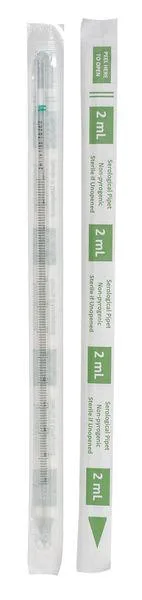
Lab Safety Supply Inc
Lab Safety Supply Inc 11L806 2mL Pipet Individually Wrapped PK600
- Assortments & Kits
$106.99
0.00127213BTC
In stock