


BFKK
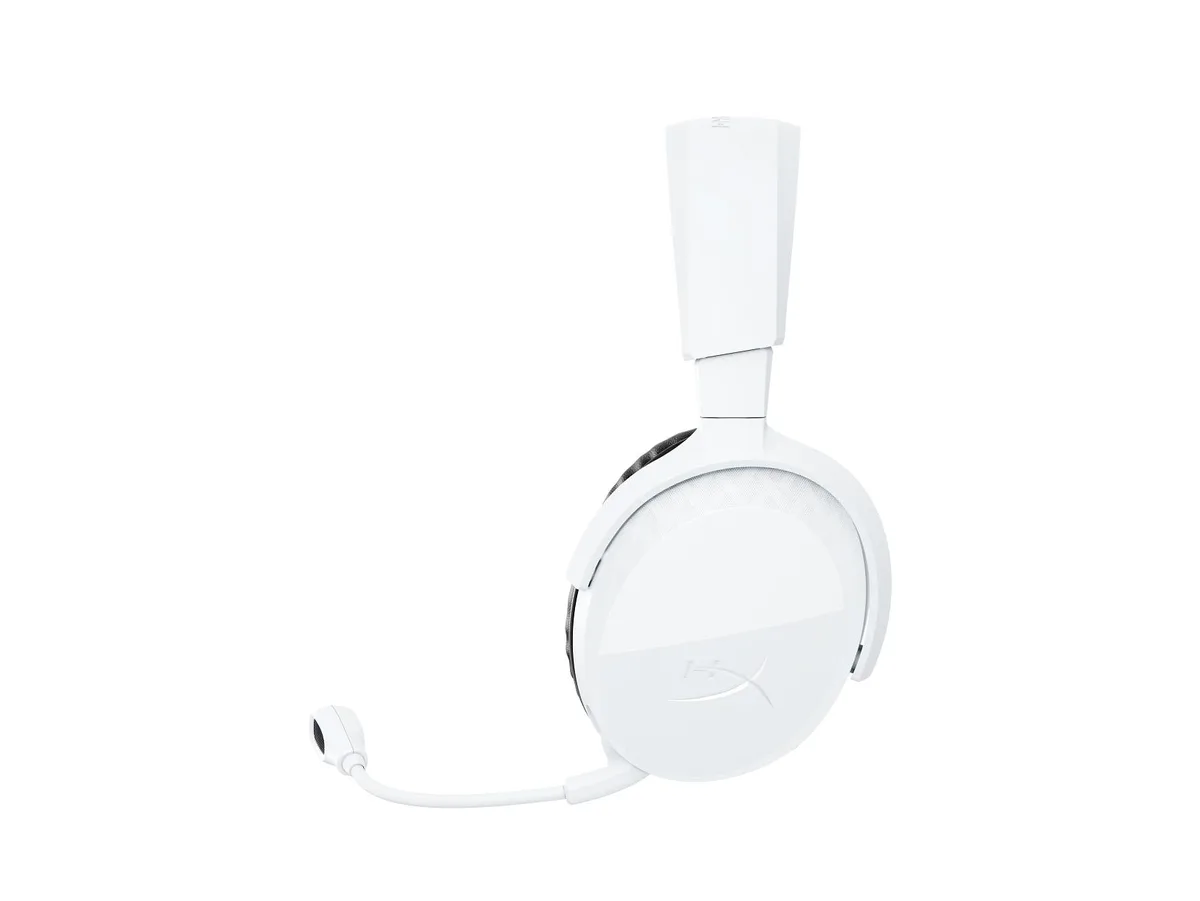
BFKK Gaming Headset 50mm 7.1 Surround 3.5mm Jack 120° Mic
Works with any 3.5 mm jack device, 50 mm drivers deliver 7.1 surround sound and a 120° adjustable noise-cancelling microphone
- Lightweight frame with protein leather ear cups for comfortable long sessions
- 50 mm neodymium drivers deliver 7.1 surround sound and deep bass
- 120° adjustable noise-cancelling microphone gives clear voice capture
- Single 3.5 mm jack works with PC, consoles and Switch
- USB connection powers RGB lighting only
Universal 3.5 mm Gaming Headset
This headset connects to PC, PlayStation 4, PlayStation 5, Xbox One, Xbox Series consoles, Switch, Mac and laptops through a single 3.5 mm jack. A 1-to-2 splitter cable is included for PC use where separate headphone and microphone ports are present. The USB plug powers only the RGB lighting and is not required for audio.
Lightweight Alloy Frame with 120° Mic
An alloy steel headband and auto-adjusting double-layer design reduce pressure during long sessions. Protein leather ear cups add comfort without heaviness. The flexible boom microphone rotates 120° and features noise-cancelling pickup for clear, non-static voice capture in chat.
50 mm Drivers with 7.1 Surround
Fifty-millimetre neodymium drivers deliver 7.1 virtual surround sound and deep bass for positional audio in games and immersive movie playback. The braided cable and reinforced construction are tested for durability. Buyers needing wireless freedom or active noise cancellation for travel should consider other form factors.
Highlights
- Lightweight frame with protein leather ear cups for comfortable long sessions
- 50 mm neodymium drivers deliver 7.1 surround sound and deep bass
- 120° adjustable noise-cancelling microphone gives clear voice capture
- Single 3.5 mm jack works with PC, consoles and Switch
- USB connection powers RGB lighting only
Specifications
No published specifications for this item yet.
Questions about this item
Does the 3.5 mm jack carry 7.1 surround sound on its own?
The 3.5 mm jack provides stereo output; the 7.1 surround effect is created by the headset's internal processing when connected to a PC or console that supports it.
What physical clearance does the 120° adjustable microphone need?
The boom rotates 120° from the ear cup; allow space above the cup so the mic can swing clear without hitting your head or shoulder.
What is the correct PC connection step for full audio and microphone function?
Plug the headset's single 3.5 mm plug into the supplied 1-to-2 splitter, then insert the green and pink plugs into the PC's headphone and microphone ports respectively.
Also in this aisle
People compared these
Same shelf, same checkout — eight coins and a 30-minute rate lock.




GAMEPOWER
GAMEPOWER Mihawk USB Gaming Headset 7.1 Virtual Surround 16-Pack
$86.99
0.00102405BTC
In stock