


BenQ
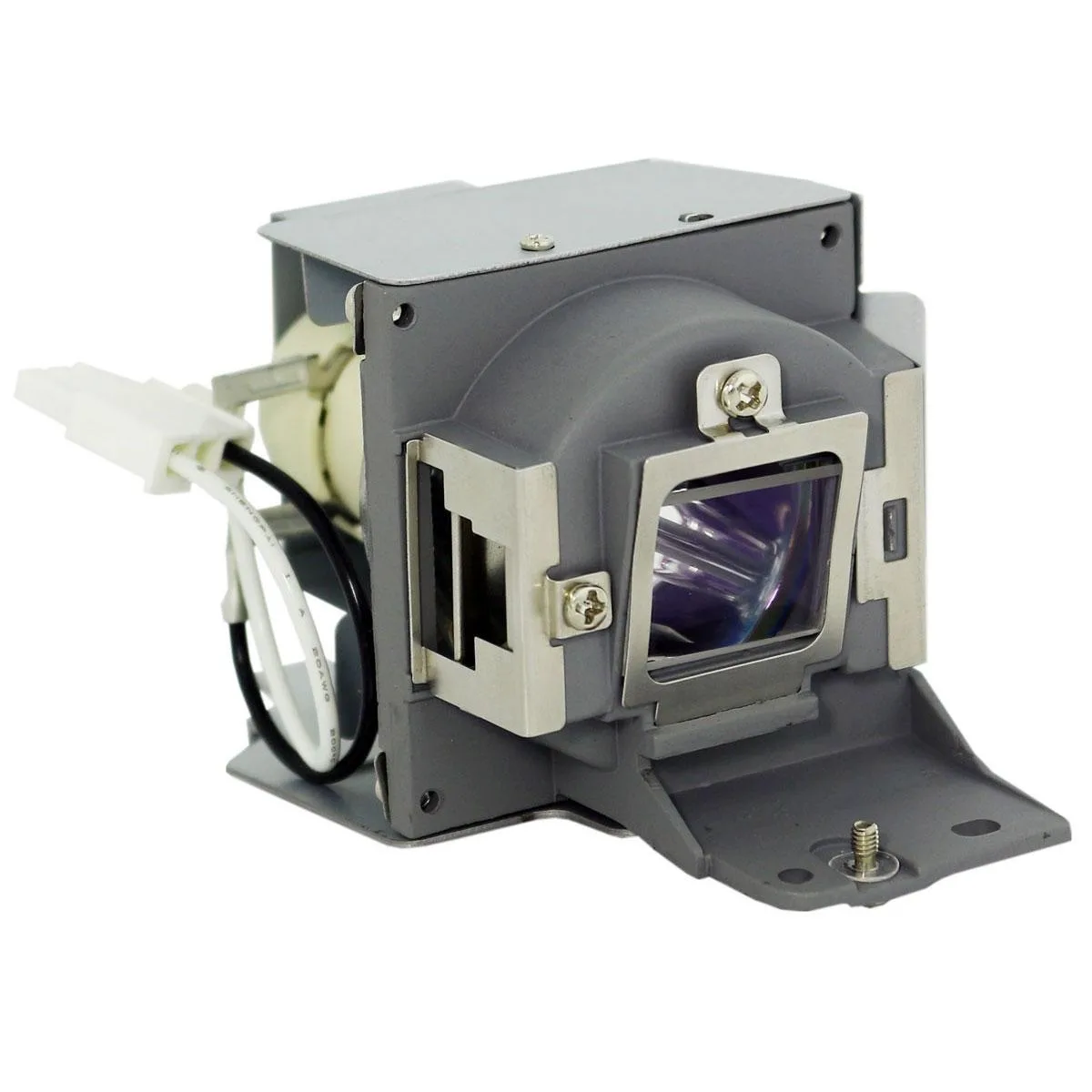
BenQ MS619ST DLP Replacement Lamp with Genuine OEM Bulb
A replacement lamp assembly with a genuine OEM bulb for the BenQ MS619ST projector, supplied with a compatible housing and 180-day coverage
- TypeProjector Lamps
- Genuine OEM bulb delivers exact manufacturer brightness
- Compatible housing ensures secure fit for MS619ST
- 180-day warranty protects against defective lamps
- Direct OEM sourcing guarantees authentic bulb quality
- Ready-to-install assembly saves projector downtime
BenQ MS619ST DLP Replacement Lamp
This genuine OEM replacement lamp is designed for the BenQ MS619ST projector. It restores original brightness and colour accuracy for home cinema, classroom or meeting-room use. The assembly arrives ready to install, so users can quickly return their projector to service.
Build quality and daily handling
The lamp ships inside a high-quality compatible housing that aligns with the projector's mounting points. A genuine OEM bulb sits within the housing, engineered to meet the manufacturer's exact specifications for output and lifespan. No special tools are required; the unit slides into the projector's lamp compartment and locks in place.
Compatibility checks before ordering
Confirm that your projector is the BenQ MS619ST model before purchase. The lamp is not compatible with other BenQ models or different brands. Verify that the existing lamp compartment is undamaged and free of debris that could affect seating. The product carries a 180-day warranty against manufacturing defects.
Highlights
- Genuine OEM bulb delivers exact manufacturer brightness
- Compatible housing ensures secure fit for MS619ST
- 180-day warranty protects against defective lamps
- Direct OEM sourcing guarantees authentic bulb quality
- Ready-to-install assembly saves projector downtime
Specifications
| Brand | BenQ |
|---|---|
| Type | Projector Lamps |
Questions about this item
What projector model does the MS619ST lamp assembly fit?
The assembly is built for the BenQ MS619ST projector and includes a genuine OEM bulb inside a compatible housing.
What hardware is included for mounting the lamp?
The unit ships as a complete housing with the bulb pre-installed, so it slides into the projector’s lamp bay without extra brackets.
How is the lamp installed and what step is often missed?
Power off and unplug the projector, let it cool, remove the lamp cover, swap the old housing for the new one, then reset the lamp timer in the menu.
Also in this aisle
People compared these
Same shelf, same checkout — eight coins and a 30-minute rate lock.



Parsec Technologies, Inc.
Parsec Technologies, Inc. PRO4A4L15W TV Antenna
$271.99
0.00321688BTC
In stock
SIERRA WIRELESS DATA INC
SIERRA WIRELESS DATA INC 6001363 6-in-1 Dome TV Antenna
$202.99
0.0024008BTC
In stock
NEC Display Solutions
NEC Display Solutions 10 Point Infrared Touch Overlay for C431 OLR431R
$326.99
0.00386737BTC
In stock