


Batianda
Batianda 5in IPS USB Mini Screen 2 in 1 accessory
A 5-inch IPS USB mini screen that shows real-time CPU, GPU and RAM usage plus temperature, network speed, date, time, volume and weather inside or outside the chassis
- Clear 5-inch IPS visuals inside or outside the chassis
- Switch built-in themes or customise backgrounds with one click
- Monitor CPU, GPU, RAM, temps, network, time and weather
- Auto-close screen saves power while showing real-time status
- Single USB cable powers and connects — no extra software or cables needed
5in IPS USB mini system monitor
The Batianda 5in IPS USB mini screen is a secondary display that shows real-time PC statistics inside or outside a chassis. It targets Windows users who want a compact, self-powered panel for monitoring CPU, GPU and RAM utilisation, temperatures, network speed, date, time, volume and weather without extra cables or software.
Built-in themes and driverless connection change
Selectable on-screen themes let you switch backgrounds or layouts with a single click for a personalised look. The device draws power and data from a single USB Type-C cable, requires no separate power supply, no HDMI cable and no AIDA64 installation, so setup is immediate on any compatible Windows machine.
USB interface limits placement and platform support
Because the panel relies entirely on the USB bus for both power and data, cable length and port bandwidth dictate how far the screen can sit from the host. The manufacturer states the product is only suitable for Windows, so Linux or macOS builders cannot use the native monitoring features without unsupported workarounds.
Highlights
- Clear 5-inch IPS visuals inside or outside the chassis
- Switch built-in themes or customise backgrounds with one click
- Monitor CPU, GPU, RAM, temps, network, time and weather
- Auto-close screen saves power while showing real-time status
- Single USB cable powers and connects — no extra software or cables needed
Specifications
No published specifications for this item yet.
Questions about this item
Does the 5 in IPS panel need any firmware updates or backlight replacement over time?
The built-in themes and auto-close screen function are handled by the supplied Windows software, so no separate firmware process is required and the panel has no user-replaceable parts.
What stops the USB connection from throttling the CPU GPU RAM readouts during a long gaming session?
The single USB cable carries both power and data, so sustained polling is limited by the port's current budget rather than a separate power adapter.
How much extra heat or fan noise does the 5 in sub-screen add when it stays on all day?
The screen draws power only from the USB port and has no active cooling, so it adds negligible heat and no audible noise to the chassis.
Also in this aisle
People compared these
Same shelf, same checkout — eight coins and a 30-minute rate lock.


GAMERKING
GAMERKING 1TB NVMe SSD for MacBook Air Pro 2013-2017 2 in 1 accessory
$187.99
0.00219527BTC
In stock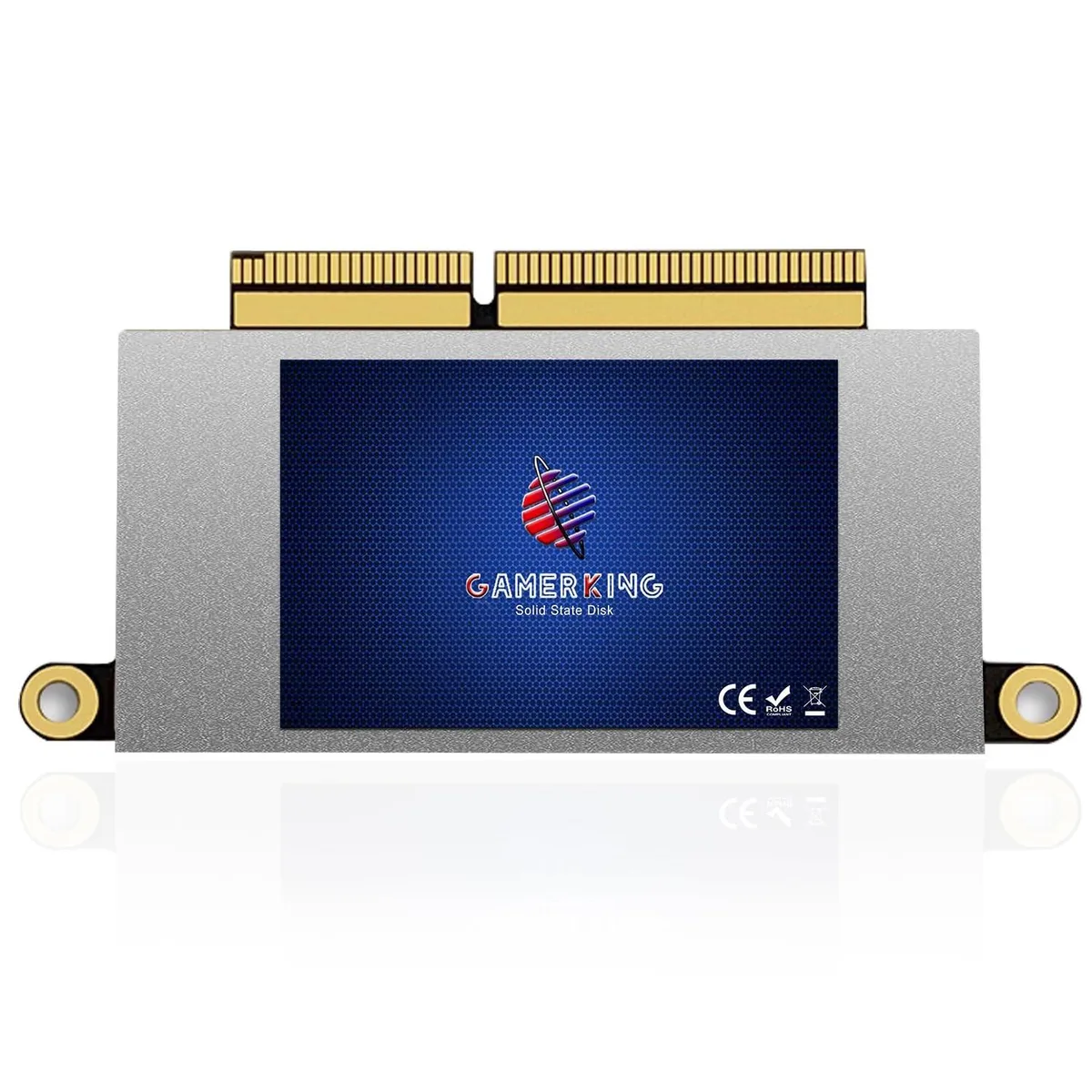
GAMERKING
GAMERKING 1TB NVMe SSD MacBook Pro 13 A1708 2016 2017 Non-Touchbar 2 in 1 accessory
$198.99
0.00232373BTC
In stock
GAMERKING
GAMERKING 512GB NVMe SSD 2 in 1 accessory for MacBook Air Pro 2013-2017
$144.99
0.00169314BTC
In stock