
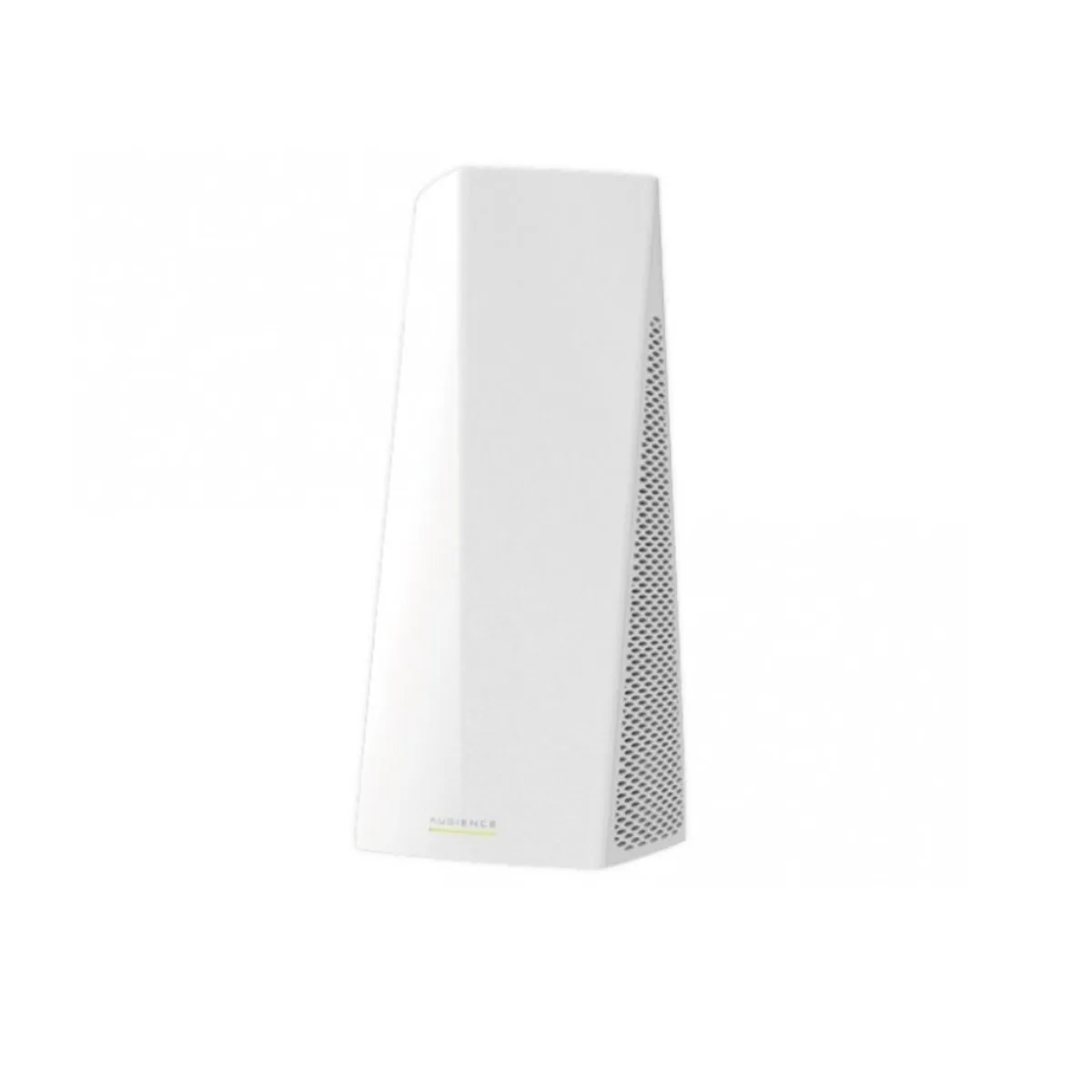
Batianda
Batianda 2 in 1 accessory US Version
Tri-band home access point with meshing covers up to 1858 m² and supports 2.4 GHz plus dual 5 GHz chains
- Tri-band Wi-Fi covers large homes with one 2.4 GHz and two 5 GHz radios
- Mesh technology expands coverage by adding units that sync with a button press
- Mobile app for iOS or Android guides quick initial setup
- Single unit covered 1858 m (20000 square feet) in tests
- Dual-chain 2.4 GHz and 5 GHz bands reduce interference in crowded environments
Tri-band mesh access point
The MikroTik Audience is a tri-band home access point that uses one 2.4 GHz and two 5 GHz radios to create a single Wi-Fi network across large homes. Mesh technology lets additional units synchronise with a button press so coverage expands without extra wiring. Setup is handled through the MikroTik mobile app on iOS or Android.
Large homes with obstacles; not for small flats
Buyers who need reliable Wi-Fi throughout a big house with thick walls or multiple floors will benefit from the tri-band design and mesh expansion. Households that only need to cover a single room or small apartment will not use the extra radios or range and should look at a simpler single-unit router.
1858 m (20000 square feet) tested coverage
In the supplier's tests one unit covered 1858 m (20000 square feet) of open space, though walls, interference and client density will reduce that figure in practice. This area number is the key specification for deciding whether a single device is sufficient or whether additional mesh nodes are required.
Highlights
- Tri-band Wi-Fi covers large homes with one 2.4 GHz and two 5 GHz radios
- Mesh technology expands coverage by adding units that sync with a button press
- Mobile app for iOS or Android guides quick initial setup
- Single unit covered 1858 m (20000 square feet) in tests
- Dual-chain 2.4 GHz and 5 GHz bands reduce interference in crowded environments
Specifications
No published specifications for this item yet.
Questions about this item
What internet connection does the Audience access point need for the initial setup?
The MikroTik app connects to the router and guides you through a quick setup process; an active internet uplink is required for the app to complete configuration.
Can I keep my existing 2.4 GHz devices while using the 5 GHz radios on this unit?
Yes, the dual-chain design lets you run 2.4 GHz for household mobiles and reserve the two 5 GHz bands for PCs or TVs simultaneously.
How do I verify the mesh is covering the 1858 m² area after adding a second Audience?
Use the MikroTik app to view signal strength and client counts on each band; consistent 2.4 GHz and 5 GHz readings across rooms confirm the mesh is working.
Also in this aisle
People compared these
Same shelf, same checkout — eight coins and a 30-minute rate lock.


Tributaries
Tributaries 2S-010D Series 2 Subwoofer Cable 1 Meter 24AWG OFC
$80.99
0.00094784BTC
In stock
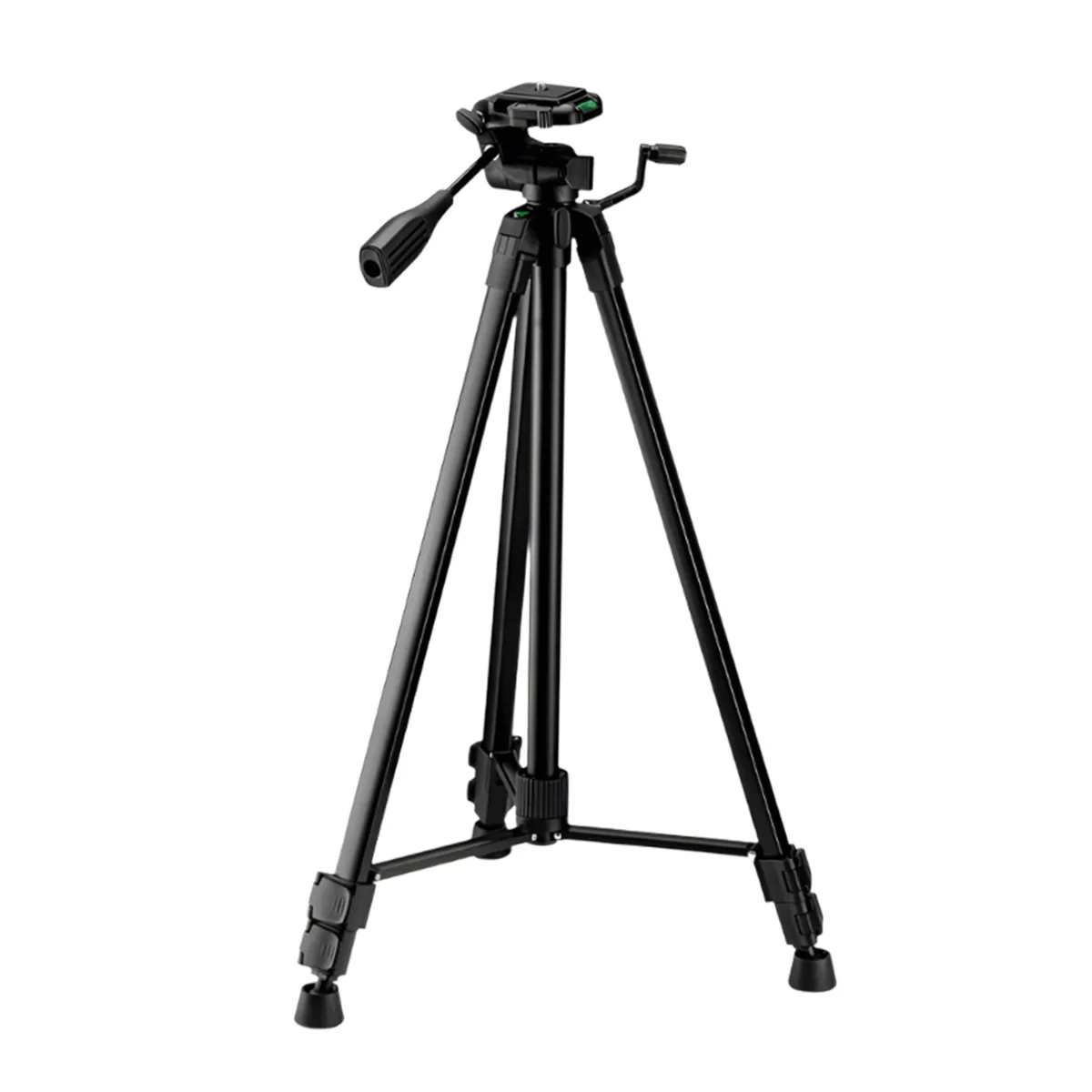
FotoPro
FotoPro Digi-9300+ 62-inch Tripod with Phone Mount 2 in 1 accessory
$41.99
0.00049142BTC
In stock