

Avery
Avery 5168 White Shipping Labels 400/Box
White shipping labels with TrueBlock technology and Ultrahold adhesive, 400 per box
- TypeLabels
- FeaturesLaser Printer Compatible
- ColorWhite
- TrueBlock technology blocks out underlying markings
- Ultrahold adhesive keeps labels secure on tough surfaces
- 400 labels per box support high-volume shipping
- Laser printer compatible for quick custom printing
- Free Avery Design & Print templates simplify label creation
Shipping labels for parcels
Avery 5168 labels are bright white sheets designed for laser printers. TrueBlock technology hides any printing or markings underneath so only your new address shows. Ultrahold adhesive bonds to cardboard, plastic and other tough shipping surfaces. Four hundred labels per box support high-volume mailing.
Laser printing and adhesion
The sheets feed through standard laser printers without jamming or curling. Toner fuses cleanly to the bright white surface for crisp barcodes and text. Ultrahold adhesive resists moisture and handling during transit. No special printer settings or maintenance are required.
400 labels per box
Each box contains exactly 400 labels in the 5168 format. This quantity suits small businesses and frequent shippers who print batches regularly. Buyers needing fewer labels or continuous rolls should check other Avery ranges.
Highlights
- TrueBlock technology blocks out underlying markings
- Ultrahold adhesive keeps labels secure on tough surfaces
- 400 labels per box support high-volume shipping
- Laser printer compatible for quick custom printing
- Free Avery Design & Print templates simplify label creation
Specifications
| Type | Labels |
|---|---|
| Brand | Avery |
| Model | 5168 |
| Features | Laser Printer Compatible |
| Color | White |
| Shipping weight | 1.37 kg |
| Package size | 290 × 226 × 25 mm |
Questions about this item
How do I load the Avery 5168 sheets into my laser printer without causing a jam?
Fan the stack before loading, place the label side facing the correct direction for your printer model, and select the labels or heavy paper setting in the driver so the fuser temperature matches the material.
Will the adhesive on these 400 labels degrade if I store the box for a long time?
Keep the box sealed in a cool, dry place away from direct sunlight; the Ultrahold adhesive remains stable for years under normal office conditions.
At what point does toner smudging appear when I print multiple batches continuously?
Smudging typically starts once the fuser overheats during a long run; pause between batches to let the printer cool and maintain clean output.
Also in this aisle
People compared these
Same shelf, same checkout — eight coins and a 30-minute rate lock.


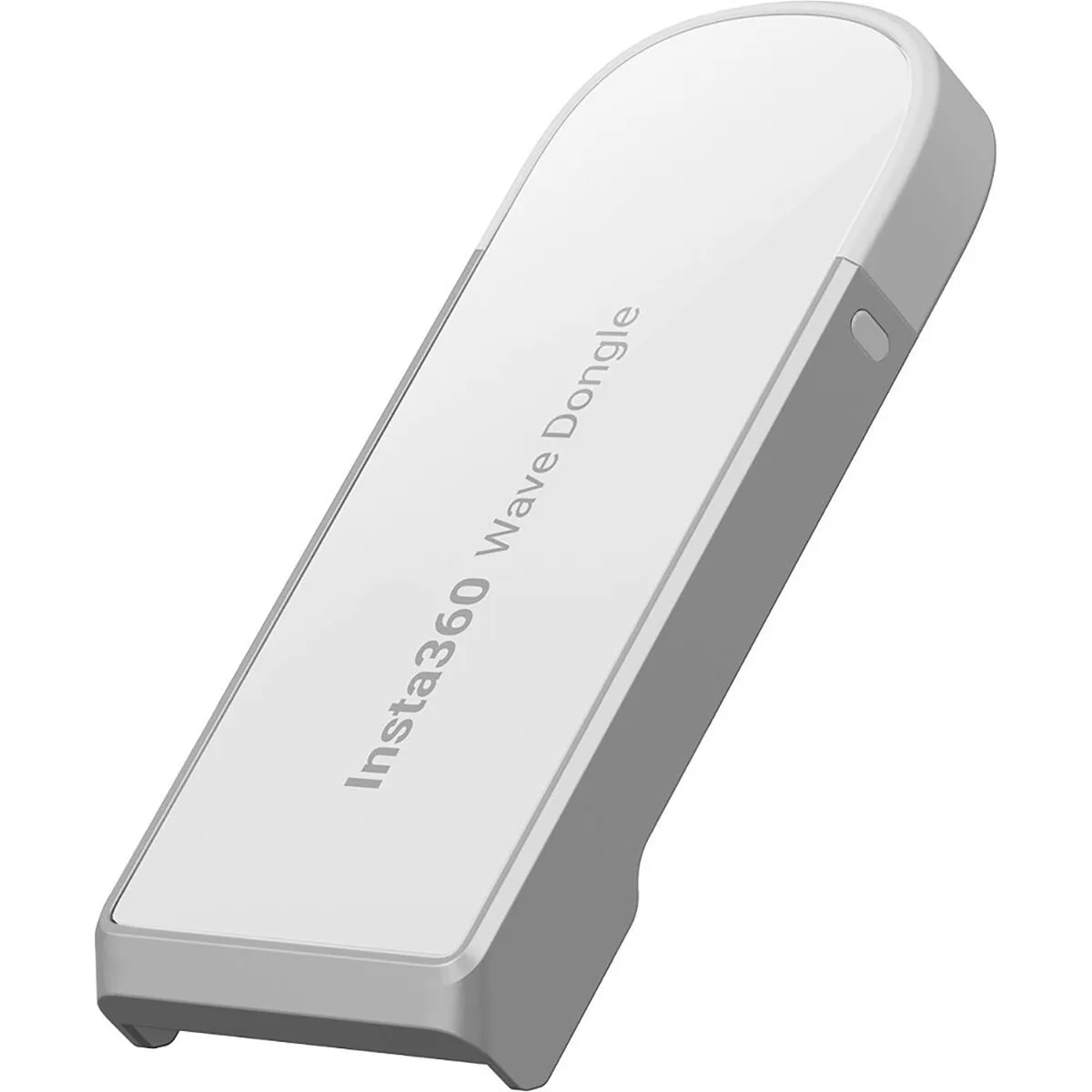
Insta360
Insta360 USB 2.0 Wireless Dongle for Wave Speakerphone Arctic White conferencing device
$39.99
0.00046699BTC
In stock
Insta360
Insta360 Connect Remote Control with 10 m range and USB-C charging
$85.99
0.00100416BTC
In stock