ZKTECO
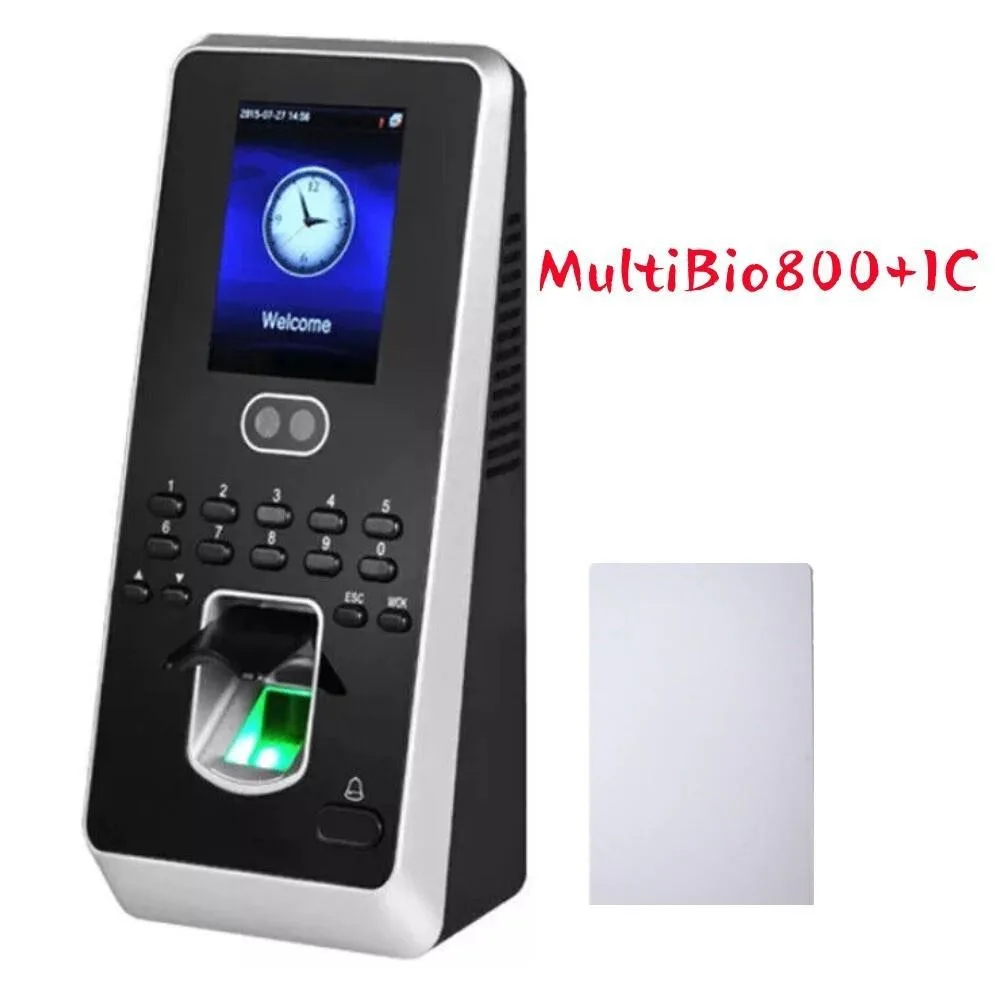
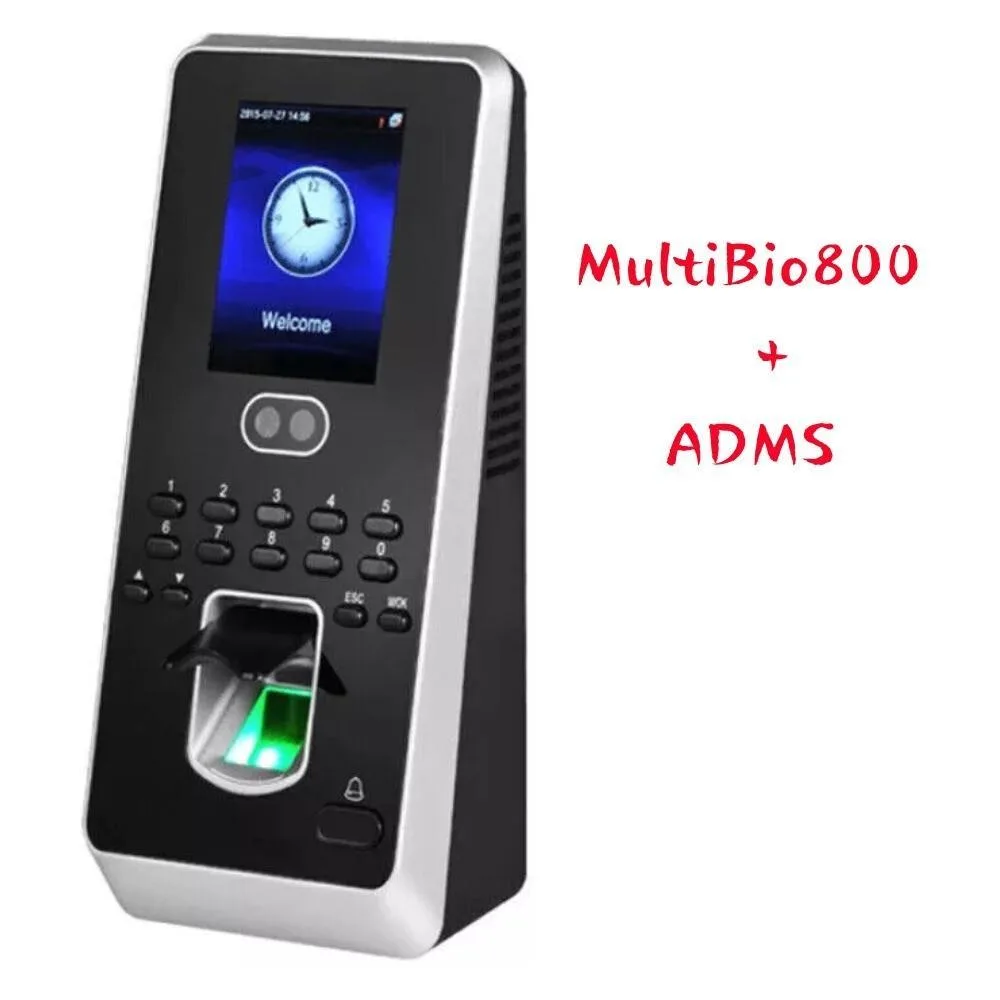
ZKTECO MultiBio800+ADMS facial fingerprint time attendance terminal
$206.99
0.00242213BTC
In stockWe take cryptocurrency — so the coins you hold can buy real hardware.Pay in crypto, spend it on real hardware. Free insured shipping worldwide over $399. Plain, unbranded boxes, sent from Germany.Free insured shipping over $399. Your rate is locked for 30 minutes once checkout opens.Rate locked 30 minutes. Every item sealed, serial-checked and covered by a 24-month warranty.Sealed, 24-month warranty.

Avery
White address labels compatible with laser printers, supplied in a 7500-count box for high-volume mailing and labelling tasks
The Avery 45160 labels come in a box of 7500 white address labels designed for laser printers. The large quantity supports repeated mailing campaigns, product branding, jar labelling and event decoration without frequent re-ordering.
The label stock feeds reliably through standard laser printers and resists smudging during everyday handling. A Sure Feed design reduces misfeeds and wasted sheets during long print runs.
Offices and home businesses that currently buy smaller boxes gain fewer interruptions and lower cost per label. The jump is worthwhile when monthly labelling volume makes the larger pack more convenient than frequent top-ups.
| Type | Labels |
|---|---|
| Brand | Avery |
| Model | 45160 |
| Features | Laser Printer Compatible |
| Shipping weight | 2.60 kg |
| Package size | 290 × 229 × 58 mm |
Yes, these labels are designed for laser printer compatibility and use Sure Feed technology to reduce jams and misalignment during high-volume print runs.
Each label measures 1 x 2-5/8 inches, providing a standard address format that fits common envelope windows and mailing templates.
Select template 45160 in your software; the most common mistake is choosing the wrong Avery number, which shifts all text off the printable area.
Also in this aisle
Same shelf, same checkout — eight coins and a 30-minute rate lock.
What you pay in, and what you read prices in.
Sent from your wallet at checkout
Display only — the catalogue is priced in USD
No currency matches that.
Pick the language the site speaks to you in.
No language matches that.
New here?
Already have one?
There is no automatic reset: this shop sends no mail, so there is no one-time link to ask for. Leave the address on the account and it gets picked up by hand.
Request noted
Nothing is on its way to your inbox — this shop sends no mail at all. Someone picks these up by hand.
Remembered it?