


AUEDROT USB-C Mouse Jiggler with Switch Button, Black
USB-C mouse jiggler with two movement modes and a hardware switch button keeps computers awake without software
- TypeUSB Type C
- ColorBlack
- SpecificationsAUEDROT, Metal, Black, USB Type C, USB, 1, 1 Year Manufactur
- FeaturesUSB, Personal Computer, USB Type C, false, 1 Year Manufactur
- Two jiggle modes let you choose subtle or random pointer movement
- Recognised as a trusted USB composite device by the OS
- USB-C connector with a switch button for on, off and mode changes
- Plug-and-play operation requires no driver or software installation
- Keeps Teams, Skype and Webex status active on Windows, Mac and Android
What it does and who it helps
The AUEDROT USB-C mouse jiggler keeps a computer awake by moving the pointer automatically. It plugs into a USB-C port and requires no software installation, so it works immediately on Windows, Mac OS and Android devices. Remote workers, online readers and gamers who need their status to stay green in Teams, Skype, Webex or Lync will find it useful. It is not suited for users who need a USB-A connector or who want programmable movement patterns beyond the two built-in modes.
Thermals noise and power in normal use
The device draws power directly from the USB-C port and has no fan or moving parts, so it runs silently and adds negligible heat to the system. Normal operation consists of tiny pointer shifts of one to two pixels in Slight mode or irregular moves in Random mode, both well within the port’s standard power budget. There are no audible clicks, coil whine or temperature rise to notice during typical desk use. Buyers who need a completely passive, zero-noise accessory will be satisfied.
Behaviour under sustained load
The jiggler is designed for continuous, unattended operation and maintains its chosen mode until the button is long-pressed to turn it off. Because it is recognised as a standard USB Composite Device, the host OS does not flag it as suspicious or put the port to sleep during long sessions. The two modes can be toggled with a short press at any time without unplugging. Users who require the pointer to stay perfectly still for precise work should disable the device rather than rely on a pause function that does not exist.
Highlights
- Two jiggle modes let you choose subtle or random pointer movement
- Recognised as a trusted USB composite device by the OS
- USB-C connector with a switch button for on, off and mode changes
- Plug-and-play operation requires no driver or software installation
- Keeps Teams, Skype and Webex status active on Windows, Mac and Android
Specifications
| Brand | AUEDROT |
|---|---|
| Type | USB Type C |
| Color | Black |
| Specifications | AUEDROT, Metal, Black, USB Type C, USB, 1, 1 Year Manufacturer, Personal Computer |
| Features | USB, Personal Computer, USB Type C, false, 1 Year Manufacturer |
Questions about this item
How do I install the USB-C Mouse Jiggler and what is the common mistake?
Insert the USB-C connector into a compatible port; the device is recognised as a USB Composite Device and starts automatically. The frequent error is unplugging it to stop movement instead of using the long-press on the switch button.
What maintenance or replacement will the jiggler need over time?
No routine maintenance is required; the unit has no consumable parts or batteries. Replacement would only be necessary if the USB-C connector or the mode switch button suffers physical damage.
What limit appears first during continuous operation?
The primary limit is the host device's USB-C port power budget; the jiggler draws minimal current, so sustained use is constrained only by the computer's port capability or a physical failure of the switch mechanism.
Also in this aisle
People compared these
Same shelf, same checkout — eight coins and a 30-minute rate lock.


HPE
HPE R3J16A AP-MNT-B Campus AP Mount Bracket Kit Type B Suspended Ceiling Rail Flat 15/16
$24.99
0.00029197BTC
In stock
PLANET
PLANET POE-E202 1-port PoE+ to 2-port Gigabit PoE Extender
- PoE Extender
- Interfaces: PoE IN:…
$72.99
0.00085279BTC
In stock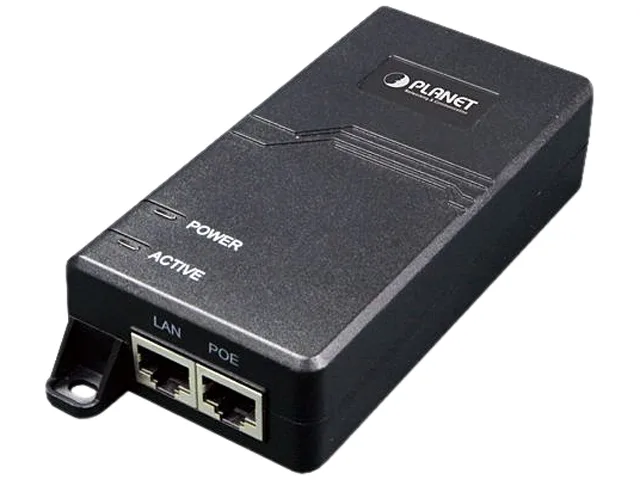
PLANET
PLANET POE-172 60W Ultra PoE Injector
- PoE Injector
- Interface LAN: 1 x…
$55.99
0.00065417BTC
In stock