


Audio-Technica
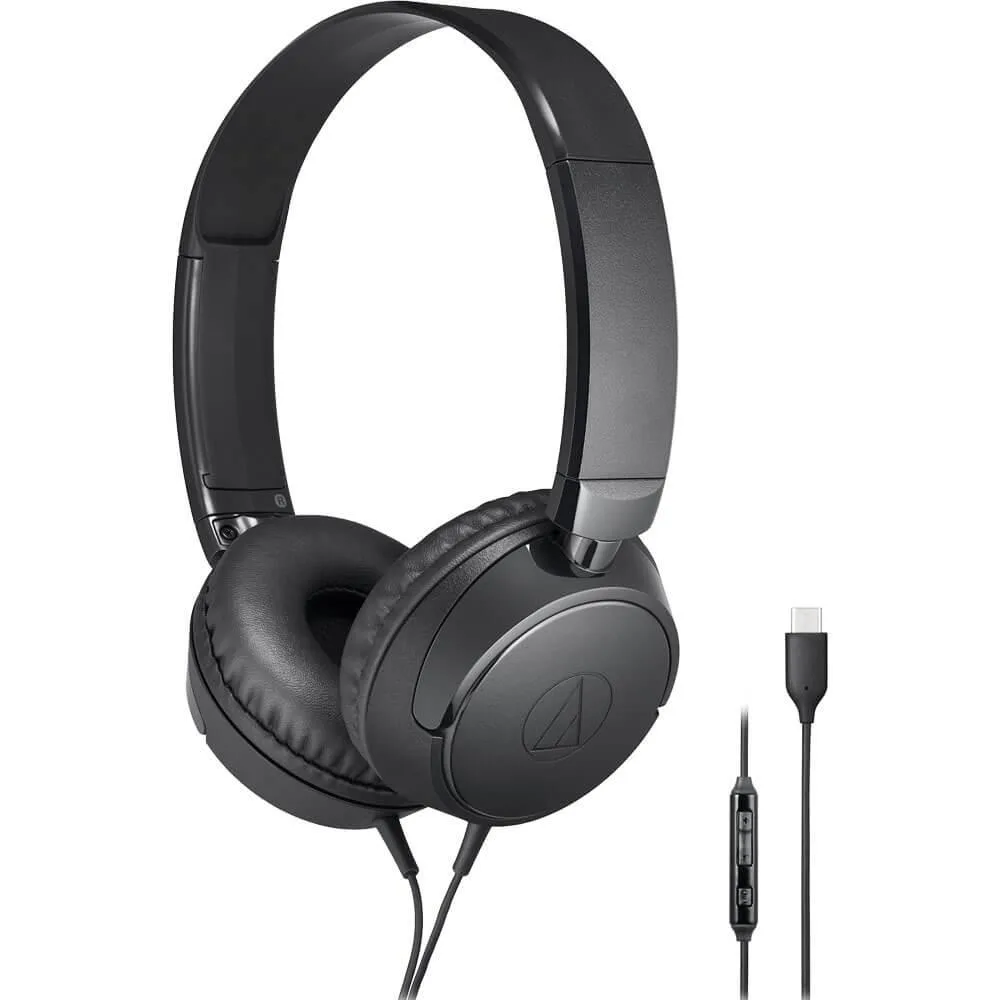
Audio-Technica ATH-S120C USB-C On-Ear Headphones Black
USB-C on-ear headphones with in-line microphone and controls for music, volume and calls, folding flat for compact storage
- USB-C connectivity for direct device compatibility
- In-line mic with playback and call controls
- Fold-flat design for compact storage
- Lightweight build for extended comfort
- Audio-Technica sound expertise since 1962
USB-C On-Ear Headphones for Daily Use
The Audio-Technica ATH-S120C connects directly to USB-C devices including phones, computers and tablets. An in-line microphone and controls handle playback, volume and calls without touching the screen. The housings fold flat for compact storage when not in use.
Upgrade from Basic Earbuds or Analogue Jacks
Moving to these headphones replaces the bundled earbuds that often ship with devices or the need for a separate headphone-jack adapter. The jump is worth it when you want a single cable that carries both digital audio and microphone signals without a dongle. Built-in controls also remove the hassle of unlocking a device to skip tracks or answer calls.
Consistent Output During Long Sessions
Because the USB-C connection draws power from the host, the drivers receive a steady digital signal that does not degrade as battery levels drop on the source device. The on-ear design keeps weight low so comfort remains stable over extended listening periods. Folding the housings flat protects the ear pads from pressure that could alter the seal over time.
Highlights
- USB-C connectivity for direct device compatibility
- In-line mic with playback and call controls
- Fold-flat design for compact storage
- Lightweight build for extended comfort
- Audio-Technica sound expertise since 1962
Specifications
No published specifications for this item yet.
Questions about this item
Does the USB-C plug on these headphones fit directly into my phone or laptop without an adapter?
Yes, the ATH-S120C connects natively to any device with a USB-C port, so no adapter is needed for phones, computers or tablets that already have that socket.
What is the step people miss when setting up the in-line controls for calls and music?
After plugging in, you must select the headset as the audio input and output device in your system settings; otherwise the mic stays muted and the buttons do not register.
How do I keep the folding hinge working smoothly after months of daily folding?
Fold the earcups flat gently along the designed pivot points and store them in a dry place; avoid forcing the joints past their natural stop to prevent hinge fatigue.
Also in this aisle
People compared these
Same shelf, same checkout — eight coins and a 30-minute rate lock.


Sony
Sony ZX Series MDR-ZX110AP Wired On-Ear Headphones White 30mm 3.5mm
- Headphone
$16.99
0.00020086BTC
In stock
usbroway
usbroway 10-pack VHF Antenna 136-174MHz for Motorola HT1000 MTS2000 XTS2500 XTS3000 XTS3500
- Two-way Radio
$38.99
0.00046096BTC
In stock