


AUBEAMTO
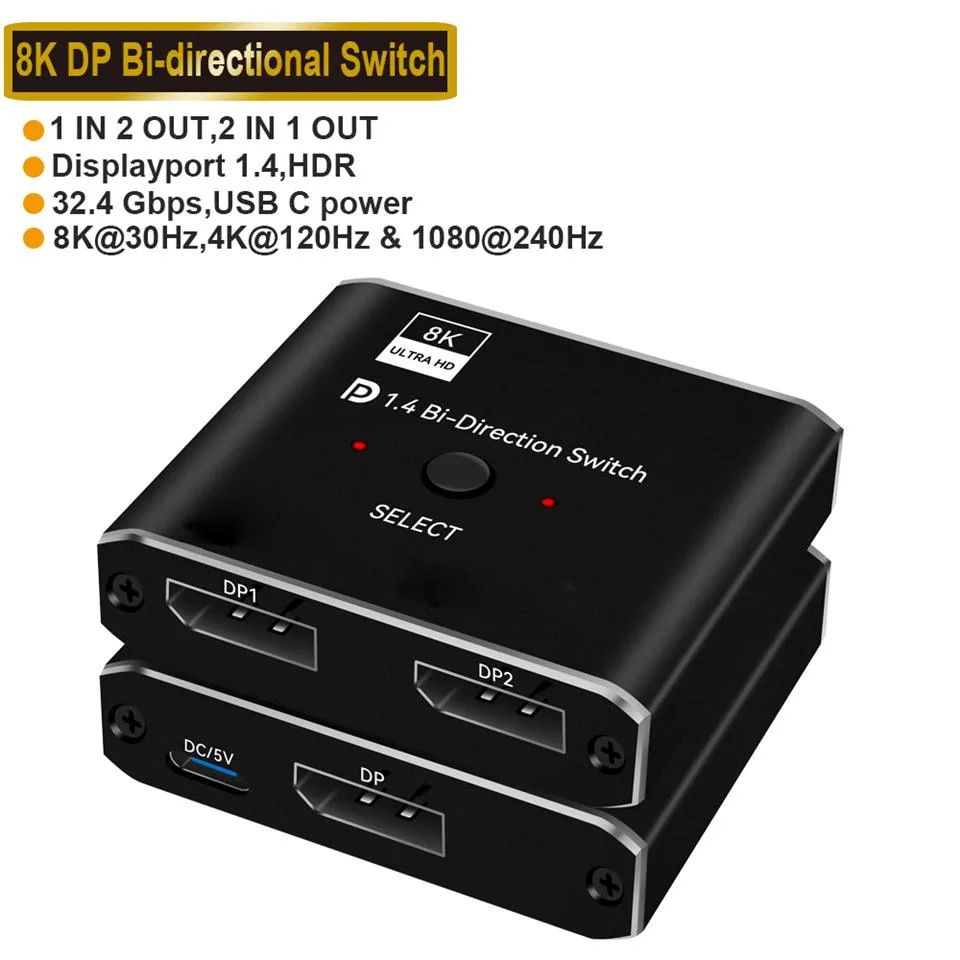
AUBEAMTO DisplayPort 1.4 Switch 2 in 1 Out Bi-Directional 8K@30Hz/4K@120Hz/1080P@240Hz
Bi-directional DisplayPort 1.4 switch connects two sources to one display or one source to two displays (not simultaneously) with 8K@30Hz, 4K@120Hz and 1080P@240Hz support
- ColorBlack
- Connect two sources to one display with bi-directional switching
- Switch one source between two monitors without simultaneous output
- Supports 8K at 30 Hz, 4K at 120 Hz, 1080P at 240 Hz
- 4 Gbps bandwidth with gold-plated connectors for stable transmission
- Plug-and-play operation with external power and metal housing
Two-Way DP 1.4 Switch
This DisplayPort 1.4 switch connects two source devices to one monitor or one source to two monitors, though only one display is active at a time. A single button toggles between inputs with no driver installation required. The unit requires external power and is backward compatible with DP 1.2, 1.1 and 1.0 standards.
8K 30Hz and 4K 120Hz Support
The switch handles resolutions up to 8K at 30 Hz, 4K at 120 Hz and 1080p at 240 Hz, provided the connected equipment and cables also support those modes. Maximum bandwidth is 32.4 Gbps. Gold-plated connectors and a built-in high-performance chip maintain stable signal transmission and audio-video sync.
For Manual Source Switching
Suits users who need to share one display between two PCs or consoles and accept manual button switching. Not suited for setups requiring simultaneous output to two monitors, automatic switching, KVM peripheral sharing or HDMI connectivity.
Highlights
- Connect two sources to one display with bi-directional switching
- Switch one source between two monitors without simultaneous output
- Supports 8K at 30 Hz, 4K at 120 Hz, 1080P at 240 Hz
- 4 Gbps bandwidth with gold-plated connectors for stable transmission
- Plug-and-play operation with external power and metal housing
Specifications
| Color | Black |
|---|
Questions about this item
What cables and power supply does this DisplayPort 1.4 switch need to work?
It requires standard DisplayPort 1.4 cables for each connected device and an external power supply, which is not included with the switch.
How do I switch between the two sources and what mistake should I avoid?
Press the button on the unit to toggle; the common mistake is expecting both monitors to show an image at the same time, which this switch does not support.
How long will the gold-plated ports stay reliable and what upkeep is needed?
The gold-plated connectors resist corrosion, so no regular maintenance is required; just keep the ports dust-free and reseat cables if the signal drops.
New to this? Which coin should you pay with — what to check, what it costs to pay, and what is never asked for.
Also in this aisle
People compared these
Same shelf, same checkout — eight coins and a 30-minute rate lock.



Black Box Corporation
Black Box Corporation CAT6 EZ-RJ45 Modular Plugs 100-Pack
$95.99
0.00115015BTC
In stock
