Ascendtech
Ascendtech MTFDKBA1T0TFH security accessory
1 TB internal NVMe SSD in M.2 2280 form factor with PCI Express 4.0 x4 interface
- 1TB capacity stores large project files
- PCI Express 4.0 x4 interface enables fast data transfer
- M.2 2280 form factor fits compatible laptop slots
- TLC NAND technology balances endurance and cost
- Part number M73971-001 matches HP Micron 3400 series
HP Micron 3400 1TB NVMe SSD
This internal solid-state drive uses the M.2 2280 form factor and a PCI Express 4.0 x4 interface to deliver high-speed storage for compatible HP laptops and workstations. It carries part number M73971-001 and model MTFDKBA1T0TFH from the Micron 3400 series.
Suits owners replacing a failed HP drive
The unit matches HP part numbers 562-500127 and M16560-005, making it a direct spare for systems that originally shipped with this component. Buyers whose devices require a different physical connector or a drive with another firmware version should look elsewhere.
Firmware HPS0043 decides compatibility
This SSD ships with firmware HPS0043, which must match the original drive's firmware for the system to recognise and boot from the replacement. Verify the firmware on your existing drive before ordering.
Highlights
- 1TB capacity stores large project files
- PCI Express 4.0 x4 interface enables fast data transfer
- M.2 2280 form factor fits compatible laptop slots
- TLC NAND technology balances endurance and cost
- Part number M73971-001 matches HP Micron 3400 series
Specifications
No published specifications for this item yet.
Questions about this item
How do I install the M.2 2280 drive and what step is often missed?
Insert the drive at an angle into the M.2 slot, press it down, and secure it with the motherboard screw; the step often missed is fastening that screw so the drive stays seated.
What maintenance or replacement will the TLC NAND need later?
TLC NAND wears with write cycles; monitor health via SMART tools and replace the drive when the media‑wear indicator approaches its limit.
What limit appears first under sustained writes on this PCIe 4.0 x4 SSD?
The controller will throttle speeds once its thermal threshold is reached, so sustained write performance drops until the drive cools.
Also in this aisle
People compared these
Same shelf, same checkout — eight coins and a 30-minute rate lock.
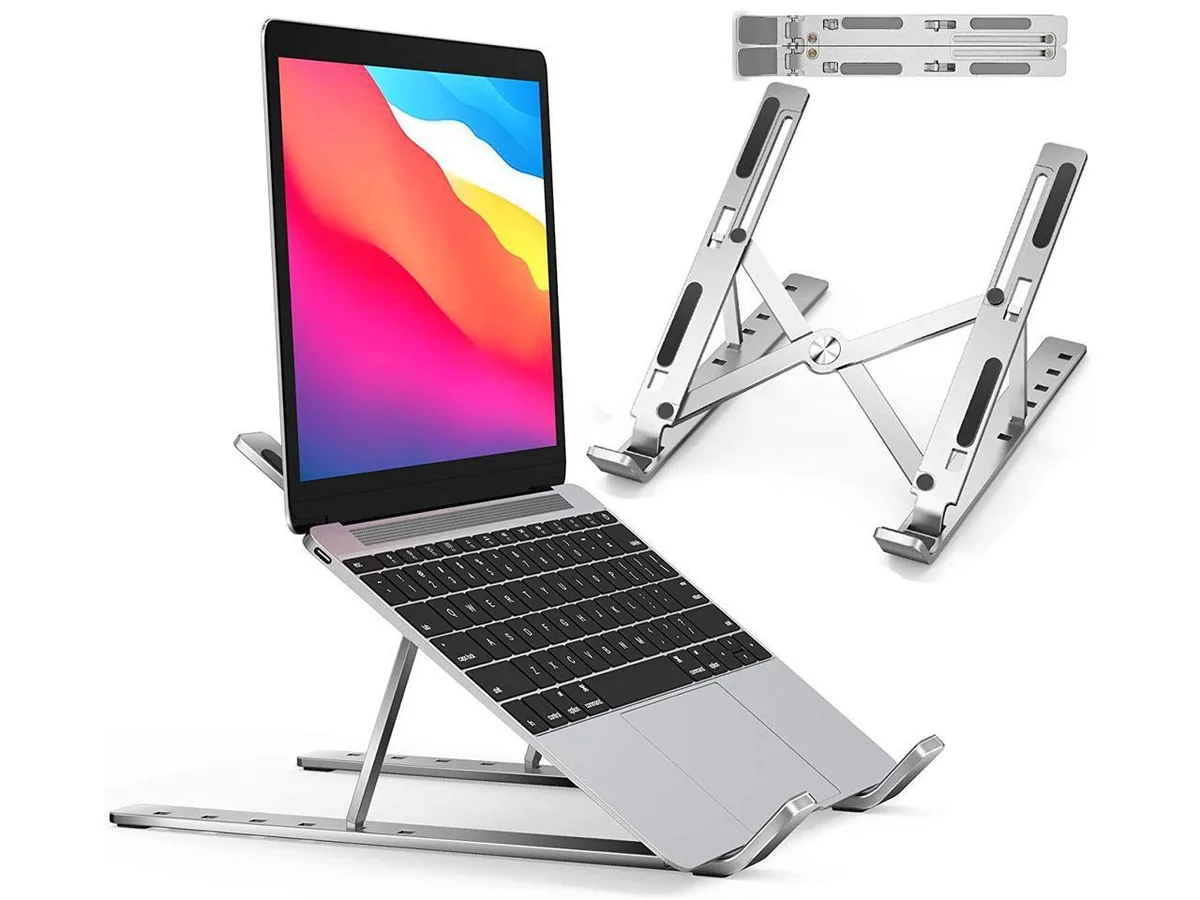


IXJYLCPC
IXJYLCPC C08LS Adjustable Ergonomic Riser Stand Black 10-15.6
- Stand
$31.99
0.00036835BTC
In stock