Soundproof Store
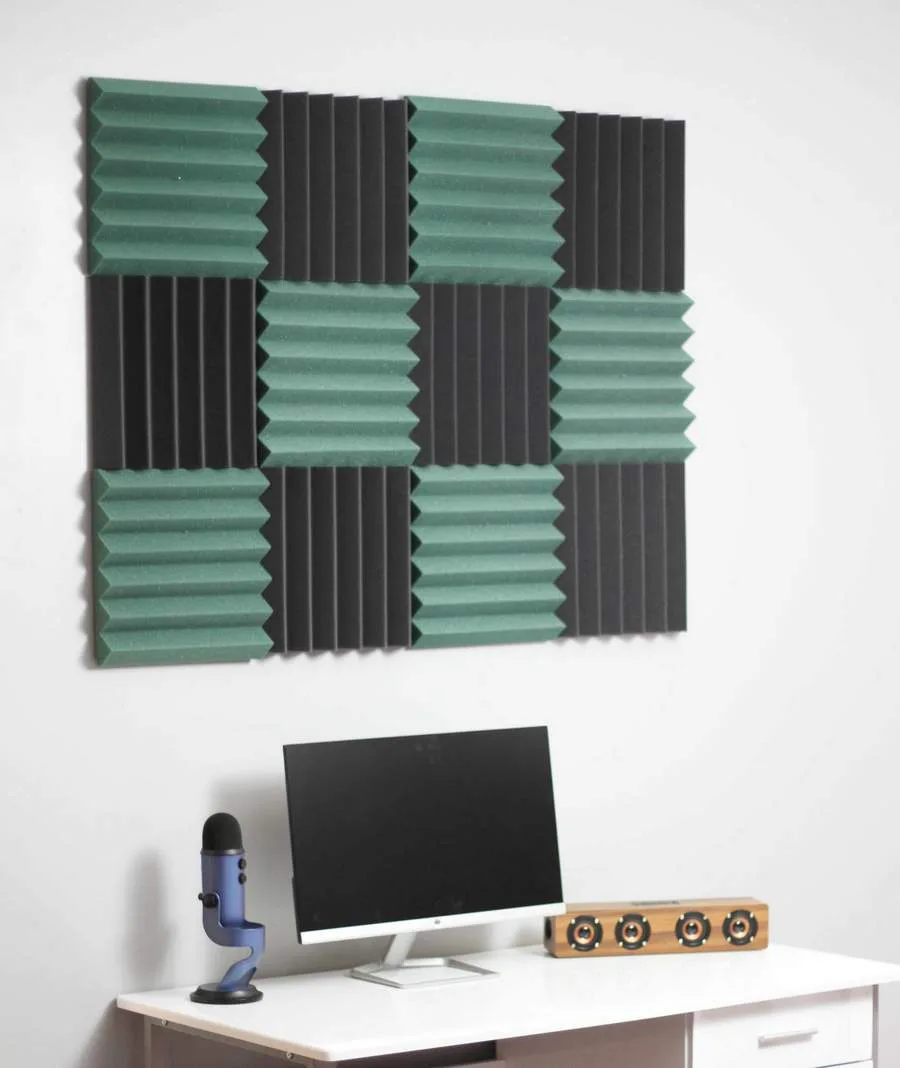
Soundproof Store Red and Black Acoustic Wedge Tiles 12 pack
$29.99
0.00035169BTC
In stockWe take cryptocurrency — so the coins you hold can buy real hardware.Pay in crypto, spend it on real hardware. Free insured shipping worldwide over $399. Plain, unbranded boxes, sent from Germany.Free insured shipping over $399. Your rate is locked for 30 minutes once checkout opens.Rate locked 30 minutes. Every item sealed, serial-checked and covered by a 24-month warranty.Sealed, 24-month warranty.


Arturia
Portable USB-C audio and MIDI interface with dual combo inputs, 5-pin DIN MIDI, built-in USB hub, 110dB dynamic range and -129dB equivalent input noise in a rugged aluminium chassis
The Arturia MiniFuse 2 is a compact USB-C audio and MIDI interface designed for mobile music production. It records two instrument or microphone sources simultaneously through dual combo inputs and syncs external MIDI gear via 5-pin DIN ports. An integrated USB hub socket adds extra device connectivity while the rugged aluminium chassis handles life on the road.
This unit suits creators who need professional sound quality in a portable package with two inputs and full MIDI I/O. Buyers who require more than two simultaneous inputs or a different computer connection protocol should consider larger-format interfaces. The included software bundle adds immediate value for anyone starting a project straight out of the box.
These figures deliver studio-grade signal clarity and an exceptionally low noise floor for clean recordings. The high dynamic range captures subtle details while the minimal self-noise keeps the background silent. Together they determine whether the interface meets the fidelity demands of critical tracking and mixing work.
No published specifications for this item yet.
Connect the interface to your computer using a USB-C cable; the common mistake is using a charge-only cable that does not carry audio data.
The aluminium casing and solid-state electronics need no scheduled maintenance; keep the combo inputs and 5-pin DIN ports free of dust with occasional compressed air.
The 110dB dynamic range and -129dB equivalent input noise set the noise floor, which becomes the limiting factor before the USB-C bus or thermal limits are reached.
Also in this aisle
Same shelf, same checkout — eight coins and a 30-minute rate lock.
What you pay in, and what you read prices in.
Sent from your wallet at checkout
Display only — the catalogue is priced in USD
No currency matches that.
Pick the language the site speaks to you in.
No language matches that.
New here?
Already have one?
There is no automatic reset: this shop sends no mail, so there is no one-time link to ask for. Leave the address on the account and it gets picked up by hand.
Request noted
Nothing is on its way to your inbox — this shop sends no mail at all. Someone picks these up by hand.
Remembered it?