

Astro Gaming
Astro Gaming Wireless Keyboard Mouse Combo Silver White 2 in 1 Accessories
$43.99
0.00051478BTC
In stockWe take cryptocurrency — so the coins you hold can buy real hardware.Pay in crypto, spend it on real hardware. Free insured shipping worldwide over $399. Plain, unbranded boxes, sent from Germany.Free insured shipping over $399. Your rate is locked for 30 minutes once checkout opens.Rate locked 30 minutes. Every item sealed, serial-checked and covered by a 24-month warranty.Sealed, 24-month warranty.


ARCTIC
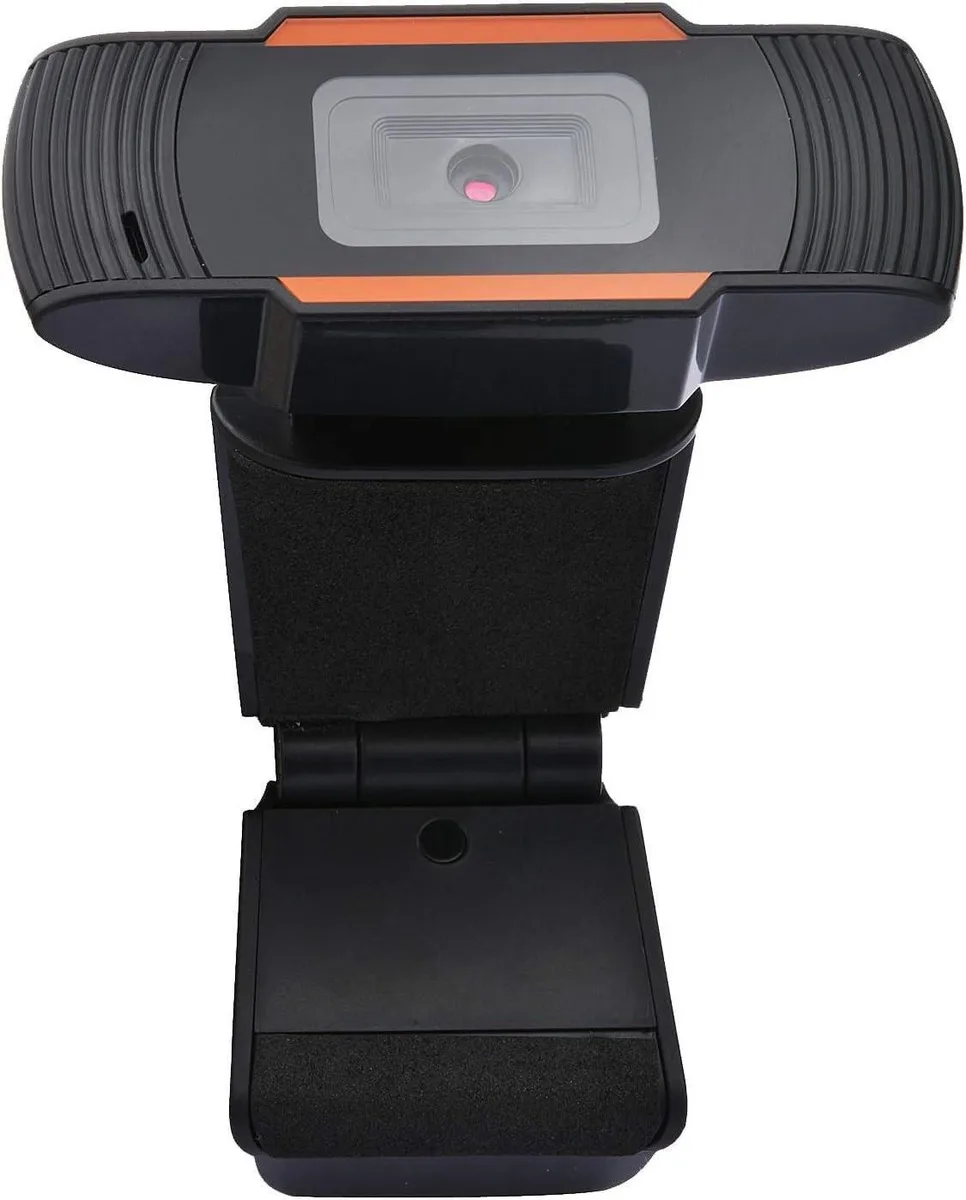
FHD webcam with autofocus, built-in microphone and speaker, USB 2.0 plug-and-play for video calls at 30 fps 1080p
The ARCTIC YS102 is a USB 2.0 webcam designed for laptops and desktop setups used for video calls, online conferences and meetings. It combines a JX-H62 CMOS sensor with an integrated microphone and speaker in a single plug-and-play accessory. Autofocus keeps the image sharp without manual adjustment.
This device replaces basic integrated webcams that lack autofocus, dedicated audio hardware or support for multiple resolution tiers. The jump is worth it when you need consistent focus during movement, clearer voice capture with built-in noise reduction, or the flexibility to choose between 720p, 1080p and higher still-image resolutions.
At 1280 x 720 and 1920 x 1080 the camera maintains 30 fps, while 2592 x 1944 and 3264 x 2448 run at 15 fps. The USB 2.0 interface supplies both power and data without an external adapter, so thermal behaviour stays predictable across extended conferences. Autofocus continues to track subjects without hunting when lighting is stable.
No published specifications for this item yet.
The unit clips onto the top edge of a laptop lid or external display bezel; no screws or adhesive are required.
Plug the USB 2.0 cable into the computer, wait for the driver to install automatically, then select the YS102 as the camera and audio device in your meeting software before joining.
The integrated microphone, speaker and JX-H62 CMOS sensor are built into the sealed housing; if any of them fail the whole webcam must be replaced.
Also in this aisle
Same shelf, same checkout — eight coins and a 30-minute rate lock.
What you pay in, and what you read prices in.
Sent from your wallet at checkout
Display only — the catalogue is priced in USD
No currency matches that.
Pick the language the site speaks to you in.
No language matches that.
New here?
Already have one?
There is no automatic reset: this shop sends no mail, so there is no one-time link to ask for. Leave the address on the account and it gets picked up by hand.
Request noted
Nothing is on its way to your inbox — this shop sends no mail at all. Someone picks these up by hand.
Remembered it?


