


Apple
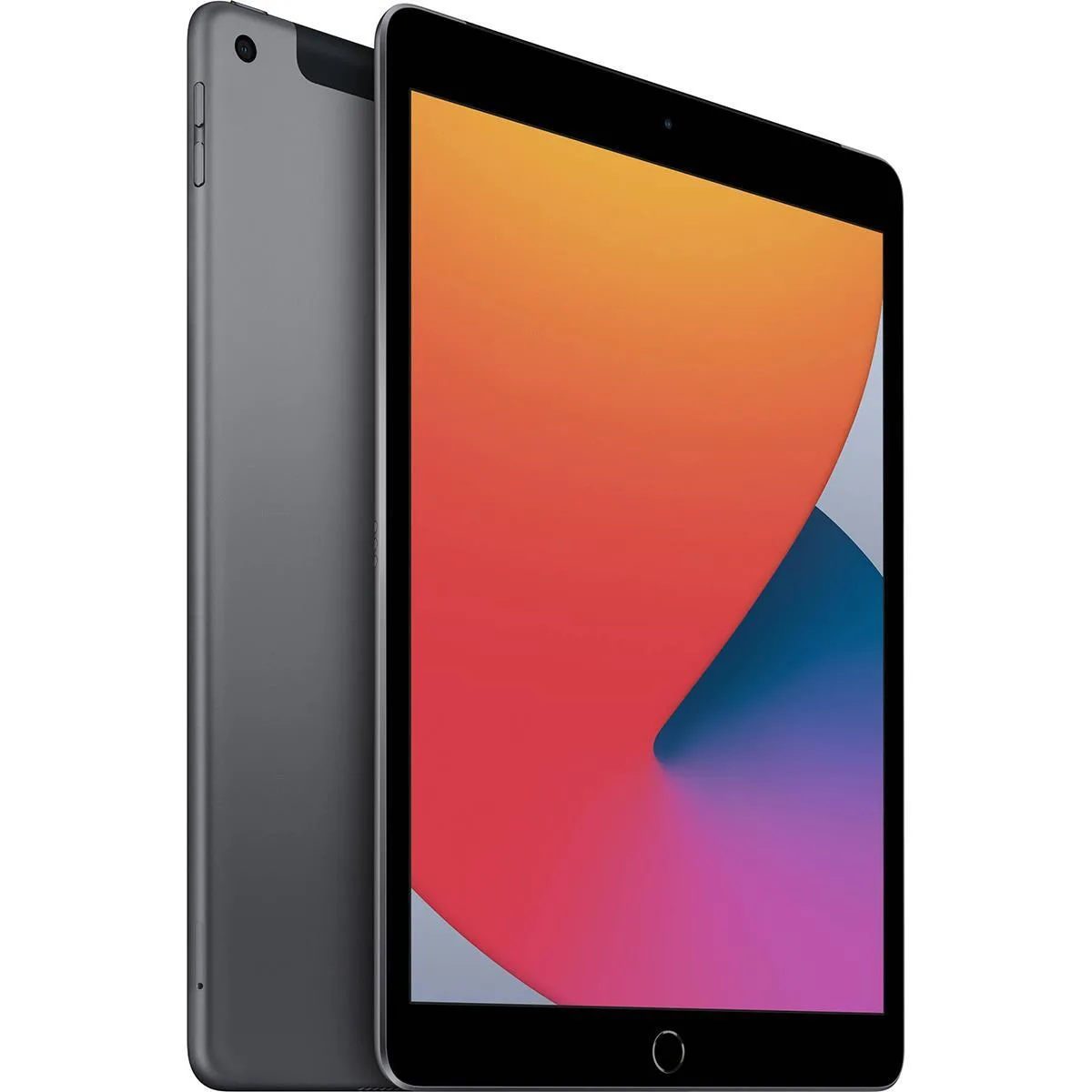
Apple iPad 10.2" 8th Gen 32GB Wi-Fi + Cellular Space Gray tablet
A 10.2 inch Retina tablet with LTE and Wi-Fi 5, 32 GB storage and an A12 Bionic chip for everyday tasks
- Release Year2020
- Operating SystemiPadOS
- Screen Size10.2
- Display TypeRetina Display
- 2" Retina display delivers crisp 2160 x 1620 visuals at 264 ppi
- A12 Bionic chip powers smooth multitasking and responsive apps
- 32 GB storage keeps essential files and apps close at hand
- LTE plus Wi-Fi 5 and Bluetooth 4.2 keep you connected anywhere
- Front 1.2 MP and rear 8 MP cameras handle calls and photos
Core Specifications
This 10.2-inch iPad ships new with iPadOS and a 2160 x 1620 Retina display at 264 ppi. An Apple A12 Bionic chip handles everyday tasks and the system offers 32GB of internal storage. Connectivity includes Wi-Fi 5 (802.11ac), Bluetooth 4.2 and LTE cellular.
Best Fit
Students and casual users who need a portable screen for web browsing, video streaming and light productivity will find the 32GB capacity adequate with cloud support. Buyers who want more storage for large offline media libraries or who require faster wireless protocols should look at other options.
Deciding Factor
The fixed 32GB storage capacity is the single specification that determines suitability; it cannot be expanded later. Verify that your apps, photos and offline files fit within this limit before purchasing.
Highlights
- 2" Retina display delivers crisp 2160 x 1620 visuals at 264 ppi
- A12 Bionic chip powers smooth multitasking and responsive apps
- 32 GB storage keeps essential files and apps close at hand
- LTE plus Wi-Fi 5 and Bluetooth 4.2 keep you connected anywhere
- Front 1.2 MP and rear 8 MP cameras handle calls and photos
Specifications
| Brand | Apple Computer |
|---|---|
| Part Number | 4YN32LLA |
| Release Year | 2020 |
| Operating System | iPadOS |
| Screen Size | 10.2 |
| Display Type | Retina Display |
Questions about this item
Does the 10.2 inch Retina display need a specific case size to fit?
A case made for the 10.2 inch iPad (8th Gen) matches the exact dimensions and camera cutouts.
What step is often missed when inserting the nano-SIM for LTE?
Use the SIM eject tool on the tray edge, seat the nano-SIM with the angled corner aligned, then push the tray fully flush.
When should the Lightning port be cleaned to keep charging reliable?
Clean the Lightning port with a soft brush if the cable feels loose or charging becomes intermittent.
Also in this aisle
People compared these
Same shelf, same checkout — eight coins and a 30-minute rate lock.


Max Cases
Max Cases Extreme Shell-F3 tablet accessory Dell Pro 14 Windows Grey
$38.99
0.00046337BTC
In stock