Aomoproing
Aomoproing USB-C to DisplayPort 1.4 cable 3.3ft 32.4Gbps 8K@60Hz 4K@144Hz
$10.99
0.00013168BTC
In stockWe take cryptocurrency — so the coins you hold can buy real hardware.Pay in crypto, spend it on real hardware. Free insured shipping worldwide over $399. Plain, unbranded boxes, sent from Germany.Free insured shipping over $399. Your rate is locked for 30 minutes once checkout opens.Rate locked 30 minutes. Every item sealed, serial-checked and covered by a 24-month warranty.Sealed, 24-month warranty.


Aomoproing
Connects USB-C or Thunderbolt devices to DisplayPort monitors at up to 8K 60 Hz and 4K 144 Hz
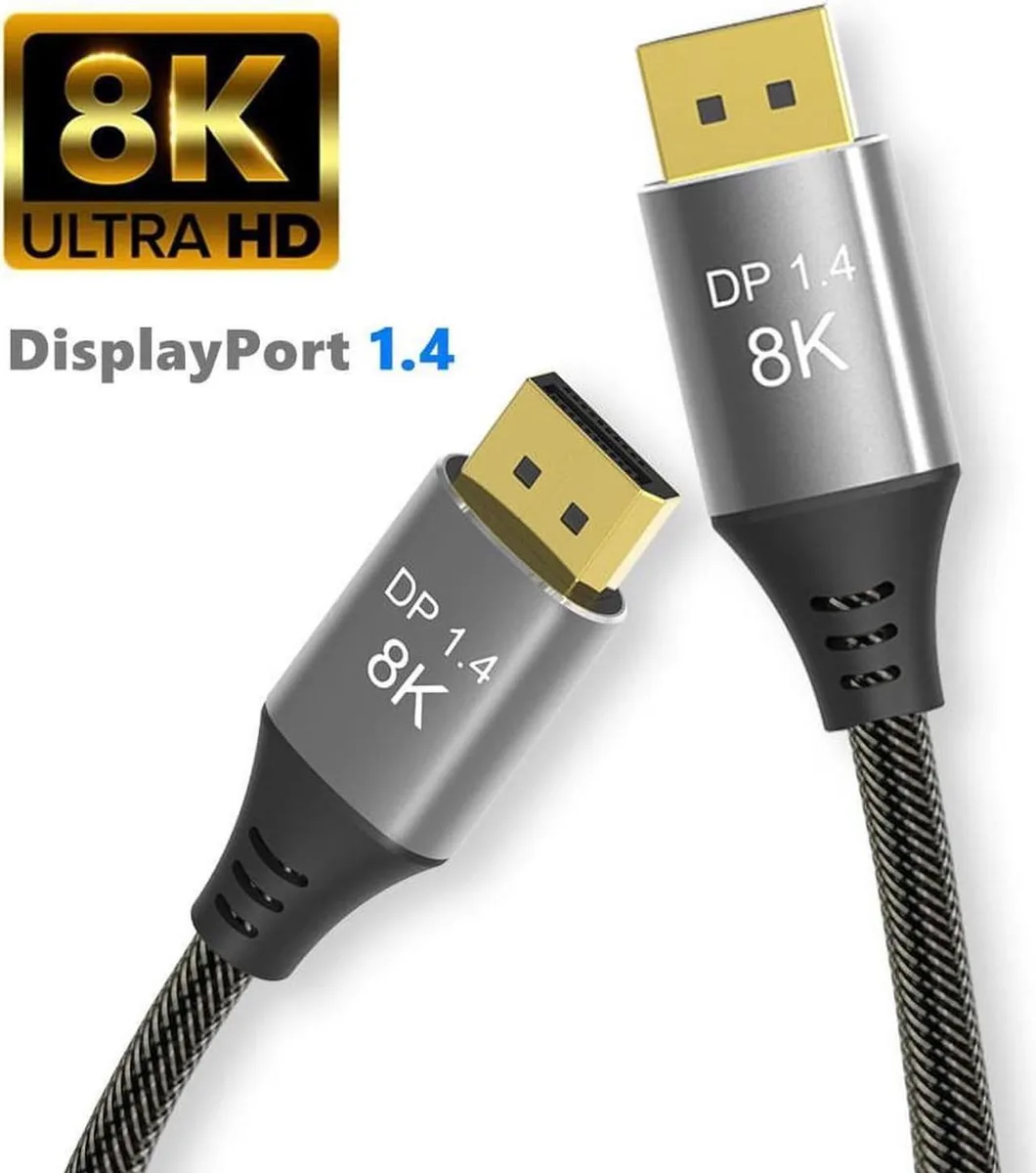
This 6.6 ft cable connects a USB-C or Thunderbolt 3/4 source to a DisplayPort monitor. It supports 8K at 60 Hz, 4K at up to 165 Hz and 2K at 165 Hz. The link is unidirectional and will not carry a signal from a DisplayPort source to a USB-C display.
A braided nylon jacket protects the cable during daily routing and desk movement. The USB-C plug fits Thunderbolt 3 and 4 ports on recent MacBook Pro, iMac, Mac mini, iPad Pro, Dell XPS and Samsung Galaxy devices. The DisplayPort end locks securely into standard DP inputs.
The cable delivers 32.4 Gbps using DisplayPort 1.4 HBR3 and is backwards compatible with DisplayPort 1.3, 1.2 and 1.1. It handles HDR and DisplayHDR metadata plus HDCP 2.2 and 1.4 content protection. Buyers who need a DisplayPort source to USB-C display connection cannot use this cable.
No published specifications for this item yet.
Other versions of this model
Same family, different memory, cooler or clock — compare before you commit.
The cable uses DisplayPort 1.4 and delivers up to 32.4Gbps bandwidth, supporting HDR, HBR3 and HDCP 2.2/1.4.
The cable is 6.6ft long with a USB-C plug on the source side and a DisplayPort plug on the display side.
Plug the USB-C end into the computer or phone with Thunderbolt 3/4 or USB-C video output, and the DisplayPort end into the monitor; reversing the ends will not work.
New to this? Which coin should you pay with — what to check, what it costs to pay, and what is never asked for.
Also in this aisle
Same shelf, same checkout — eight coins and a 30-minute rate lock.
What you pay in, and what you read prices in.
Sent from your wallet at checkout
Display only — the catalogue is priced in USD
No currency matches that.
New here?
Already have one?
There is no automatic reset: this shop sends no mail, so there is no one-time link to ask for. Leave the address on the account and it gets picked up by hand.
Request noted
Nothing is on its way to your inbox — this shop sends no mail at all. Someone picks these up by hand.
Remembered it?