


ALSEYE
ALSEYE 2 in 1 accessory cooling stand Grey
Holds tablets up to 15 inches and laptops up to 13 inches with a built-in USB quiet fan and adjustable multi-angle stand
- Keeps tablets cool with USB ultra-quiet fan
- Adjusts to multiple angles for comfortable viewing
- Supports devices from 4 to 15 inches
- Sturdy 1.74 lb build for lasting use
- Works with iPad, Surface, Galaxy Tab and more
Versatile tablet cooling stand
The ALSEYE 2 in 1 accessory cooling stand supports tablets and phones from 4 to 15 inches. It fits iPad Pro, iPad Air, iPad mini, Surface Pro, Galaxy Tab, MacBook Air 13 inch and Dell XPS 13 models. The adjustable design works in vertical or horizontal orientation for typing, drawing, streaming or video calls on a desk.
Quiet USB fan and sturdy build
A USB ultra-quiet fan directs airflow across the device back to reduce overheating during extended use. The stand weighs 1.74 lb, giving a stable base that resists wobble at any viewing angle. No external power brick is needed; the fan runs from a standard USB port.
Replaces basic holders without cooling
This stand upgrades from simple static holders that trap heat during long sessions. The jump is worth it when you run demanding apps, charge while working or need a single accessory for both portrait and landscape modes. It does not suit users who need a ultra-light travel stand or a built-in battery pack.
Highlights
- Keeps tablets cool with USB ultra-quiet fan
- Adjusts to multiple angles for comfortable viewing
- Supports devices from 4 to 15 inches
- Sturdy 1.74 lb build for lasting use
- Works with iPad, Surface, Galaxy Tab and more
Specifications
No published specifications for this item yet.
Questions about this item
How do I attach the cooling fan to the stand so it blows air onto the back of my 12.9 iPad Pro?
The fan plugs into the stand's USB port; position the stand so the fan outlet faces the tablet's rear surface, then secure the device in the holder.
Will the USB fan need cleaning or replacement after extended use?
Dust can build up on the fan blades; use compressed air to clear it periodically — no user-replaceable parts are specified.
At what point does the stand's weight limit become an issue during long desk sessions?
The stand weighs 1.74 lb and is rated for devices up to 15 inches; exceeding that size or adding heavy accessories may reduce stability.
Also in this aisle
People compared these
Same shelf, same checkout — eight coins and a 30-minute rate lock.


GAMERKING
GAMERKING 1TB NVMe SSD for MacBook Air Pro 2013-2017 2 in 1 accessory
$187.99
0.00220028BTC
In stock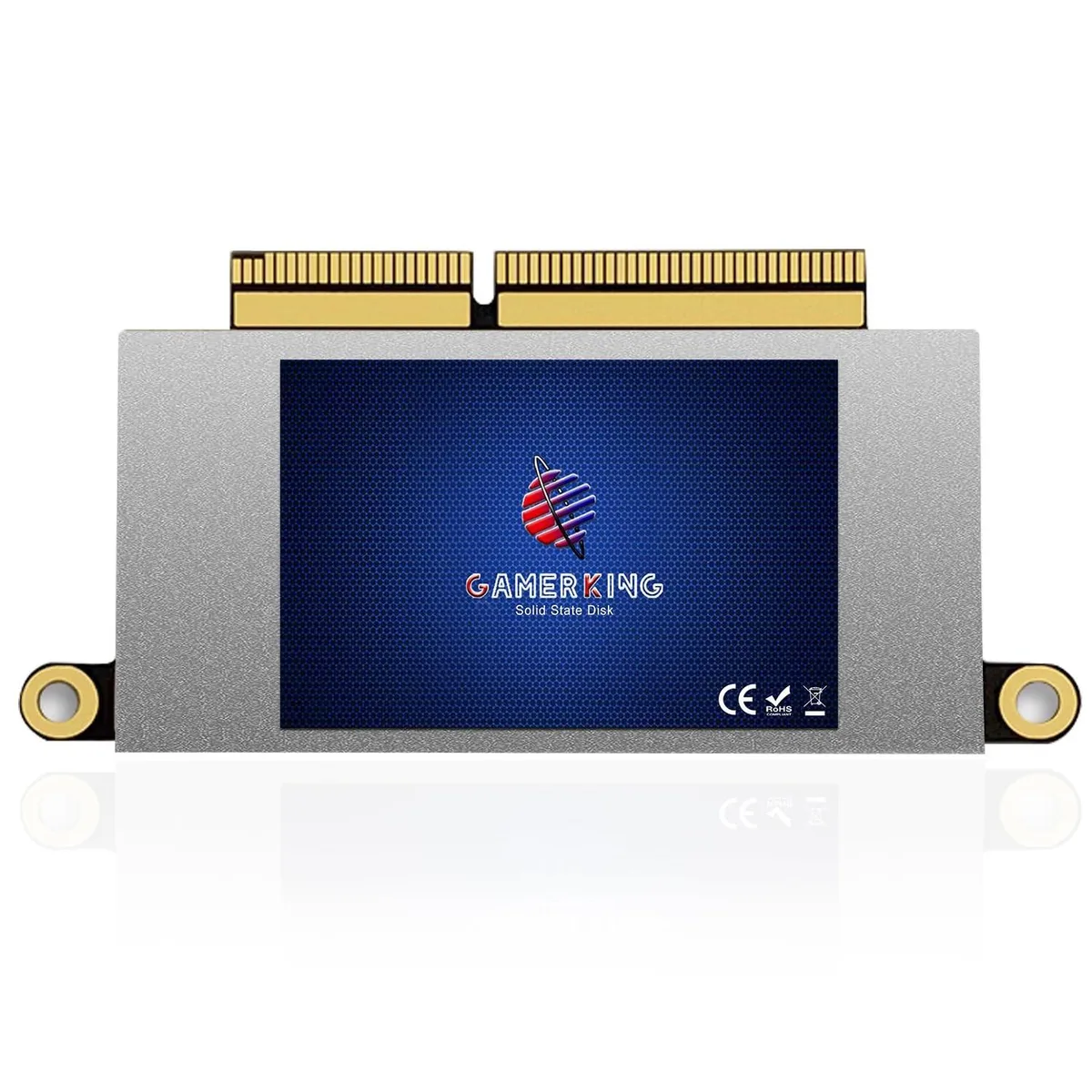
GAMERKING
GAMERKING 1TB NVMe SSD MacBook Pro 13 A1708 2016 2017 Non-Touchbar 2 in 1 accessory
$198.99
0.00232903BTC
In stock
GAMERKING
GAMERKING 512GB NVMe SSD 2 in 1 accessory for MacBook Air Pro 2013-2017
$144.99
0.001697BTC
In stock