
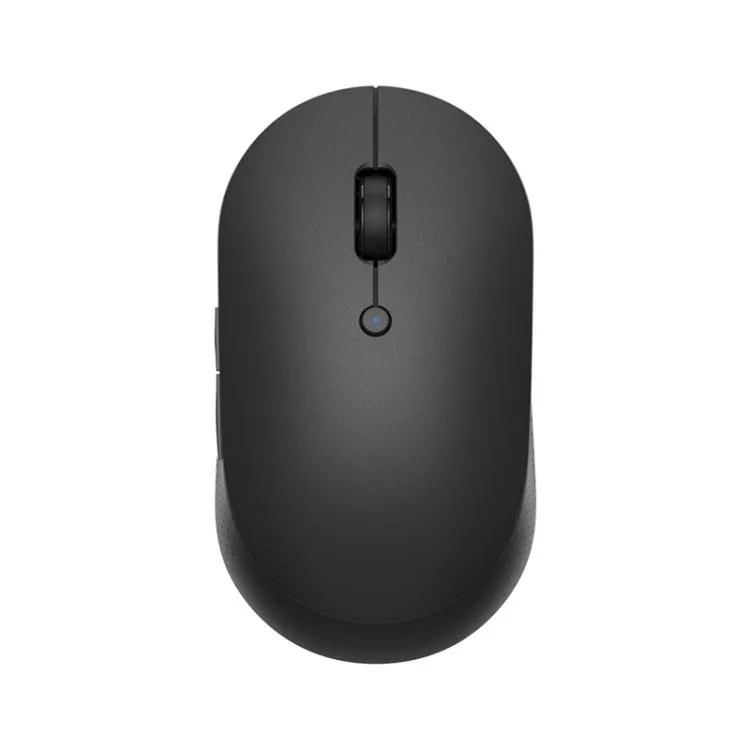


allentian
allentian mouse pad & keyboard accessories (black)
Dual-mode silent mouse connects via Bluetooth 4.2 or 2.4 GHz wireless with a working distance over 8 metres
- ColorBlack
Color Black
- Black
- White
- Silent clicks keep workspaces quiet with mute button design
- Dual Bluetooth 4.2 and 2.4GHz wireless gives flexible connectivity
- Stable control beyond 8 metres working distance
- Low 10mA draw extends battery life on two AAA cells
- ABS and PC build resists daily wear
Dual-mode wireless mouse for quiet workspaces
The Allentian mouse connects through Bluetooth 4.2 or 2.4 GHz wireless with a supplied USB receiver. It operates at distances beyond 8 metres and draws 10 mA at 3 V from two AAA batteries. A mute button silences clicks for shared offices or late-night sessions.
Low-draw wireless thermals and silent clicks
The ABS and PC shell stays cool during normal desktop use because the circuit only draws 10 mA at 3 V. No fan or active cooling is present, so acoustic output is limited to the muted switch mechanism. Battery life scales with the capacity of the two AAA cells you supply.
Replaces wired or single-mode mice when silence
The jump is worth it if you need both Bluetooth 4.2 and 2.4 GHz wireless on one device and a dedicated mute button. It does not suit buyers who want rechargeable batteries, programmable buttons, or a higher polling rate for competitive gaming.
Highlights
- Silent clicks keep workspaces quiet with mute button design
- Dual Bluetooth 4.2 and 2.4GHz wireless gives flexible connectivity
- Stable control beyond 8 metres working distance
- Low 10mA draw extends battery life on two AAA cells
- ABS and PC build resists daily wear
Specifications
| Color | Black |
|---|
Other versions of this model
5 more in the same range
Same family, different memory, cooler or clock — compare before you commit.
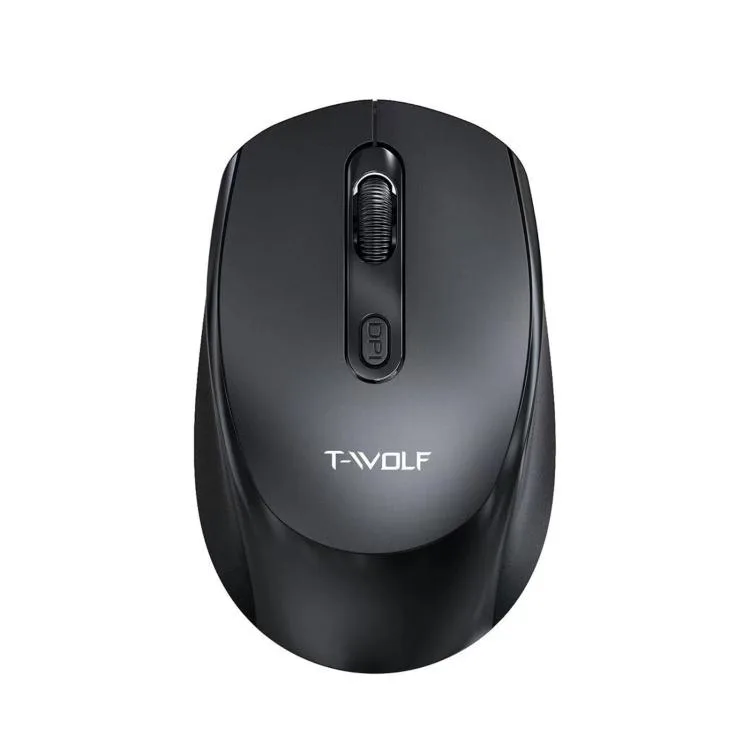


allentian
allentian T40 White 4000 DPI 7 Keys Three-mode Wireless Mouse
- White
$15.99
0.00018606BTC
In stock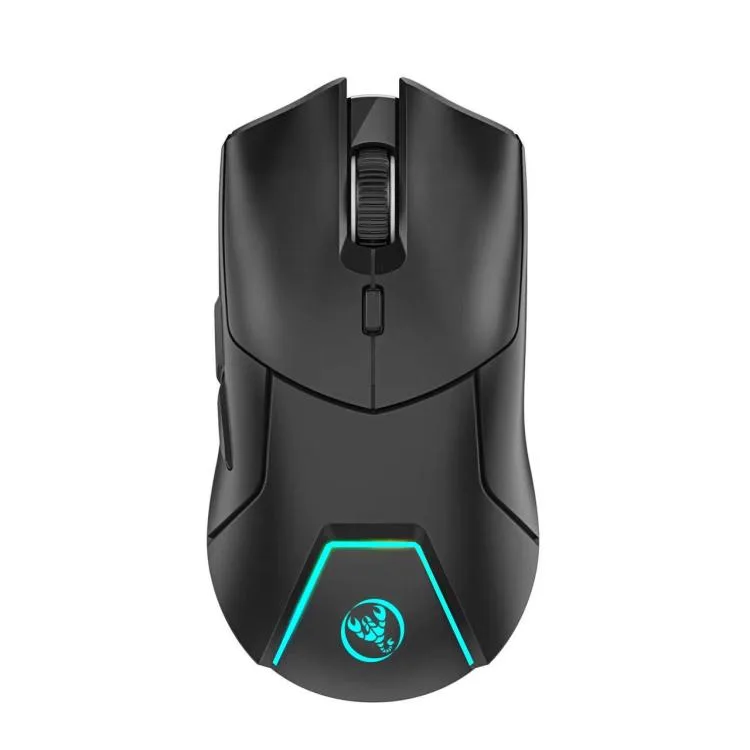
allentian
allentian T40 4000DPI 7 Keys Three-mode Wireless Gaming Mouse Black
- Black
$16.99
0.00019769BTC
In stock
allentian
allentian Mouse Pad & Keyboard Accessories White 2.4 Bluetooth 4.2
- White
$16.99
0.00019769BTC
In stock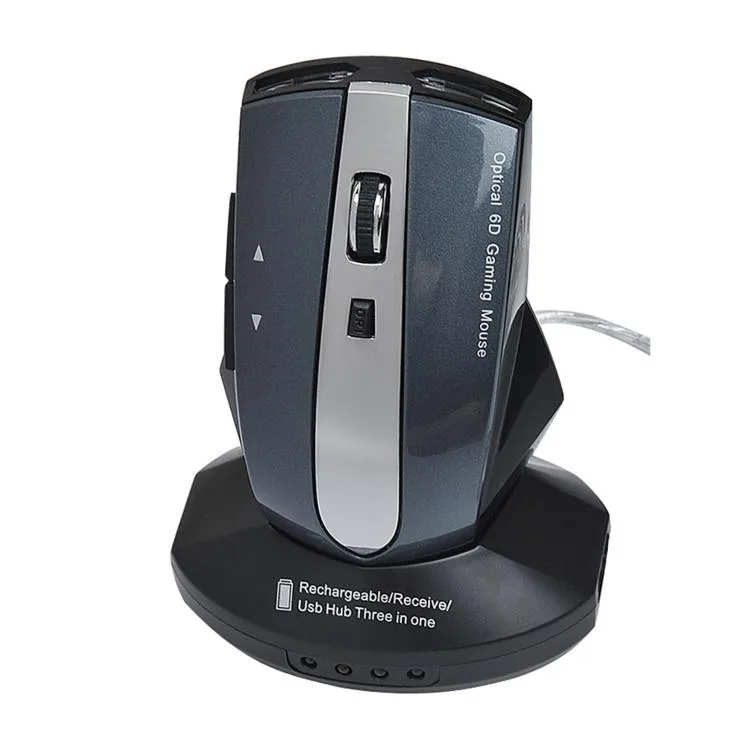
allentian
allentian M-011G Wireless Charging Mouse 2.4GHz 6 Keys Black Royal Blue
- Black
$17.99
0.00020933BTC
In stockQuestions about this item
How do I install the 2.4GHz wireless mouse with the USB receiver?
Plug the USB receiver into a free USB port, insert two AAA batteries, and turn the mouse on. The step people miss is pressing the connect button on the mouse after inserting the receiver.
What maintenance will the Bluetooth 4.2 mouse need later?
Replace the two AAA batteries when the cursor starts to lag or the mouse stops responding. No other user-serviceable parts are inside.
At what distance does the 2.4GHz connection become unreliable?
The working distance is rated at more than 8 metres. Beyond that range the signal may drop or become intermittent.
Also in this aisle
People compared these
Same shelf, same checkout — eight coins and a 30-minute rate lock.


Lenovo
Lenovo 42T3273 Black Replacement Keyboard for ThinkPad T60 T61
- Thinkpad T60 T61 Ke…
- Black
$29.99
0.00034896BTC
In stock