


allentian
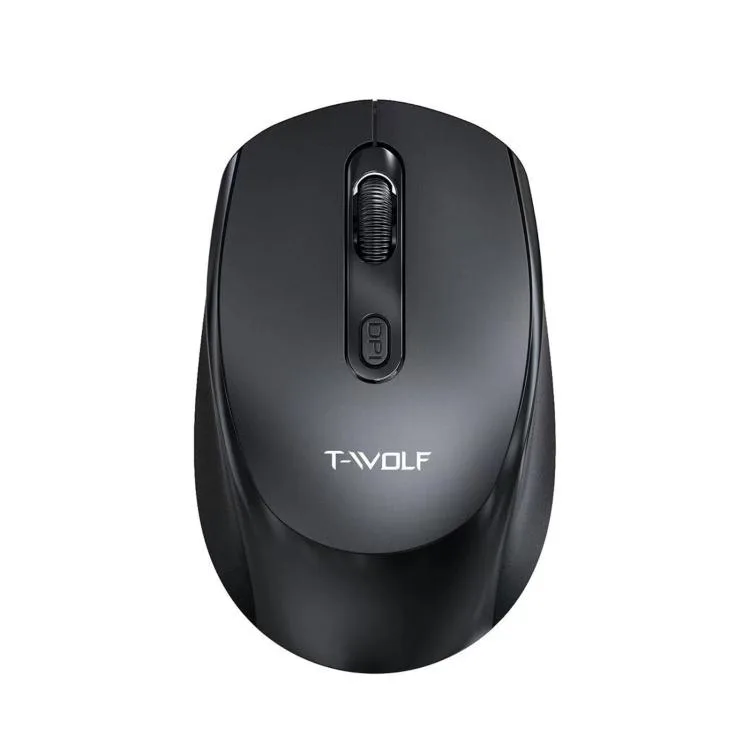
allentian 101B 2.4 GHz 1600 DPI wireless mouse 30 m black
A compact 2.4 GHz wireless mouse with 1600 DPI and a 30 m range, featuring silent clicks and a power switch for extended battery life
- ColorBlack
Color Black
- Black
- White
- Plug-and-play USB adapter for instant setup
- 4 GHz wireless with up to 30 m range
- 1600 DPI optical sensor for precise tracking
- Silent click buttons for quiet operation
- Compact lightweight design with power switch to save energy
Compact wireless mouse for mobile use
The allentian 101B is a lightweight 2.4 GHz optical mouse with 1600 DPI resolution. It connects via a mini USB receiver that works without extra drivers. Silent clicks keep noise low in shared spaces. A 30 metre wireless range suits meeting rooms or living-room setups.
Replaces a wired travel mouse when cable-free
The jump is worth it if you move between desks, hot-desk in offices, or control a PC from a sofa. No cable drag means quicker packing and less wear on laptop ports. The power switch extends battery life during transport. Buyers who need programmable buttons or adjustable DPI steps should look elsewhere.
Check that your device has a free USB-A port
The mouse draws power from a single AA battery, not supplied. Verify the operating system supports standard HID mice; no special software is required. Ensure the 2.4 GHz band is not blocked by dense metal enclosures. No Bluetooth pairing is involved.
Highlights
- Plug-and-play USB adapter for instant setup
- 4 GHz wireless with up to 30 m range
- 1600 DPI optical sensor for precise tracking
- Silent click buttons for quiet operation
- Compact lightweight design with power switch to save energy
Specifications
| Color | Black |
|---|
Other versions of this model
5 more in the same range
Same family, different memory, cooler or clock — compare before you commit.


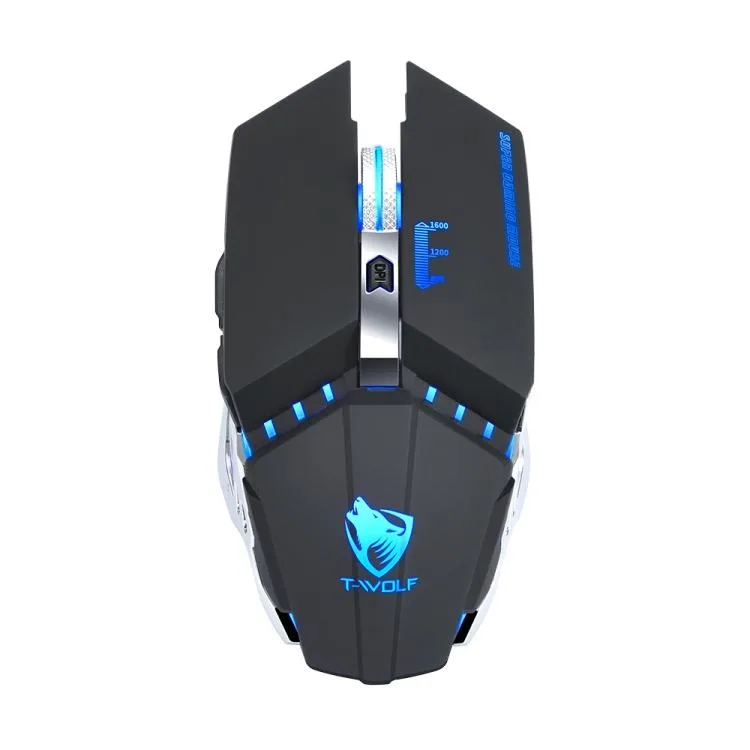
allentian
allentian T-WOLF Q15 Wireless Gaming Mouse 1600 DPI 6 Button Black
- Black
$13.99
0.00016599BTC
In stock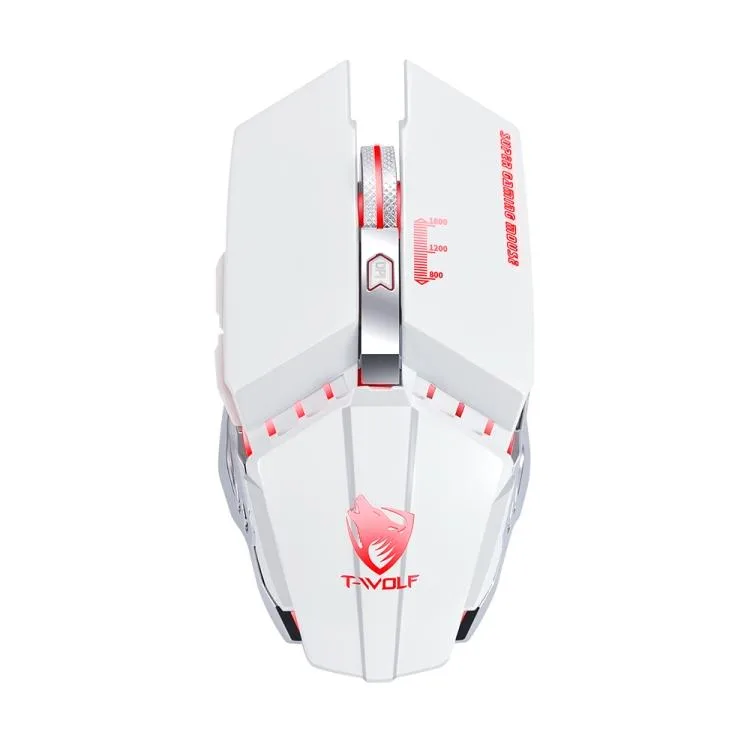

allentian
allentian T40 White 4000 DPI 7 Keys Three-mode Wireless Mouse
- White
$15.99
0.00018972BTC
In stockQuestions about this item
What USB port does the 101B wireless mouse's mini adapter need?
The mini adapter plugs into any standard USB-A port on your laptop or PC and works immediately without driver installation.
How do you start using the 101B mouse after inserting its USB adapter?
Slide the power switch on the underside to the on position; the 2.4 GHz link activates automatically so the cursor moves right away.
When will the 101B wireless mouse need fresh batteries?
Replace the AA batteries when the cursor becomes erratic or stops responding, then toggle the power switch off and on to resume the 30 m connection.
Also in this aisle
People compared these
Same shelf, same checkout — eight coins and a 30-minute rate lock.


Lenovo
Lenovo 42T3273 Black Replacement Keyboard for ThinkPad T60 T61
- Thinkpad T60 T61 Ke…
- Black
$29.99
0.00035583BTC
In stock