

Sony
Sony Alpha a6400 compact mirrorless camera black with 16-50mm and 55-210mm lenses 32GB
$830.99
0.00997563BTC
In stockWe take cryptocurrency — so the coins you hold can buy real hardware.Pay in crypto, spend it on real hardware. Free insured shipping worldwide over $399. Plain, unbranded boxes, sent from Germany.Free insured shipping over $399. Your rate is locked for 30 minutes once checkout opens.Rate locked 30 minutes. Every item sealed, serial-checked and covered by a 24-month warranty.Sealed, 24-month warranty.
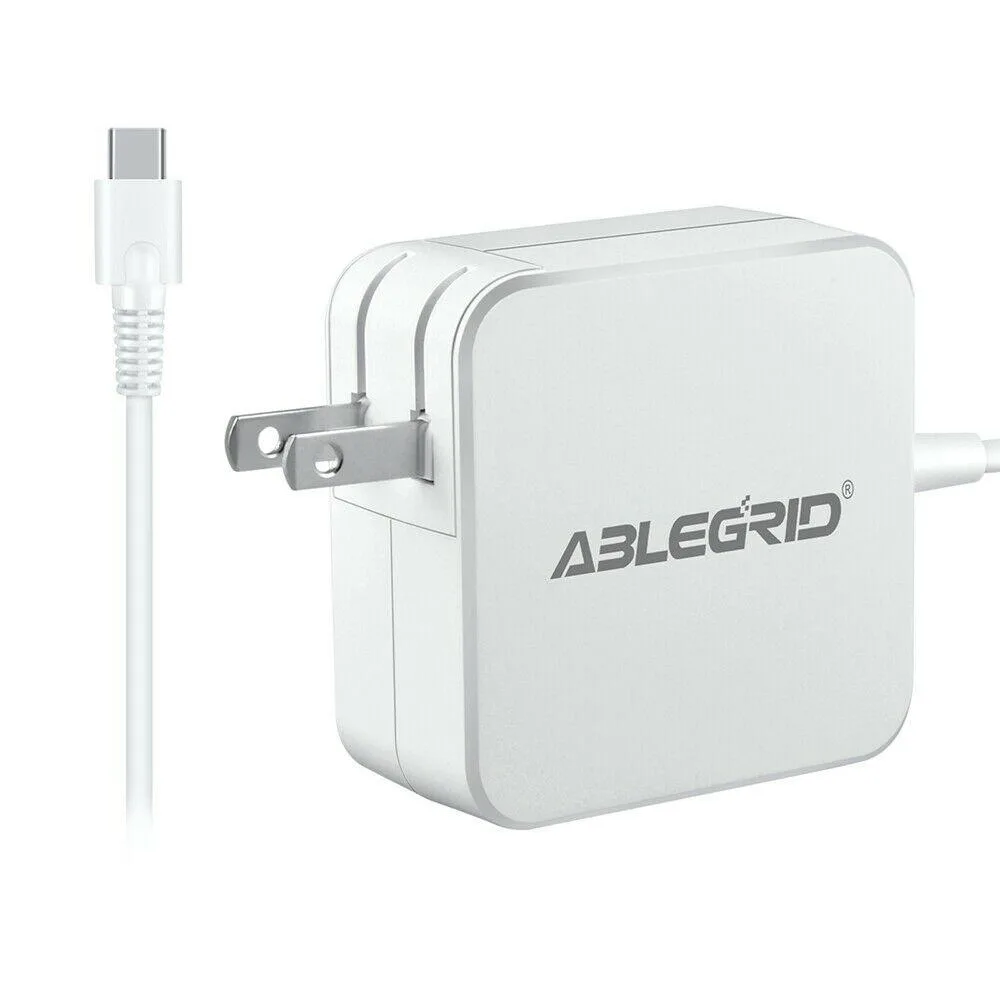


ABLEGRID
45W USB-C power adapter with 100-240V input and over-voltage and over-heat protection
This ABLEGRID 45W USB-C adapter replaces the original power supply for Dell Venue 8 Pro 5855 and Venue 10 Pro 5056 tablets. It accepts worldwide AC input from 100 to 240 volts at 50 to 60 hertz. The unit includes over-voltage and over-heat protection circuits. It ships as a non-OEM replacement certified to CE, FCC and RoHS standards.
The adapter is worth buying when the factory charger is missing, damaged or no longer holds a reliable connection. It restores full charging speed without needing the original Dell part. The package includes only the AC-DC adapter itself. Buyers who need a multi-port charger or a higher wattage unit for other devices should look elsewhere.
The 45-watt DC output comfortably powers both supported Venue models during use and charging. It runs out of headroom for larger laptops or peripherals that demand more current. The tip size must match the device port exactly, so verify the connector dimensions before ordering. Proper ventilation is recommended during extended charging sessions.
| Brand | ABLEGRID |
|---|---|
| Battery Type | UPS |
The connector size is shown in the product pictures; please verify the output and tip size match your device before ordering.
Plug the AC input into a 100-240V 50-60Hz outlet, connect the USB-C tip to the Dell Venue 10 Pro 5056, and ensure the tip size matches the port before powering on.
Keep the unit in a ventilated, low-humidity area and do not place it on skin-contact surfaces during extended use.
Also in this aisle
Same shelf, same checkout — eight coins and a 30-minute rate lock.
What you pay in, and what you read prices in.
Sent from your wallet at checkout
Display only — the catalogue is priced in USD
No currency matches that.
Pick the language the site speaks to you in.
No language matches that.
New here?
Already have one?
There is no automatic reset: this shop sends no mail, so there is no one-time link to ask for. Leave the address on the account and it gets picked up by hand.
Request noted
Nothing is on its way to your inbox — this shop sends no mail at all. Someone picks these up by hand.
Remembered it?


