AGM Global Vision
AGM Global Vision Fuzion TM25-384 Fusion Thermal Monocular
- Monoculars
$1,130.99
0.01338862BTC
In stockWe take cryptocurrency — so the coins you hold can buy real hardware.Pay in crypto, spend it on real hardware. Free insured shipping worldwide over $399. Plain, unbranded boxes, sent from Germany.Free insured shipping over $399. Your rate is locked for 30 minutes once checkout opens.Rate locked 30 minutes. Every item sealed, serial-checked and covered by a 24-month warranty.Sealed, 24-month warranty.


ABLEGRID
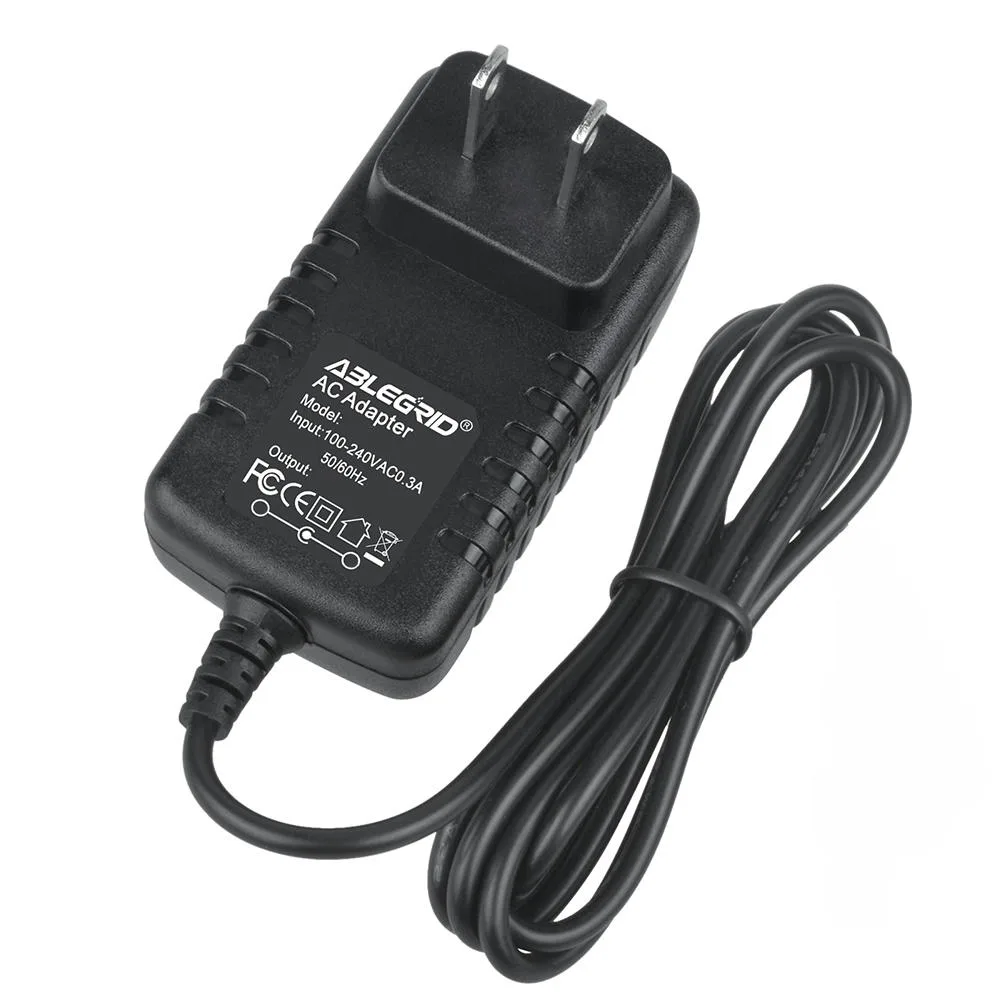
Replacement AC adapter powers Motorola Mstatea 2210 DSL modems with 100-240V input and built-in over-voltage and over-heat protection
This replacement power supply is built for the Motorola Mstatea 2210 and 2210-02-1002 DSL modems. It delivers DC output through a barrel tip connector. The unit is a non-OEM accessory with 912% compatibility claimed for the original hardware. It suits users needing a direct replacement charger.
The adapter accepts AC 100-240V at 50-60Hz for global use. Built-in Over Voltage Protection and Over Heat Protection guard the modem during operation. CE, FCC and RoHS certifications confirm compliance with safety standards. Proper ventilation is advised during extended use.
The package contains one new AC DC adapter power charger. No extra cables, mounting hardware or software are supplied. Buyers must confirm the DC output and barrel tip dimensions match the modem before connecting. Units with different connector requirements cannot use this adapter.
| Brand | ABLEGRID |
|---|---|
| Battery Type | UPS |
Connect the barrel tip firmly until it clicks into the modem's DC jack, then plug the AC cord into a 100-240V outlet at 50-60Hz. The step often missed is verifying the output polarity and tip size match the original 2210-02-1002 requirements before powering on.
Keep the unit ventilated and away from humid or soft surfaces during long sessions. No user-serviceable parts exist; replace the entire adapter if the over-voltage or over-heat protection triggers repeatedly or if the barrel tip becomes loose.
The over-heat protection circuit activates first during prolonged loads, shutting down output until the adapter cools. Ensure continuous airflow around the case to delay this limit.
Also in this aisle
Same shelf, same checkout — eight coins and a 30-minute rate lock.
What you pay in, and what you read prices in.
Sent from your wallet at checkout
Display only — the catalogue is priced in USD
No currency matches that.
Pick the language the site speaks to you in.
No language matches that.
New here?
Already have one?
There is no automatic reset: this shop sends no mail, so there is no one-time link to ask for. Leave the address on the account and it gets picked up by hand.
Request noted
Nothing is on its way to your inbox — this shop sends no mail at all. Someone picks these up by hand.
Remembered it?