


VIVO
VIVO White Dual Monitor Mount Extra Tall Stand 39" 13-27" 22 lbs
Vertically stacks two 13–27" screens on a 39" pole with tilt, swivel, rotation and height adjustment
- Fits two 13 to 27 screens up to 22 lbs each via VESA 75x75 or 100x100
- 39 inch pole enables height adjustment for sitting and standing positions
- Arms provide +90° to -90° tilt, 360° swivel and 360° rotation
- Supports portrait or landscape orientation for each monitor independently
- C-clamp fits surfaces up to 3.25 thick with optional grommet mount available
Dual Vertical Stack for 13 to 27 Inch Screens
This white steel stand holds two monitors in a vertical column. Each screen can measure 13 to 27 inches and weigh up to 22 lbs, attaching through VESA 75x75mm or 100x100mm plates. The layout frees desk width while keeping both displays at eye level for seated or standing work.
Passive Cooling and Cable Routing
The mount has no moving parts or power draw, so it adds no heat or noise to the workspace. Integrated clips along the arms and the 39 inch pole guide power and AV cords away from the screens, keeping the area tidy without fans or active management.
Steel Frame With Clamp or Grommet Base
High-grade steel construction resists scratches and supports the combined load without flex. A heavy-duty C-clamp secures the pole to surfaces up to 3.25 inches thick, while an optional grommet mount offers a through-desk alternative. Detachable VESA plates simplify screen installation and removal.
Highlights
- Fits two 13 to 27 screens up to 22 lbs each via VESA 75x75 or 100x100
- 39 inch pole enables height adjustment for sitting and standing positions
- Arms provide +90° to -90° tilt, 360° swivel and 360° rotation
- Supports portrait or landscape orientation for each monitor independently
- C-clamp fits surfaces up to 3.25 thick with optional grommet mount available
Specifications
| Brand | VIVO |
|---|
Other versions of this model
5 more in the same range
Same family, different memory, cooler or clock — compare before you commit.


VIVO
VIVO White Ergonomic Scissor Lift Keyboard Riser 27
- Desks & Laptop Stan…
- White
$49.99
0.00060305BTC
In stock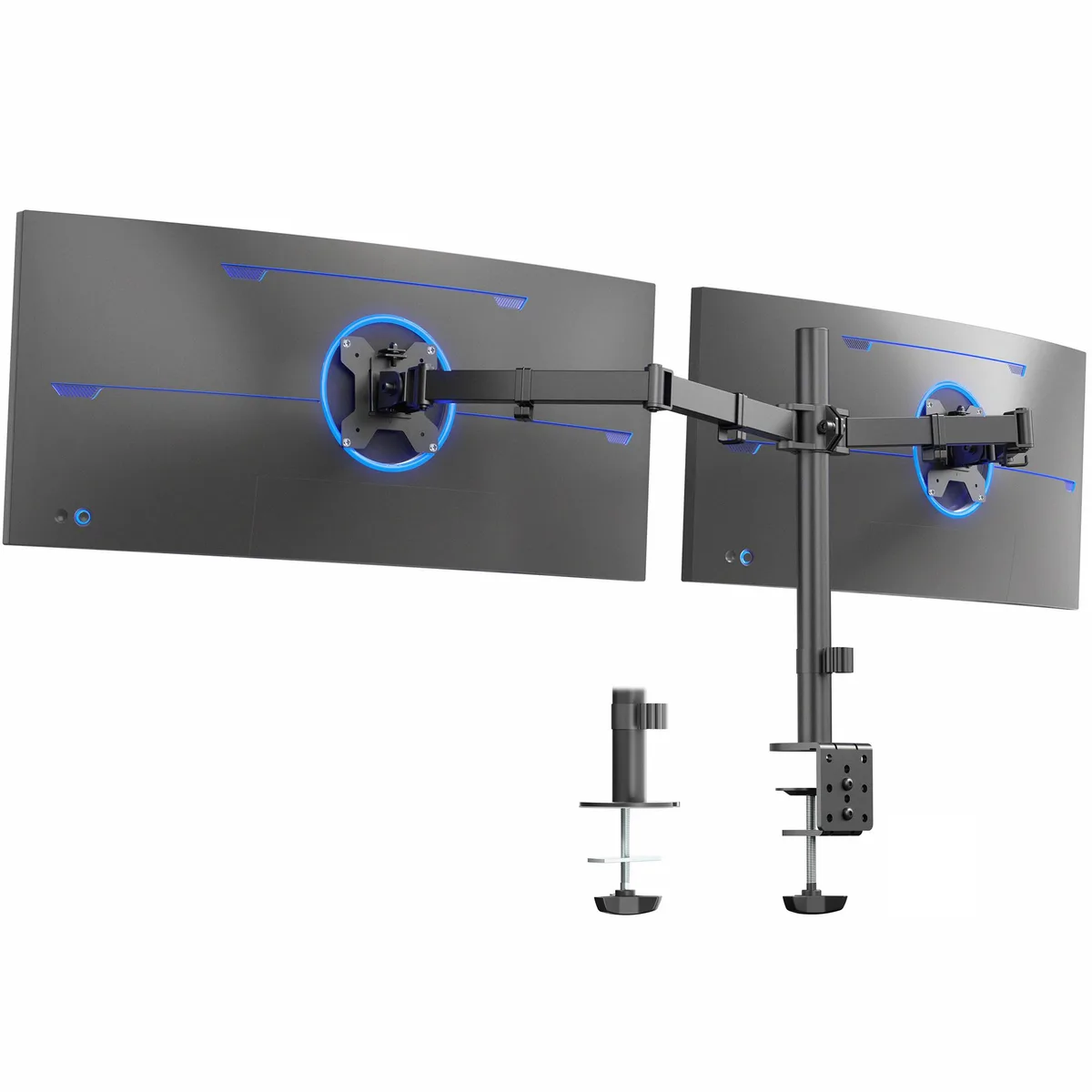
Questions about this item
How do I install the 39" pole and C-clamp on a desk up to 3.25" thick, and what step do people often miss?
Secure the C-clamp to the desk edge, slide the pole into the base, then attach the VESA plates to each monitor before sliding them onto the arms — skipping the plate step makes the screens impossible to mount.
What maintenance will the steel joints and cable clips need over time?
Periodically check and tighten each joint bolt to keep tilt, swivel and rotation firm, and wipe the cable clips clean so cords slide freely without snagging.
At what point does the 22 lbs per screen limit stop me from raising both monitors to the top of the 39" pole?
If either screen exceeds 22 lbs the mount cannot safely hold it at any height; stay within the limit and the full pole height remains usable.
Also in this aisle
People compared these
Same shelf, same checkout — eight coins and a 30-minute rate lock.

Elo Touch Solutions
Elo Touch Solutions 1991L 19" Open-Frame Touchscreen Monitor
- 19"
$615.99$650.99−5%
0.00743097BTC
In stock


Peerless
Peerless DS508 Wall Mount with Computer Holder 4.0 x 14.9 x 13.3 Black
$200.99
0.00242463BTC
In stock