
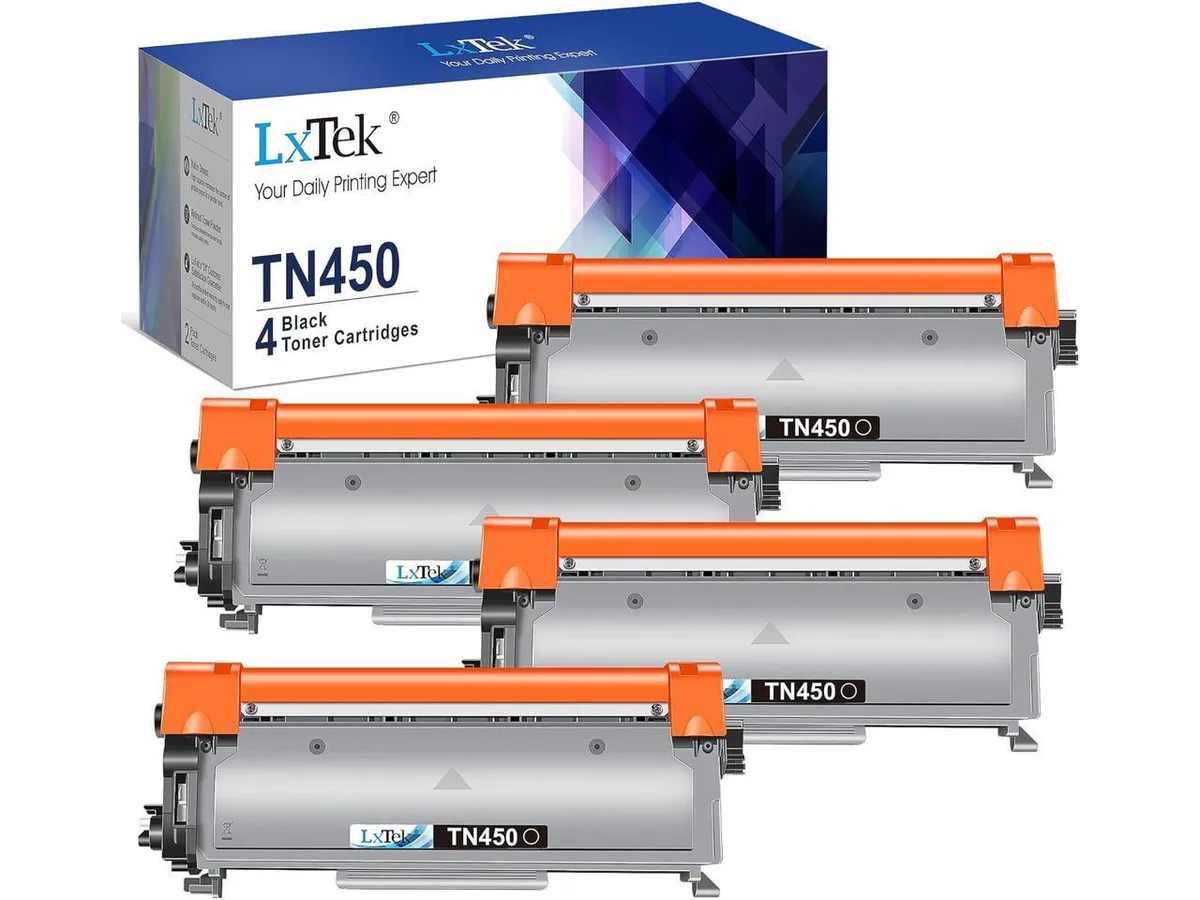


V4ink
V4ink TN-450 TN450 TN420 compatible toner cartridge 4 pack black
Four-pack of black toner cartridges yielding 2,600 pages each for Brother HL, DCP, MFC and IntelliFax laser printers
- Compatible Productscompatible with Brother LaserJet IntelliFax 2840, IntelliFAX
- Prints up to 2,600 pages per cartridge at 5% coverage
- Four black cartridges included for extended printing capacity
- Compatible with Brother HL-2270DW, MFC-7360N, DCP-7065DN and many other models
- Industry quality-control tested for stable, smooth output
- 2 kg total weight for the four-cartridge pack
V4ink TN-450 4-Pack Black Toner
This four-pack supplies compatible black toner cartridges for a range of Brother laser printers. Each cartridge is manufactured new and tested to deliver consistent print quality across the listed models. The set suits offices or homes that want a ready stock of replacements.
Suits Brother models including HL-2240.
Buyers with printers outside the specified Brother LaserJet, IntelliFax, DCP, HL and MFC series should look elsewhere. The cartridges are not designed for inkjet devices or for machines requiring colour toner. No other printer families are supported.
Yield rated at 2,600 pages per cartridge
This figure determines how long each unit lasts before replacement. Actual output varies with document density and printer condition. The page-yield number is the key specification for planning supply needs.
Highlights
- Prints up to 2,600 pages per cartridge at 5% coverage
- Four black cartridges included for extended printing capacity
- Compatible with Brother HL-2270DW, MFC-7360N, DCP-7065DN and many other models
- Industry quality-control tested for stable, smooth output
- 2 kg total weight for the four-cartridge pack
Specifications
| Brand | TN-450 TN450 TN420 |
|---|---|
| Compatible Products | compatible with Brother LaserJet IntelliFax 2840, IntelliFAX 2940 Printer, DCP7065DN, DCP7060D, HL2270DW, HL2280DW, HL2240, HL2220, HL2275DW, HL2130, HL2230, HL2240D, HL2250DN, HL2242D MFC7360N, MFC7240, MFC7365DN, MFC7460DN, MFC7860DW Printer |
Questions about this item
How do I install the TN-450 cartridge in my HL-2270DW, and what step is often missed?
Open the front cover, pull out the drum unit, press the green lock lever to release the old cartridge, unpack the new TN-450, gently rock it side to side to distribute toner, remove the protective cover, slide it into the drum until it clicks, then reinsert the drum and close the cover.
What maintenance or replacement will the TN-450 four-pack need after the toner runs out?
Each cartridge yields roughly 2,600 pages at five percent coverage; once empty you replace the cartridge itself. The separate drum unit (typically DR-420) will need replacement later, usually after three to four cartridge changes.
What limit appears first during a long print run with these TN-450 cartridges?
The 2,600-page yield per cartridge at five percent coverage is the first limit; high-coverage documents or continuous printing will reach that limit sooner, requiring a cartridge swap from the four-pack.
Also in this aisle
People compared these
Same shelf, same checkout — eight coins and a 30-minute rate lock.


Tripp Lite
Tripp Lite U324-003-BK USB 3.0 cable USB-A to USB-A 3 ft
- USB
- Black
$13.99
0.00016772BTC
In stock

MADE IN USA TONER
MADE IN USA TONER TK-8367K Cyan Toner Cartridge 25000 Pages
$48.99
0.00058732BTC
In stock