

Tilta Technology Co.,Ltd
Tilta Technology Co.,Ltd 27" Nucleus-M Run/Stop Cable for Canon 5D Series Cameras
A 27-inch cable that connects a Nucleus-M motor to a Canon 5D camera for run/stop control
- 27-inch cable enables remote run/stop recording
- 7-pin motor connector plugs directly into Nucleus-M system
- Dedicated R/S port link activates camera start/stop
- Designed exclusively for Nucleus-M hand unit compatibility
- Works with Canon 5D series camera bodies
27-inch Nucleus-M Run/Stop Cable for Canon 5D
This 27-inch cable connects a Nucleus-M motor to the run/stop port on Canon 5D series cameras. It enables remote recording control directly from the Nucleus-M hand unit or hand grips. The 7-pin connector plugs into the motor while the opposite end fits the camera's R/S port. It is designed exclusively for the Nucleus-M ecosystem.
Replaces manual camera button pressing
The cable removes the need to press the camera's record button by hand during gimbal or tripod operation. The upgrade is worth it when you need wireless run/stop control from the Nucleus-M hand unit or grips. It only functions with the Nucleus-M system and will not provide run/stop capability with other motor controllers. The 27-inch length suits typical rig configurations.
Simple two-point connection
Installation requires plugging the 7-pin end into a Nucleus-M motor and the other end into the camera's run/stop port. No tools or software configuration are needed. The most common issue is attempting to use the cable with non-Nucleus-M systems where the run/stop function will not activate. Ensure the camera supports external run/stop triggering via its R/S port.
Highlights
- 27-inch cable enables remote run/stop recording
- 7-pin motor connector plugs directly into Nucleus-M system
- Dedicated R/S port link activates camera start/stop
- Designed exclusively for Nucleus-M hand unit compatibility
- Works with Canon 5D series camera bodies
Specifications
No published specifications for this item yet.
Questions about this item
What connectors does the 27" Nucleus-M Run/Stop cable use to link the motor and Canon 5D camera?
The cable has a 7-pin connector for the Nucleus-M motor and a run/stop port plug for the Canon 5D series camera.
Which step must be followed to enable run/stop control with the Nucleus-M hand unit?
Connect the 7-pin end to a motor and the other end to the camera's R/S port; the function only works with the Nucleus-M hand unit or hand grips.
What should be checked over time to keep the run/stop cable working reliably?
Inspect the 7-pin and camera-port connectors for bent pins or cable strain, and replace the cable if the connectors become loose or damaged.
More in Camcorder Lenses
Similar items
Same shelf, same checkout — eight coins and a 30-minute rate lock.


Bright Tangerine
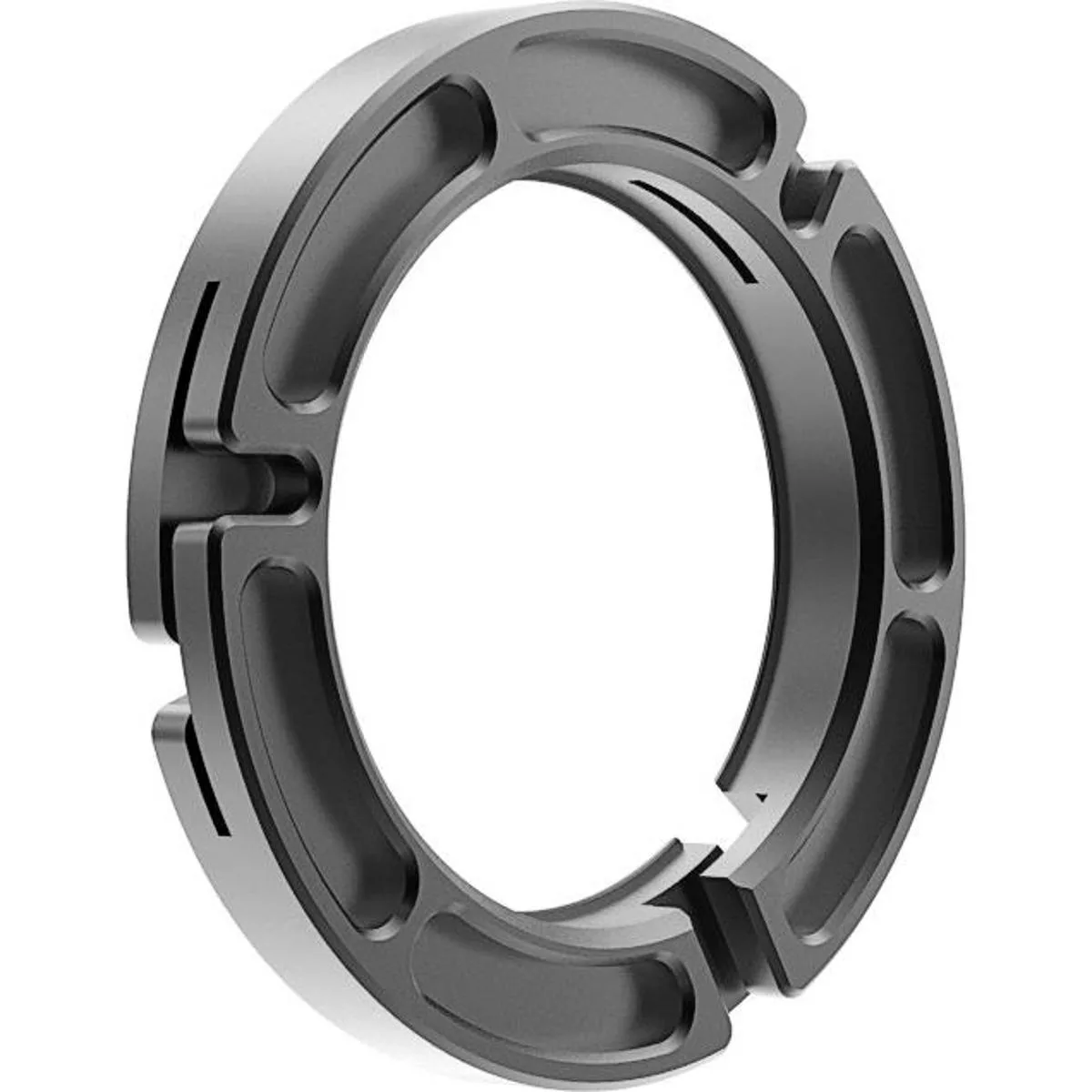
Bright Tangerine Misfit 114-80mm Step Down Adapter Clamp on Ring
$62.99
0.00074907BTC
In stock
Bright Tangerine
Bright Tangerine 77-114mm Threaded Adapter Ring for Matte Box
$69.99
0.00083231BTC
In stock