


TAURKENAM
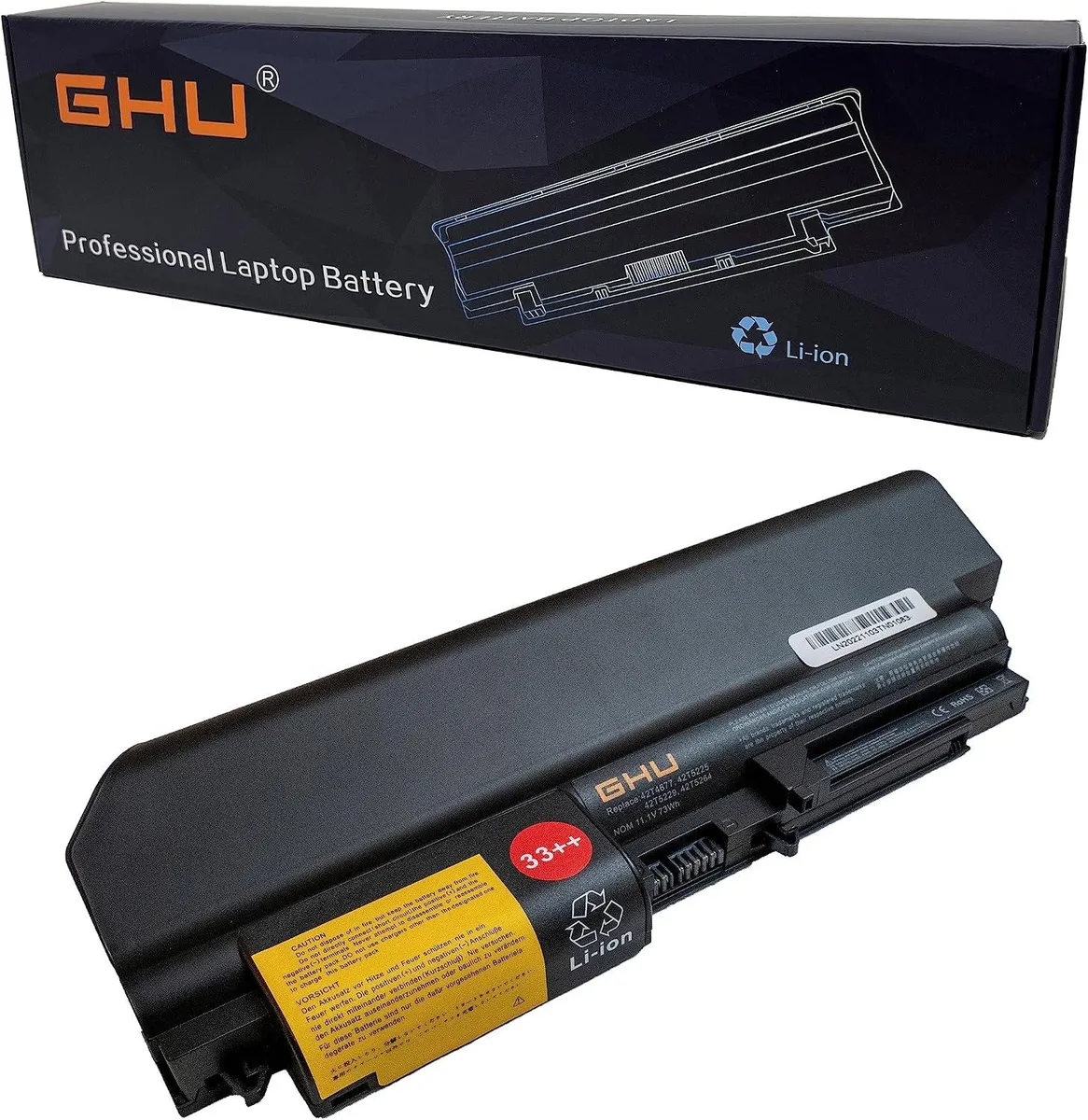
TAURKENAM 73Wh 11.1V laptop battery for ThinkPad R400 T400 T61 R61
73 Wh lithium-ion battery powers ThinkPad R400, T400, T61 and R61 models at 11.1 V
- Battery TypeLithium-Ion
- 73Wh capacity powers ThinkPad R400 T400 T61 R61 longer
- 1V lithium-ion chemistry delivers stable voltage for daily workloads
- Replaces OEM part numbers 42T5264 42T5265 42T5230 41U3196 41U3197 41U3198
- Fits wide-screen ThinkPad R61 T61 Z61e R61i R61e models
- CE FCC RoHS certified for electrical safety and environmental compliance
73Wh 11.1V ThinkPad replacement battery
This new lithium-ion battery replaces original Lenovo packs for ThinkPad R400, T400, T61 and R61 models. It matches part numbers such as 42T5264, 42T5265, 42T4644 and 41U3197. The 73Wh capacity and 11.1V rating restore full runtime for daily office work. Buyers needing a higher-capacity pack or a different voltage should look elsewhere.
Thermals and power behaviour
Lithium-ion chemistry keeps heat output low during normal charging and discharging cycles. The pack draws only the current the laptop requests, so fan noise and system temperatures stay unchanged. No active cooling is required and the battery adds no audible noise. Certified to CE, FCC and RoHS standards for safe operation.
What the certifications mean for you
CE, FCC and RoHS marks confirm the cell meets European, US and hazardous-substance regulations. They do not extend runtime beyond the rated 73Wh or alter charging speed. No software, tools or extra hardware are bundled with the battery. Install it like the original pack and the laptop will recognise it immediately.
Highlights
- 73Wh capacity powers ThinkPad R400 T400 T61 R61 longer
- 1V lithium-ion chemistry delivers stable voltage for daily workloads
- Replaces OEM part numbers 42T5264 42T5265 42T5230 41U3196 41U3197 41U3198
- Fits wide-screen ThinkPad R61 T61 Z61e R61i R61e models
- CE FCC RoHS certified for electrical safety and environmental compliance
Specifications
| Battery Type | Lithium-Ion |
|---|
Questions about this item
How do I install the TAURKENAM 73Wh 11.1V battery in my ThinkPad T400 and which step is often missed?
Power off the laptop, unplug the AC adapter, slide the release latch to unlock the old pack, remove it, insert the new battery until the latch clicks, then let it charge fully before first use.
What maintenance or replacement will this 73Wh lithium-ion pack need over time?
The lithium-ion cells lose capacity with each charge cycle; when runtime drops below your needs, replace the pack with another 73Wh 11.1V unit.
What limit appears first during sustained use of this 11.1V battery?
The 73Wh capacity sets the runtime ceiling; under heavy load the pack will reach its discharge limit sooner than under light use.
Also in this aisle
People compared these
Same shelf, same checkout — eight coins and a 30-minute rate lock.


Case Logic
Case Logic 3203990 briefcase for 15.6 in laptop with 10.1 in tablet pocket
$30.99
0.00037329BTC
In stock