


TAURKENAM
TAURKENAM 12-in-1 USB-C Docking Station Dual Monitor DisplayLink
A 12-in-1 DisplayLink dock adds dual 4K monitors, gigabit Ethernet, three USB 3.0 ports, SD card readers and 100 W pass-through charging over one USB-C or USB-A link
- Connect two external monitors via dual HDMI up to 2048×1152@60Hz
- Add a third display through VGA at 1920×1080@60Hz
- Expand one USB-C or USB-A port into twelve connections
- Charge the host laptop while docked with up to 100W power delivery
- Works across Windows, macOS, Linux, Chrome OS and Android systems
What this dock adds
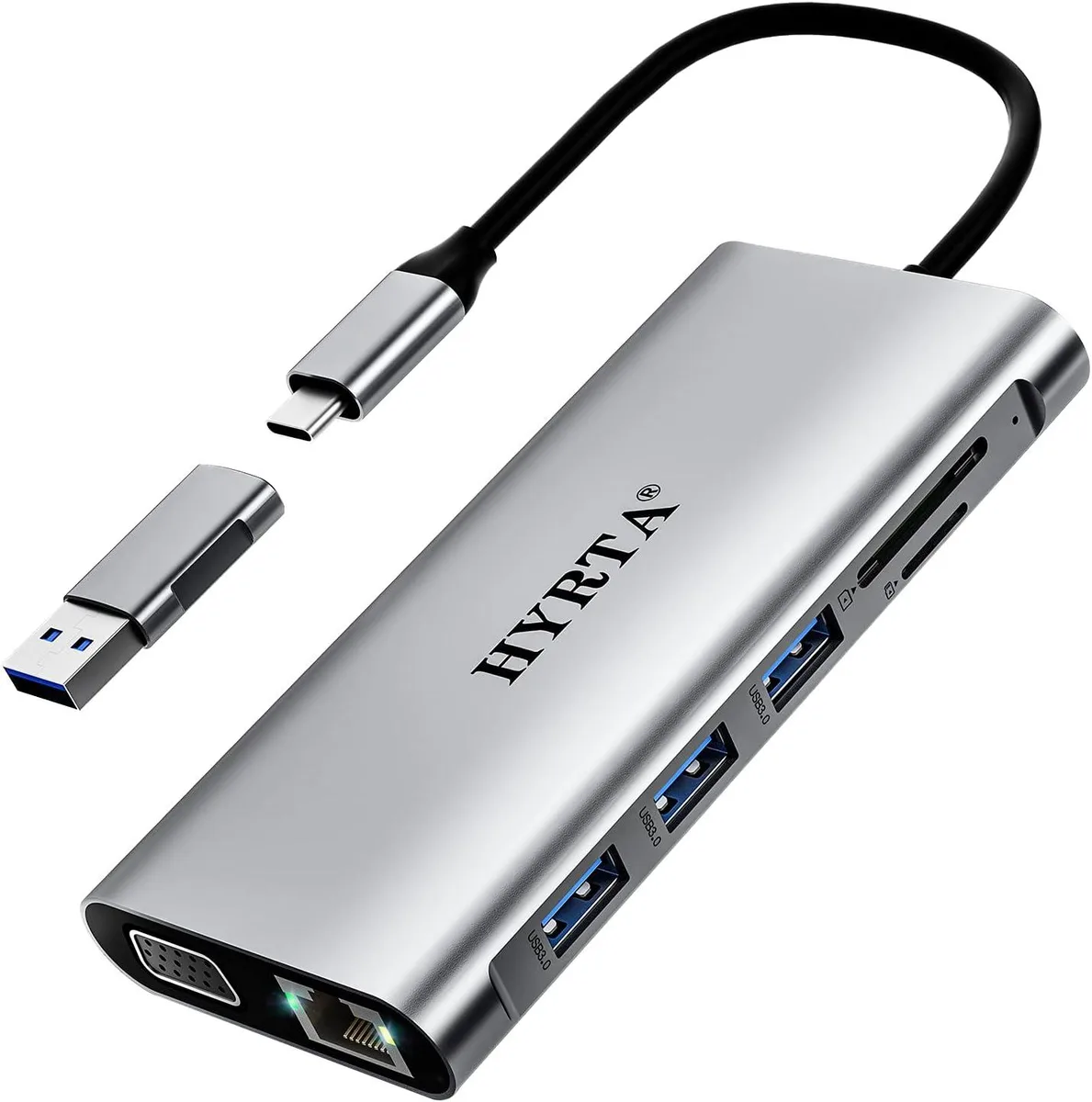
The TAURKENAM 12-in-1 USB-C Docking Station expands a single USB-C or USB-A port into two HDMI outputs, one VGA output, gigabit Ethernet, three USB 3.0 ports, one USB 2.0 port, SD and microSD card readers and a 3.5 mm audio jack. It delivers up to 100 W pass-through charging to the host laptop while all peripherals are active.
Who it suits and who it does not
It suits users who need dual or triple external displays from a macOS or Windows laptop, including Apple M1 and M2 machines that normally restrict external monitors to one stream. It is not for buyers who want driver-free operation, because the DisplayLink chipset requires a software download before the video outputs work. It is also not for setups that need video bandwidth beyond 2048 x 1152 at 60 Hz on HDMI or 1920 x 1080 at 60 Hz on VGA.
Build integration
The dock draws its video and data bandwidth from a USB 3.0 or USB-C host port, so it works with almost any laptop that offers one of those interfaces. The 100 W USB-C power input lets the same cable charge the laptop, removing the need for a separate charger on the desk. Gigabit Ethernet adds a wired network link without occupying a laptop port, and the card readers free the user from carrying a separate adapter for SD media.
Highlights
- Connect two external monitors via dual HDMI up to 2048×1152@60Hz
- Add a third display through VGA at 1920×1080@60Hz
- Expand one USB-C or USB-A port into twelve connections
- Charge the host laptop while docked with up to 100W power delivery
- Works across Windows, macOS, Linux, Chrome OS and Android systems
Specifications
No published specifications for this item yet.
Questions about this item
Does the dock draw power from my laptop or do I need a separate charger?
The USB-C Power Charging Port accepts up to 100 W, so you must connect your laptop's own charger to the dock to power both the hub and the laptop.
Can I run the two HDMI screens and the VGA screen at the same time on Windows?
Yes, the dock supports triple display on Windows using both HDMI ports at 2048*1152@60Hz and the VGA port at 1920*1080@60Hz simultaneously.
How do I know the DisplayLink driver is active after I plug everything in?
After installing the driver, the DisplayLink Manager icon appears in the system tray and each external monitor shows a distinct desktop instead of mirroring.
Also in this aisle
People compared these
Same shelf, same checkout — eight coins and a 30-minute rate lock.


Case Logic
Case Logic 3203990 briefcase for 15.6 in laptop with 10.1 in tablet pocket
$30.99
0.00037279BTC
In stock