

Panorama Antennas
Panorama Antennas LG-IN2445 5G 71 Dome Wi-Fi adapter
- Accessories
$282.99
0.0034039BTC
In stockWe take cryptocurrency — so the coins you hold can buy real hardware.Pay in crypto, spend it on real hardware. Free insured shipping worldwide over $399. Plain, unbranded boxes, sent from Germany.Free insured shipping over $399. Your rate is locked for 30 minutes once checkout opens.Rate locked 30 minutes. Every item sealed, serial-checked and covered by a 24-month warranty.Sealed, 24-month warranty.


SSP Tech LTD
PCIe wireless adapter adds 802.11agn Wi-Fi at 300mbps on 2.4/5GHz plus BLUETOOTH 4.0
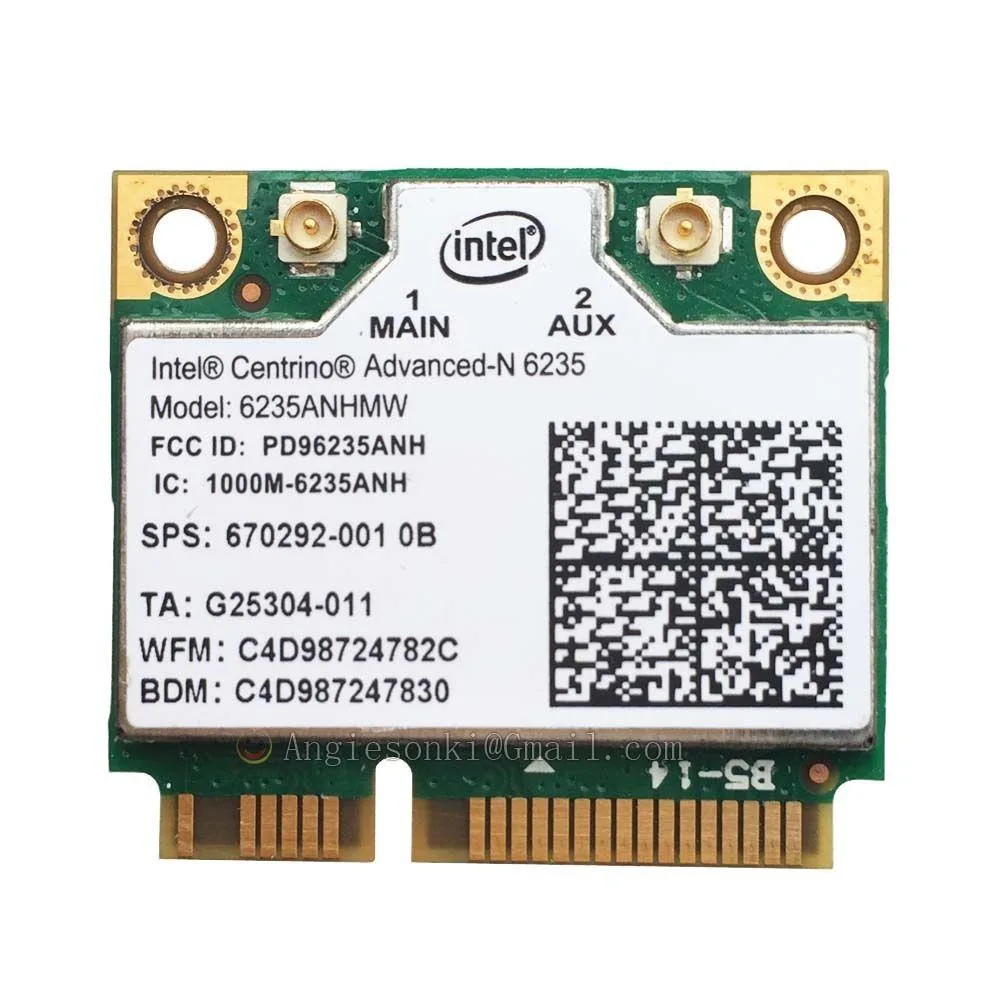
This SSP Tech LTD card adds wireless networking and Bluetooth 4.0 to a desktop computer through a PCIe slot. It supports 802.11agn connections on both 2.4 GHz and 5 GHz bands with a 300 Mbps link rate. The adapter is designed as a direct fit for systems using the Compaq Wireless N 6235 module.
Install this adapter when the original wireless module has failed or was never fitted, restoring both Wi-Fi and Bluetooth 4.0 in one step. The upgrade is worthwhile when the existing hardware cannot connect to 5 GHz networks or lacks Bluetooth support. Builders who need higher throughput or newer Bluetooth versions will require a different solution.
| Type | PCIE Wi-Fi Adapter |
|---|
The card installs in any PCIe x1 slot. BLUETOOTH 4.0 requires a free internal USB 2.0 header on the motherboard; connect the supplied cable to enable it.
Install the 802.11 Wi-Fi driver first, reboot, then install the BLUETOOTH 4.0 driver. Skipping the reboot leaves the Bluetooth interface hidden.
Also in this aisle
Same shelf, same checkout — eight coins and a 30-minute rate lock.
What you pay in, and what you read prices in.
Sent from your wallet at checkout
Display only — the catalogue is priced in USD
No currency matches that.
New here?
Already have one?
There is no automatic reset: this shop sends no mail, so there is no one-time link to ask for. Leave the address on the account and it gets picked up by hand.
Request noted
Nothing is on its way to your inbox — this shop sends no mail at all. Someone picks these up by hand.
Remembered it?



