
OnlineHawk
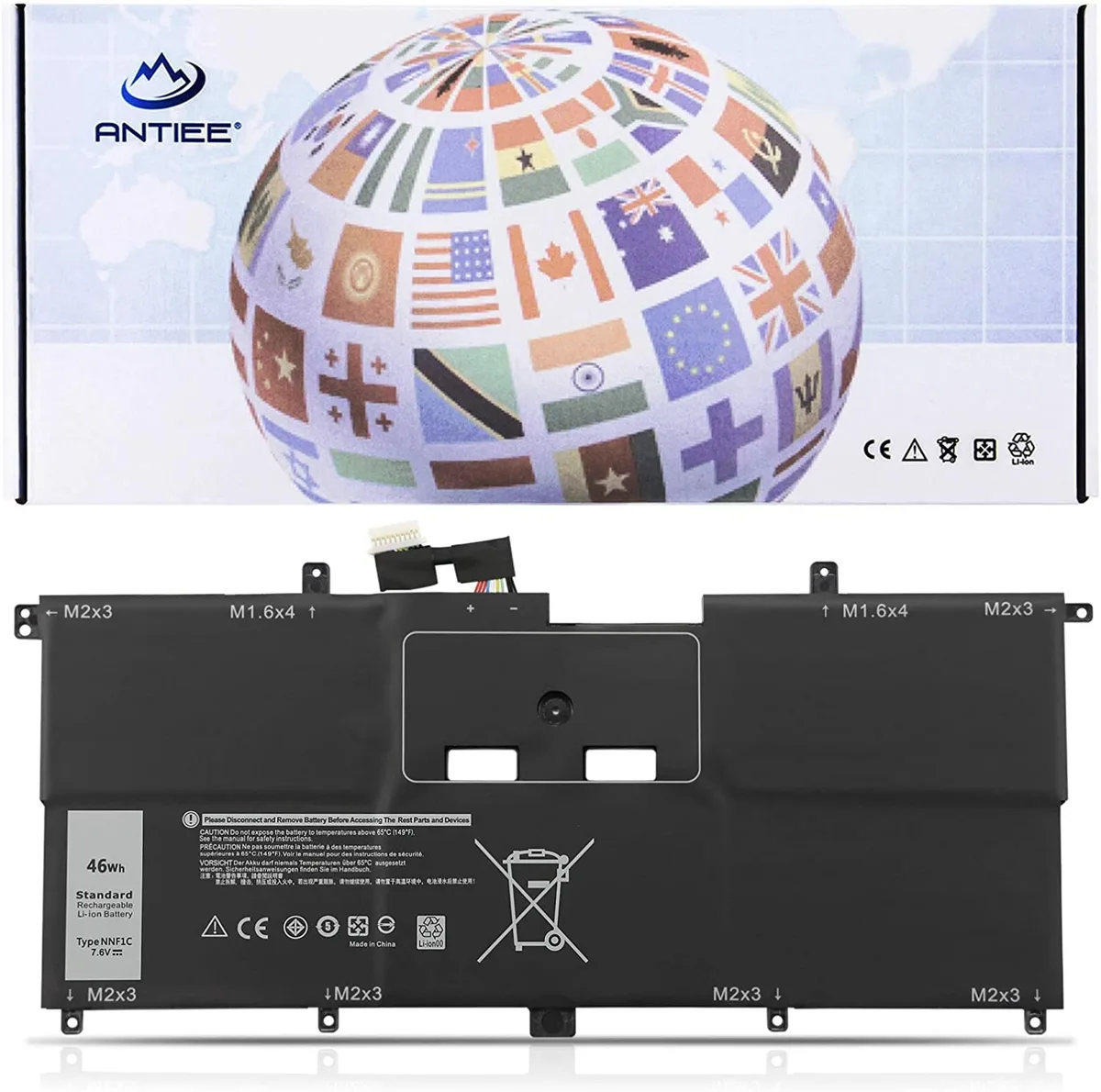
OnlineHawk NNF1C Laptop Battery for Dell XPS 13 9365 2-in-1 2017 7.6V 46Wh 5940mAh 4-Cell
A 46Wh, 7.6V lithium-ion replacement battery for Dell XPS 13 9365 2-in-1 models, rated for up to 500 charge cycles
- Battery TypeLithium-Ion
- 46 Wh capacity powers Dell XPS 13 9365 2-in-1 through a full workday
- 6 V lithium-ion chemistry matches original Dell part numbers NNF1C and HMPFH
- Certified to UL CE FCC RoHS standards for safe charging and low self-discharge
- Tested for 500 charge cycles to maintain stable current over the battery life
- Direct fit for XPS 13 9365-D1605TS D1805TS D2805TS D3605TS D3805TS D4605TS models
Direct replacement for Dell XPS 13 9365 2-in-1 2017
This lithium-ion battery fits the Dell XPS 13 9365 2-in-1 2017 series including D1605TS D1805TS D2805TS D3605TS D3805TS D4605TS models. It replaces part numbers NNF1C HMPFH NP0V3 P71G and is built from grade A cells with UL CE FCC RoHS certification. Owners restoring original runtime will find a drop-in match.
Rated 7.6V 46Wh 5940mAh across four cells
The pack delivers its rated capacity at the factory voltage with low self-discharge and stable current output. Circuit protection guards against overcharge over-discharge and short circuits. In normal office use the battery runs cool and silent because it has no moving parts and draws only the power the laptop requests.
Tested for up to 500 charge cycles under sustained
Each unit is verified for true charge capacity before shipping. Under continuous workloads the cells maintain voltage without excessive sag thanks to the quality circuit board. Users who need more capacity than 46Wh or a different form factor for other Dell models should look elsewhere.
Highlights
- 46 Wh capacity powers Dell XPS 13 9365 2-in-1 through a full workday
- 6 V lithium-ion chemistry matches original Dell part numbers NNF1C and HMPFH
- Certified to UL CE FCC RoHS standards for safe charging and low self-discharge
- Tested for 500 charge cycles to maintain stable current over the battery life
- Direct fit for XPS 13 9365-D1605TS D1805TS D2805TS D3605TS D3805TS D4605TS models
Specifications
| Battery Type | Lithium-Ion |
|---|
Questions about this item
How do I install the NNF1C battery in my Dell XPS 13 9365 2-in-1, and what step is often missed?
Power off the laptop, remove the base screws, disconnect the old battery connector before lifting it out, then connect the new 7.6V 46Wh pack and reassemble; the step people skip is unplugging the old connector first.
What maintenance or replacement will this 4-cell Li-ion battery need over time?
The pack is rated for up to 500 charge cycles; after that capacity drops noticeably, so plan a replacement when runtime no longer meets your needs.
What limit appears first during sustained heavy use of this 5940mAh battery?
Thermal throttling of the laptop itself typically cuts performance before the battery hits its discharge limit, especially in the thin 9365 chassis.
Also in this aisle
People compared these
Same shelf, same checkout — eight coins and a 30-minute rate lock.


Case Logic
Case Logic 3203990 briefcase for 15.6 in laptop with 10.1 in tablet pocket
$30.99
0.00037118BTC
In stock