Rosewill
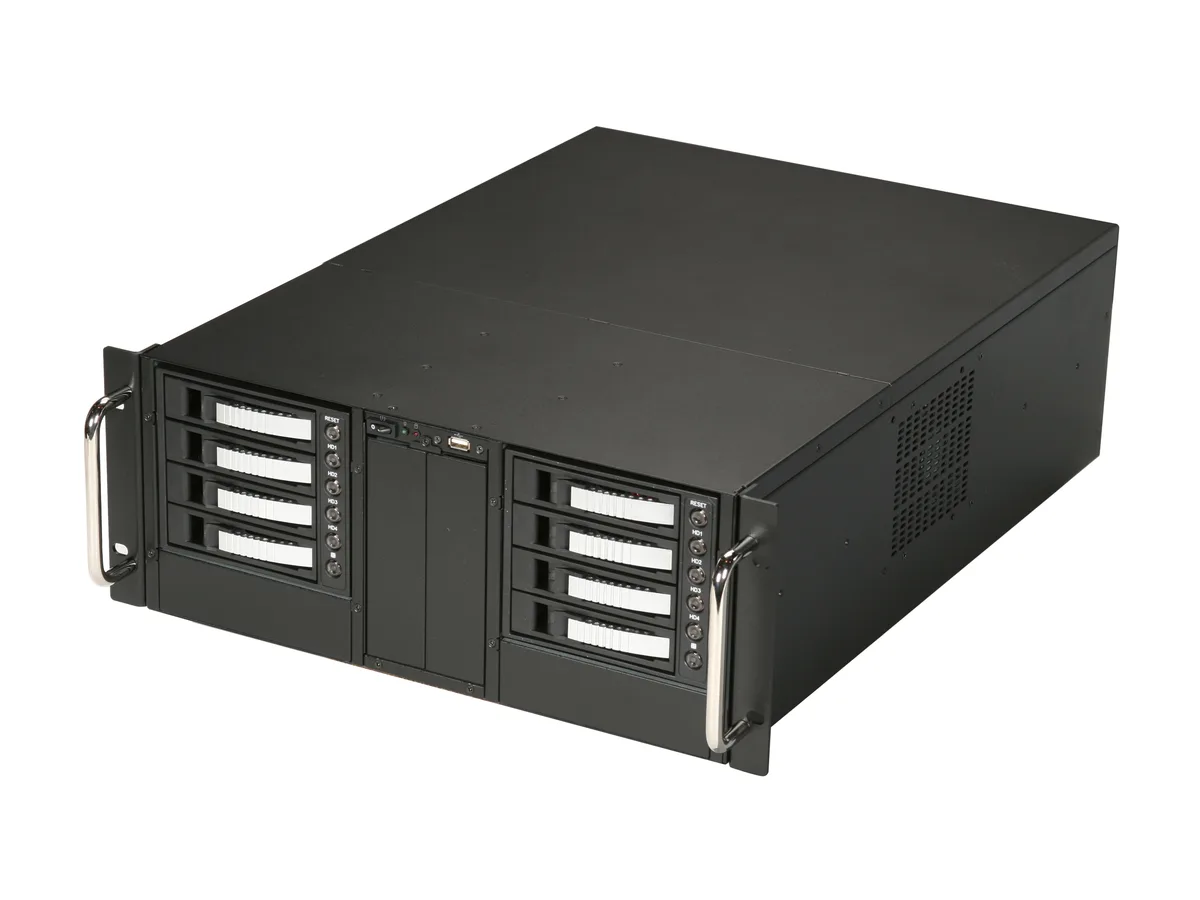
Rosewill RSV-R4200U 4U server chassis 11×3.5" 3×2.5" ATX CEB
- Rackmount
- 4U
$146.99$171.99−15%
0.00171026BTC
In stockWe take cryptocurrency — so the coins you hold can buy real hardware.Pay in crypto, spend it on real hardware. Free insured shipping worldwide over $399. Plain, unbranded boxes, sent from Germany.Free insured shipping over $399. Your rate is locked for 30 minutes once checkout opens.Rate locked 30 minutes. Every item sealed, serial-checked and covered by a 24-month warranty.Sealed, 24-month warranty.


NShi
A 15 V 30 A 450 W power supply with built-in PFC, constant-current limiting, remote sense and 100 % burn-in test
This 15V 30A 450W power supply fits a desktop server chassis and uses a 17-pin connector. It is built for systems that need a single regulated rail with active power factor correction.
The unit replaces an older supply that lacks active PFC or constant current limiting. The jump is worth it when the existing hardware cannot pass a 100% full load burn-in test or needs the remote sense function for stable voltage at the load.
The 450W output handles continuous full-load operation with built-in protection circuits. It runs out when the connected platform demands more than 30A on the 15V rail or requires multiple output voltages not provided by this single-output design.
| Chassis Type | Desktop |
|---|
The unit uses a 17-pin connector for its single 15 V 30 A output; match that pin count and voltage when wiring to the server backplane.
Mount the desktop chassis first, then connect the main 17-pin power lead, and finally attach the remote-sense wires so they compensate for voltage drop under full load.
Plan a visual check of the fan and capacitors at the three-year mark; the 100 % burn-in and five-year coverage indicate robust components, but dust and ageing still affect long-term reliability.
New to this? Buying PC parts with Monero — what to check, what it costs to pay, and what is never asked for.
More in Server Chassis
Same shelf, same checkout — eight coins and a 30-minute rate lock.
What you pay in, and what you read prices in.
Sent from your wallet at checkout
Display only — the catalogue is priced in USD
No currency matches that.
New here?
Already have one?
There is no automatic reset: this shop sends no mail, so there is no one-time link to ask for. Leave the address on the account and it gets picked up by hand.
Request noted
Nothing is on its way to your inbox — this shop sends no mail at all. Someone picks these up by hand.
Remembered it?