


MAIWO
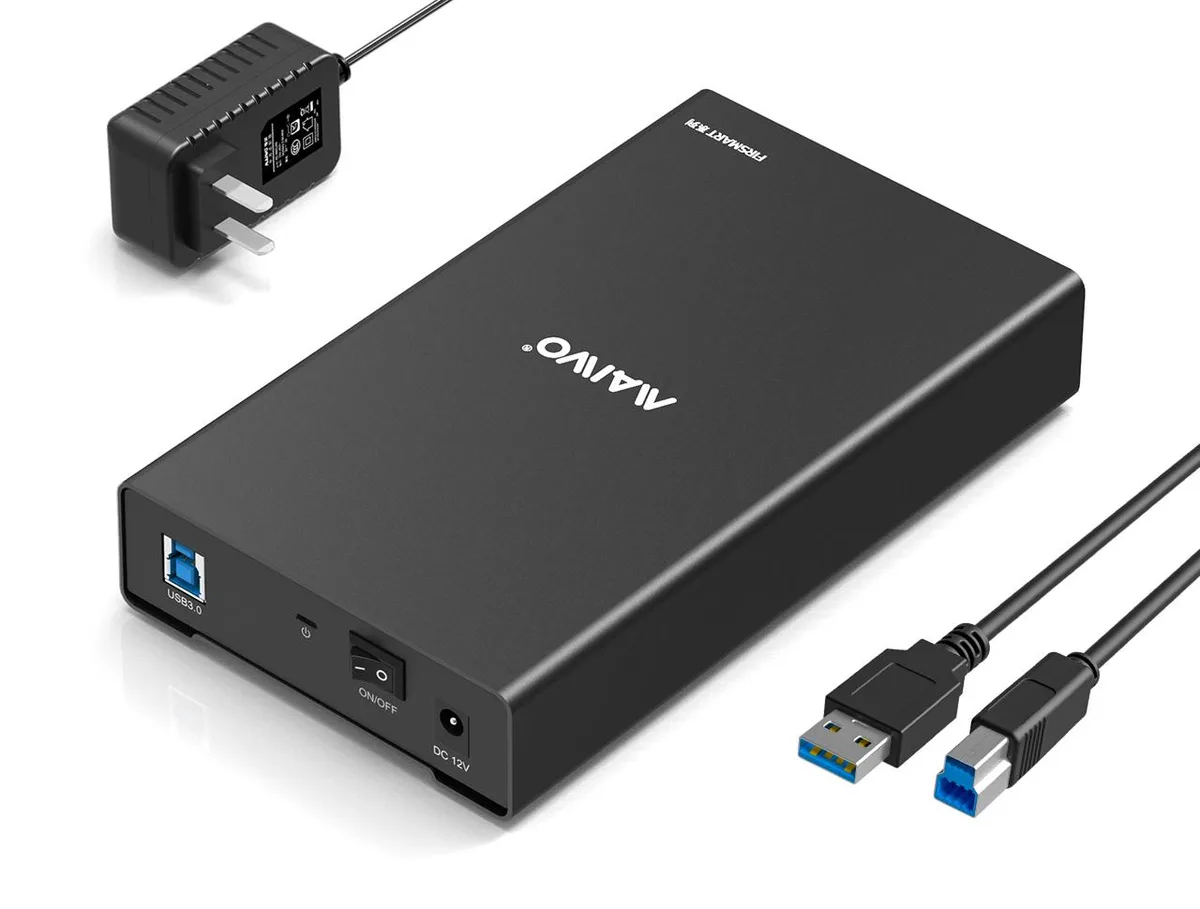
MAIWO 2.5 3.5 inch USB 3.0 SATA Aluminium Drive Enclosure 16TB 12V
Aluminium enclosure connects 2.5 or 3.5 inch SATA drives up to 16TB via USB 3.0 at 5Gbps with UASP, 12V power and auto sleep
- TypeEnclosure
- MaterialAluminum
- External InterfaceUSB 3.0
- Up to 5 Gbps transfer speed with UASP support
- Tool-free drive installation in seconds
- 12 V 2 A power adapter with multiple safeguards
- Auto sleep after 10 minutes of inactivity
- Fits 2.5 and 3.5 inch SATA drives up to 16 TB
MAIWO USB 3.0 SATA Enclosure 16TB
The MAIWO aluminium enclosure connects a 2.5 or 3.5 inch SATA drive to a USB 3.0 port for portable storage or data recovery. It accepts drives up to 16TB and works with Windows, Linux, Mac OS and Android without driver installation. A 12V 2A power adapter is included for stable operation.
Upgrade from USB 2.0 or older docks
Moving from a USB 2.0 connection to this USB 3.0 enclosure raises the transfer ceiling to 5Gbps with UASP support, cutting large-file copy times. The jump is worth it when you regularly move multi-gigabyte archives, back up system images or clone drives and need the extra throughput.
Fits a tool-free desktop workflow
The slide-open cover lets you swap drives in seconds without screws or trays, freeing up internal bays and SATA cables. Auto sleep spins the drive down after 10 minutes of inactivity, reducing wear and power draw. The rear USB 3.0 port on a desktop is recommended for consistent 5Gbps performance.
Highlights
- Up to 5 Gbps transfer speed with UASP support
- Tool-free drive installation in seconds
- 12 V 2 A power adapter with multiple safeguards
- Auto sleep after 10 minutes of inactivity
- Fits 2.5 and 3.5 inch SATA drives up to 16 TB
Specifications
| Type | Enclosure |
|---|---|
| Material | Aluminum |
| External Interface | USB 3.0 |
Questions about this item
What drive sizes and maximum capacity does the aluminium enclosure accept?
It accepts 2.5 inch and 3.5 inch SATA hard drives or SSDs up to 16TB capacity.
How do I install a drive and which step is commonly missed?
Slide off the cover, insert the SATA drive, replace the cover, connect the 12V 2A power adapter, then plug the USB 3.0 cable; the step often missed is attaching the external power before the USB link.
When will the enclosure enter sleep mode and how is the drive woken?
It enters low-power standby after 10 minutes of no data activity and wakes automatically when data transmission resumes.
New to this? Paying with USDT: TRC-20 or ERC-20 — what to check, what it costs to pay, and what is never asked for.
Also in this aisle
People compared these
Same shelf, same checkout — eight coins and a 30-minute rate lock.


