
LPScreen
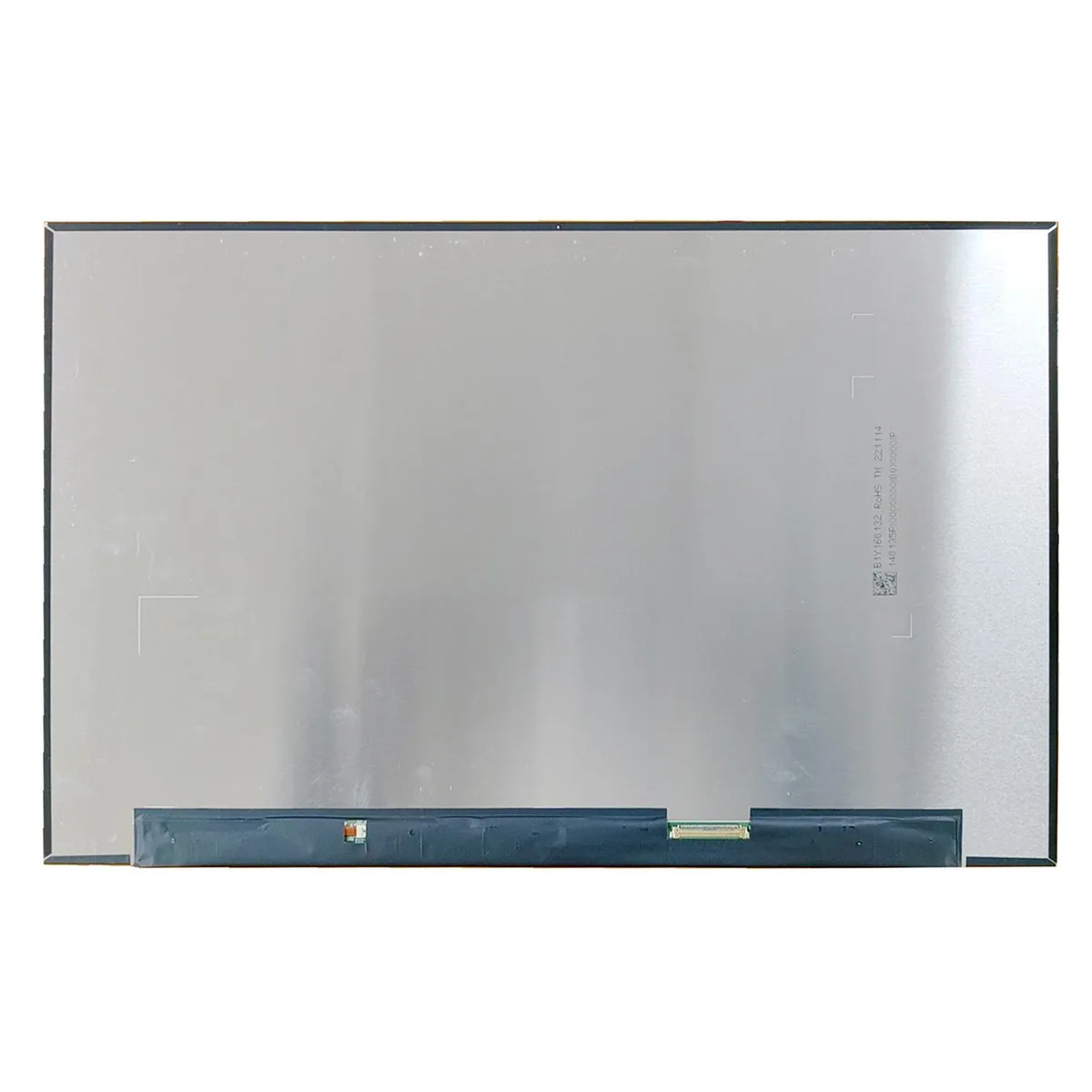
LPScreen TL160ADMP03-0 16 inch WQXGA 2560x1600 240Hz laptop screen
16-inch WQXGA 2560x1600 display with 240Hz refresh rate for smooth motion
- Compatible ModelsTL160ADMP03-0
- Screen Size16”
- Screen ResolutionWQXGA 2560x1600
- Sharp 16 inch WQXGA visuals at 2560x1600 resolution
- Fluid 240Hz refresh rate for smooth motion
- Non-touch display keeps glare low
- Brand-new LPScreen panel ready to install
- Direct replacement for TL160ADMP03-0 model
16-inch WQXGA replacement panel
This LPScreen TL160ADMP03-0 panel is a direct replacement for laptops using the same part number. It delivers a 16-inch WQXGA resolution of 2560x1600 at a 240Hz refresh rate without touch functionality. Builders repairing a compatible chassis or upgrading a damaged display will find the correct fit.
Thermals noise and power in normal use
As a passive display component the panel generates no audible noise and draws minimal power from the laptop’s internal supply. Heat output is limited to the backlight and driver circuitry during typical operation. No active cooling or additional power budget is required beyond the host system’s standard display rail.
Bundled accessories and software impact
The unit ships as the bare screen assembly only; no bezel, hinges, cables, mounting brackets or calibration software are included. Installers must reuse existing hardware from the original display or source compatible parts separately. Compatibility should be confirmed by matching the exact TL160ADMP03-0 part number before installation.
Highlights
- Sharp 16 inch WQXGA visuals at 2560x1600 resolution
- Fluid 240Hz refresh rate for smooth motion
- Non-touch display keeps glare low
- Brand-new LPScreen panel ready to install
- Direct replacement for TL160ADMP03-0 model
Specifications
| Model | TL160ADMP03-0 |
|---|---|
| Part Number | TL160ADMP03-0 |
| Compatible Models | TL160ADMP03-0 |
| Screen Size | 16” |
| Screen Resolution | WQXGA 2560x1600 |
Questions about this item
How do I install the TL160ADMP03-0 screen in my laptop?
Remove the bezel, disconnect the old panel's cable, fit the new 16 inch WQXGA panel into the lid brackets, and reconnect the cable. The step often missed is routing the cable clear of the hinge so it does not pinch when the lid closes.
What maintenance or replacement will the TL160ADMP03-0 need later?
The 240Hz non-touch panel has no user-serviceable parts. If backlight uniformity fades or dead pixels appear, the whole screen module must be swapped.
What limit appears first on the TL160ADMP03-0 during sustained use?
Driving 2560x1600 at 240Hz continuously pushes the laptop's GPU thermal envelope; throttling usually arrives before the panel itself shows any artifacting.
Also in this aisle
People compared these
Same shelf, same checkout — eight coins and a 30-minute rate lock.


Case Logic
Case Logic 3203990 briefcase for 15.6 in laptop with 10.1 in tablet pocket
$30.99
0.00037318BTC
In stock